
Payslip Format in Excel: Free Template with Formulas (Download + Guide)
Key Takeaways
- ✓Download a comprehensive, free payslip Excel template complete with formulas for automatic calculations.
- ✓Understand the essential components of a professional payslip format.
- ✓Learn how to customize Excel formulas for taxes, deductions, and net pay.
- ✓Discover how to transition from manual Excel templates to automated bulk payroll systems like PayslipGen.
Managing payroll for a small business often starts with spreadsheets. A well-designed payslip format in Excel can be a lifesaver, providing a structured way to calculate earnings, deductions, and net pay without investing in expensive software right away. However, creating a template from scratch that accurately calculates everything using formulas can be time-consuming and prone to errors.
In this comprehensive guide, we provide a free, downloadable payslip template in Excel, complete with built-in formulas. We will also walk you through how to use it, customize it for your business needs, and eventually, how you can automate this entire process using modern payroll solutions when your business outgrows manual spreadsheets.
Why Use an Excel Payslip Template?
For startups, small businesses, and freelancers, Excel remains one of the most accessible tools for managing finances. Using an Excel template for your payslips offers several distinct advantages:
- Cost-Effective: It's free. If you already have Microsoft Office or use Google Sheets, there's no additional software cost.
- Customizable: You have complete control over the layout, the fields included, and the specific formulas used to calculate unique allowances or deductions.
- Familiarity: Most business owners and HR managers are already comfortable using Excel, meaning there's virtually no learning curve.
- Offline Access: You can process payroll entirely offline, ensuring sensitive financial data remains on your local machine.

Download the Free Payslip Format Excel Template
We've created a robust Excel template that includes all standard payslip components and formulas to automatically calculate Gross Pay, Total Deductions, and Net Pay.
Get Your Free Template
Click below to download the .xlsx file. It's fully editable and completely free.
Download Excel Template (.xlsx)*Compatible with Microsoft Excel 2013+, Google Sheets, and Apple Numbers.
Essential Components of a Payslip Format
A legally compliant and professional payslip must contain specific information to ensure clarity for both the employer and the employee. When you open our template, you'll see these sections clearly defined:
1. Company and Employee Information
The header of the payslip should identify both parties clearly.
- Company Details: Company Name, Address, and optionally, a logo.
- Employee Details: Employee Name, Employee ID, Designation/Role, Department, and Date of Joining.
- Payroll Details: Payslip for the Month/Year, Pay Date, and Bank Account details (last 4 digits).
2. Earnings (Income)
This section breaks down how much the employee has earned before any deductions. Common components include:
- Basic Salary: The core compensation amount.
- House Rent Allowance (HRA): Often a percentage of the basic salary.
- Conveyance Allowance: For travel expenses.
- Medical Allowance: Fixed medical benefits.
- Special Allowance: A catch-all for remaining negotiated pay.
- Overtime / Bonus: Variable pay elements.
3. Deductions
This section details money withheld from the gross earnings.
- Income Tax (TDS): Tax Deducted at Source based on local tax brackets.
- Provident Fund / Retirement Contributions: Employee's share of retirement savings.
- Professional Tax: Depending on the region.
- Health Insurance Premiums: If provided by the company.
- Loan Repayments / Advances: Deductions for any salary advances.
4. Summary and Net Pay
The most critical part for the employee.
- Gross Pay: Total Earnings.
- Total Deductions: Sum of all withheld amounts.
- Net Pay: Gross Pay minus Total Deductions. This is the amount actually deposited into the bank.

Understanding the Excel Formulas Used
To make the template work for you, it's important to understand the underlying formulas. Here is a breakdown of how the key cells are calculated:
Calculating Gross Pay
If your earnings are listed in cells B10 through B15, the formula for Gross Pay in cell B16 would be:=SUM(B10:B15)
Automating Allowances
Often, allowances are calculated as a percentage of the Basic Salary. If the Basic Salary is in cell B10, and HRA is 40% of the Basic, the formula in the HRA cell would be:=B10*0.40
Calculating Total Deductions
Similar to gross pay, if deductions are in cells D10 through D14, the Total Deductions in cell D15 is:=SUM(D10:D14)
Calculating Net Pay
The final take-home amount is a simple subtraction. If Gross Pay is in B16 and Total Deductions are in D15, the Net Pay formula is:=B16-D15
By using these simple formulas, you ensure that if you update the Basic Salary or a specific deduction, the Net Pay automatically updates, eliminating manual math errors. For more advanced Excel techniques, you might also want to read our guide on how to make a payslip in Excel from scratch.
Try Our Interactive Demo Instantly
Want to see how an offline-capable, client-side payslip generator works in practice? Try our brand-new interactive demo right in your browser. Upload a sample CSV, map your columns, and generate beautifully designed PDF payslips—with zero data ever being transmitted to our servers.
Launch Free Demo NowThe Limits of Excel: When to Move On
While an Excel payslip template is a fantastic starting point, it has significant limitations as your team grows. If you are managing payroll for more than 5-10 employees, you will likely encounter these challenges:
1. The Time Cost of Manual Data Entry
Even with formulas, you still have to manually create a new sheet or file for every single employee, every single month. You have to update attendance data, check overtime, and manually save each file as a PDF before emailing them out one by one. This turns a simple task into a multi-day ordeal.
2. Risk of Human Error
Formulas can easily be accidentally overwritten or deleted. A simple typo in an Excel cell can lead to massive underpayments or overpayments, causing compliance issues and damaging employee trust. We cover this extensively in our post on common Excel payroll processing mistakes.
3. Lack of Security and Privacy
Excel files are often sent via unencrypted email or stored on shared drives. Payslips contain highly sensitive personal and financial data. Securing this data manually with passwords is cumbersome and often forgotten.
Transitioning from Excel to Automation with PayslipGen
When the time comes that Excel is holding you back rather than helping, the logical next step is automation. But you don't necessarily need a massive, expensive HR system. You can bridge the gap using tools designed specifically to turn spreadsheet data into professional payslips instantly.
This is exactly what PayslipGen does. Instead of manually filling out individual Excel templates, you simply maintain one master spreadsheet containing all your employees' payroll data for the month.
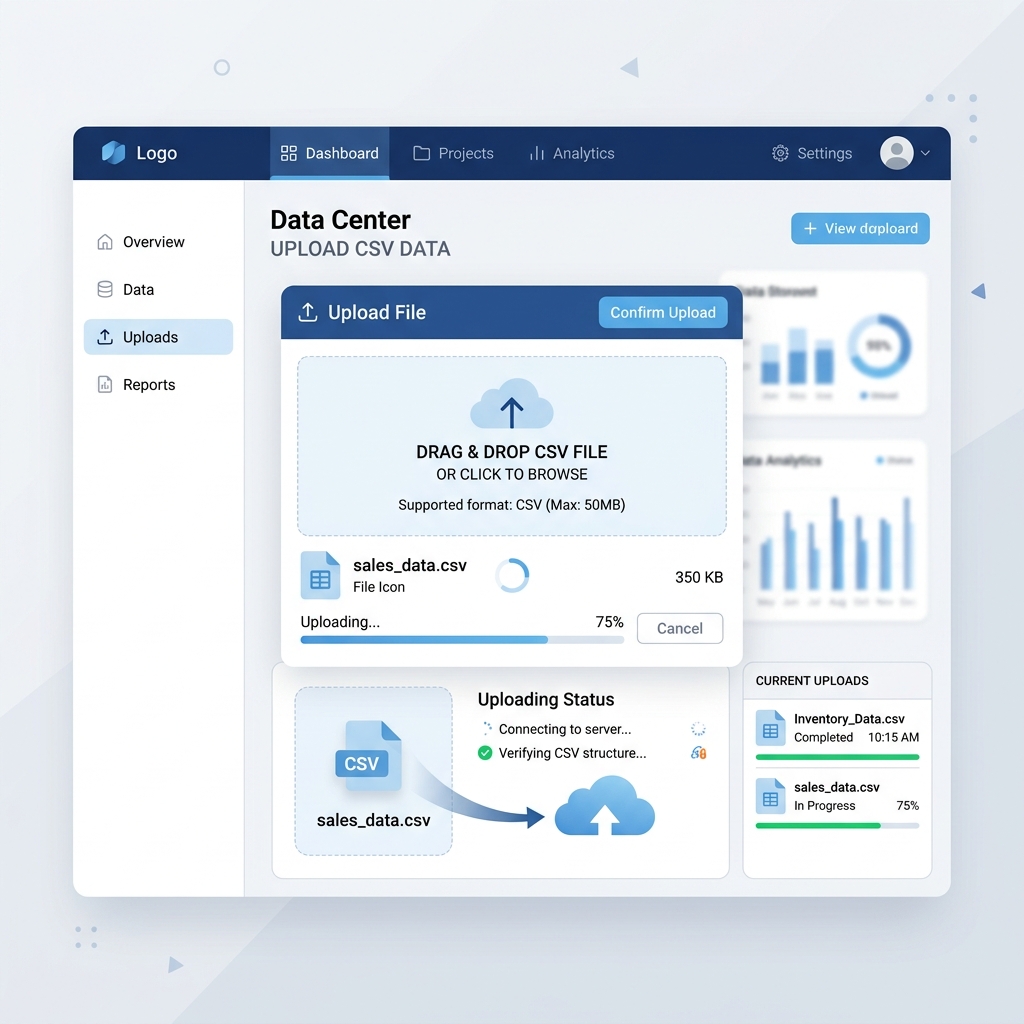
You upload that single spreadsheet (or CSV file) to PayslipGen, and our bulk payslip generator instantly creates individual, professional PDF payslips for your entire workforce in seconds.
How PayslipGen Replaces the Manual Template:
| Feature | Excel Template | PayslipGen |
|---|---|---|
| Generation Speed | Manual: ~5 mins per employee | Automated: Seconds for 100+ employees |
| PDF Creation | Manual "Save as PDF" for each sheet | Automatic high-quality PDF generation |
| Distribution | Manual email attachments one by one | Built-in bulk email sender |
| Design Quality | Basic spreadsheet look | Beautiful, modern templates (no design skills needed) |
| Security | Low (file passwords easily shared/broken) | High (automated PDF password protection) |
If you have your data in an Excel file already, you are 90% of the way there. Learn more about how easily you can convert Excel to Payslip PDF using our dedicated tools.
Frequently Asked Questions
Can I modify the formulas in the downloaded template?
Yes, the template is completely unlocked. You can adjust the formulas, add new rows for custom allowances or deductions, and change the layout to suit your specific company needs.
Is Excel secure enough for payroll data?
For very small teams, password-protecting the Excel file might suffice temporarily. However, Excel is not a secure database. For better security, consider a system like PayslipGen that offers robust security or even a self-hosted payroll software solution if you want total control over your data.
Do I have to pay to use the template?
No, the Excel template provided in this guide is 100% free to download and use for your business.
How do I email these Excel payslips to employees?
If using just Excel, you must manually save each individual sheet as a PDF, open your email client, attach the PDF, and send it to the respective employee. This is why many businesses switch to an automated bulk sender.
Conclusion
Using a structured payslip format in Excel is an excellent, cost-effective way to manage payroll for a new business. By downloading our free template and utilizing the built-in formulas, you can ensure accurate calculations and provide professional documentation to your employees.
However, always keep an eye on how much time this manual process consumes. When the repetitive tasks of data entry, PDF saving, and emailing become a bottleneck, it's time to upgrade. A solution like PayslipGen allows you to keep the simplicity of maintaining data in a single spreadsheet while completely automating the creation and distribution of the payslips themselves. Start with our template today, and when you're ready to save hours of administrative work, give PayslipGen a try.
Ready to Automate Your Excel Payroll?
Stop manually saving and emailing individual Excel sheets. Turn one master spreadsheet into hundreds of PDF payslips instantly.