
Bulk Payslip Generator - Excel/CSV to PDF with Email Delivery
If you need to create payslips for dozens or hundreds of employees each month, a bulk payslip generator removes repetitive manual work and reduces payroll errors.
Quick Jump
Tired of doing this the hard way?
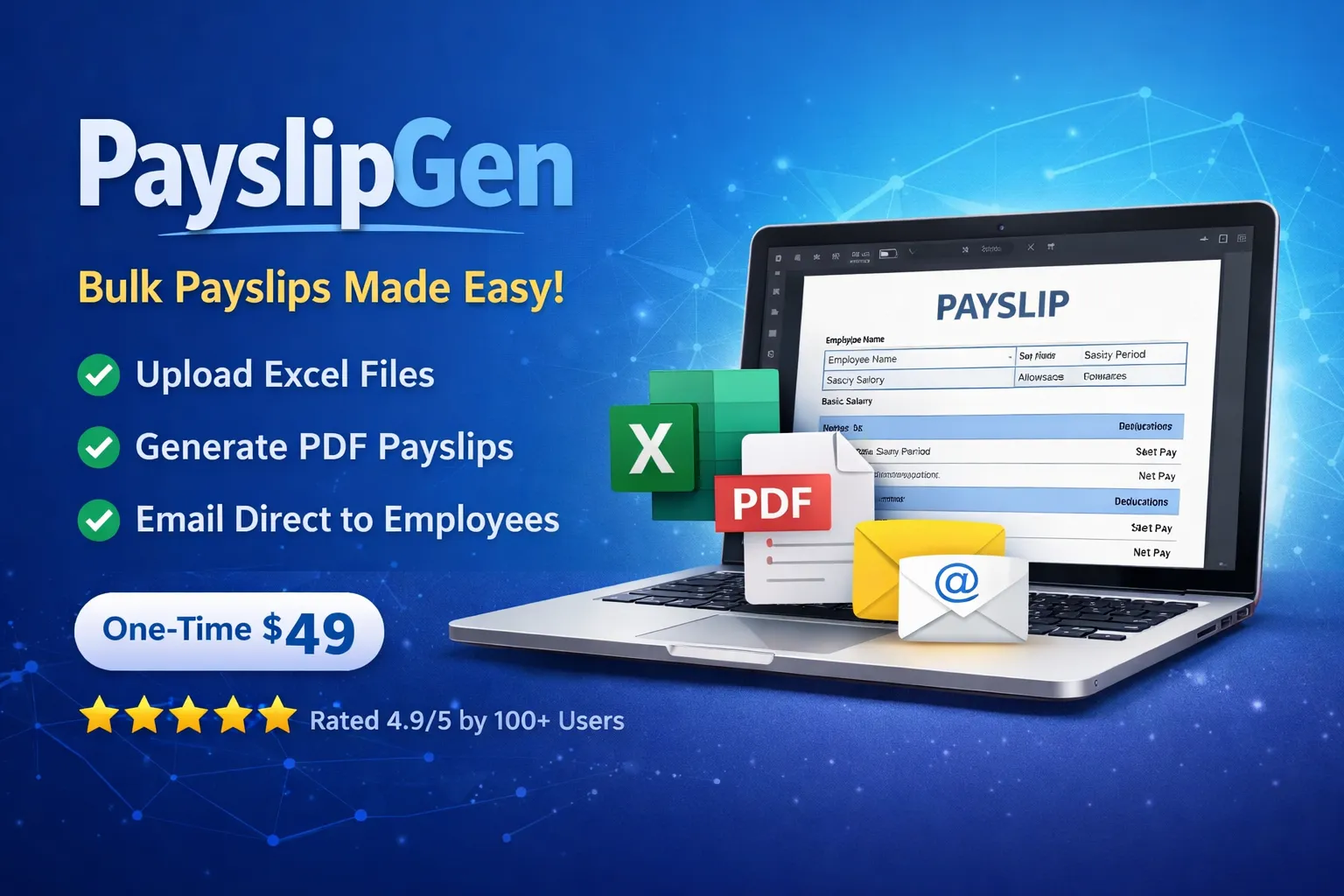
You are reading about manual workflows that waste hours. PayslipGen automates this entire process securely offline in just 3 clicks. No subscriptions.
Automate Instantly for $49What It Is
A bulk payslip generator converts one payroll sheet into individual payslips for each employee, then helps you deliver those files at scale without repeating manual formatting, calculations, and attachments every month.
Who It's For
HR managers processing monthly payroll for growing teams.
Payroll executives handling hundreds of employee records per cycle.
Accountants who need predictable, auditable output before release.
Consultants running payroll operations for multiple client entities.
Exact Steps
Step 1
Prepare your payroll sheet
Ensure mandatory columns exist (employee name, employee ID, email, earnings, deductions, pay period). Keep one employee per row.
Expected output: A clean sheet ready for upload with no merged cells or missing required values.
Step 2
Upload and map columns
Upload the file and map each source column to the correct payroll field. Save mapping for reuse.
Expected output: Preview grid loads correctly and mapping is stored for next month.
Step 3
Generate payslips in bulk
Run generation to create one PDF per employee using your selected template and payroll values.
Expected output: Batch status completes and every employee row has a generated PDF.
Step 4
Deliver by email or export ZIP
Send all payslips using configured SMTP/Resend, or export a ZIP for manual distribution.
Expected output: Delivery log shows sent/failed statuses and retry-ready failed items.
Common Mistakes
Inconsistent column names across months.
Fix: Use a stable payroll template and avoid renaming headers after mapping is saved.
Invalid email addresses in employee rows.
Fix: Run email validation before generating or sending the batch.
Missing pay period or currency fields.
Fix: Add required metadata columns to keep each payslip context complete.
Uploading sheets with merged cells.
Fix: Normalize spreadsheet layout so every row is a single employee record.
Troubleshooting
If upload fails or parsing errors appear
Do this: Re-export as CSV or clean XLSX, remove merged cells, and confirm UTF-8 compatible text values.
If PDF generation stalls midway
Do this: Check for empty required numeric fields and rerun batch with corrected rows.
If bulk send returns partial failures
Do this: Verify SMTP/Resend credentials, sender domain setup, and retry failed rows only.
If totals look incorrect for specific employees
Do this: Audit source formula columns and compare one row with expected payroll math before full rerun.
Manual Payroll Flow vs Automated Bulk Flow
| Topic | Manual Process | With PayslipGen |
|---|---|---|
| Monthly processing time | Often 2-6 hours for medium teams. | Usually completed in minutes after setup. |
| Error risk | Higher due to repetitive copy/paste and attachment mistakes. | Lower with mapped fields and standardized generation. |
| Delivery visibility | Hard to track who received what. | Batch-level status with sent/failed transparency. |
| Repeatability | Depends on individual operator workflow. | Repeatable month-to-month pipeline. |
Deep Dive
What a Bulk Payslip Generator Should Do
A production-ready workflow should support Excel/CSV upload, automatic payroll calculations, branded PDF generation, and one-click bulk delivery. PayslipGen was built around exactly this flow so monthly payroll can be run in minutes.
Why Teams Move Away from Manual Payroll
Manual document generation causes version mismatches, arithmetic mistakes, and delays in employee delivery. Automating the pipeline helps standardize outputs and gives HR teams a repeatable process with less risk.
Best Setup Model for Privacy-Focused Companies
Desktop-based installment keeps payroll files and generated documents on your own environment. This model is preferred by teams that need tighter control over sensitive salary data.
Final Checklist
Required columns are present and consistently named.
All employee email addresses are valid.
Saved mapping is applied to current month file.
Preview totals match payroll expectation.
Delivery service credentials are verified.
Failed sends (if any) are retried and resolved.
FAQ
Resources & Internal Links
Want the fastest path to production?
PayslipGen gives you spreadsheet upload, automatic calculations, PDF generation, and bulk email delivery in one self-hosted workflow.