
Automate Your Monthly Payroll. No Cloud Servers. No Subscriptions.
What used to take your HR team an entire afternoon — hunting through spreadsheets, copy-pasting figures, manually emailing PDFs — now takes under three minutes. PayslipGen transforms any Excel or CSV payroll file into password-encrypted, individually addressed PDF payslips, dispatched straight to each employee's inbox, entirely on your local machine.
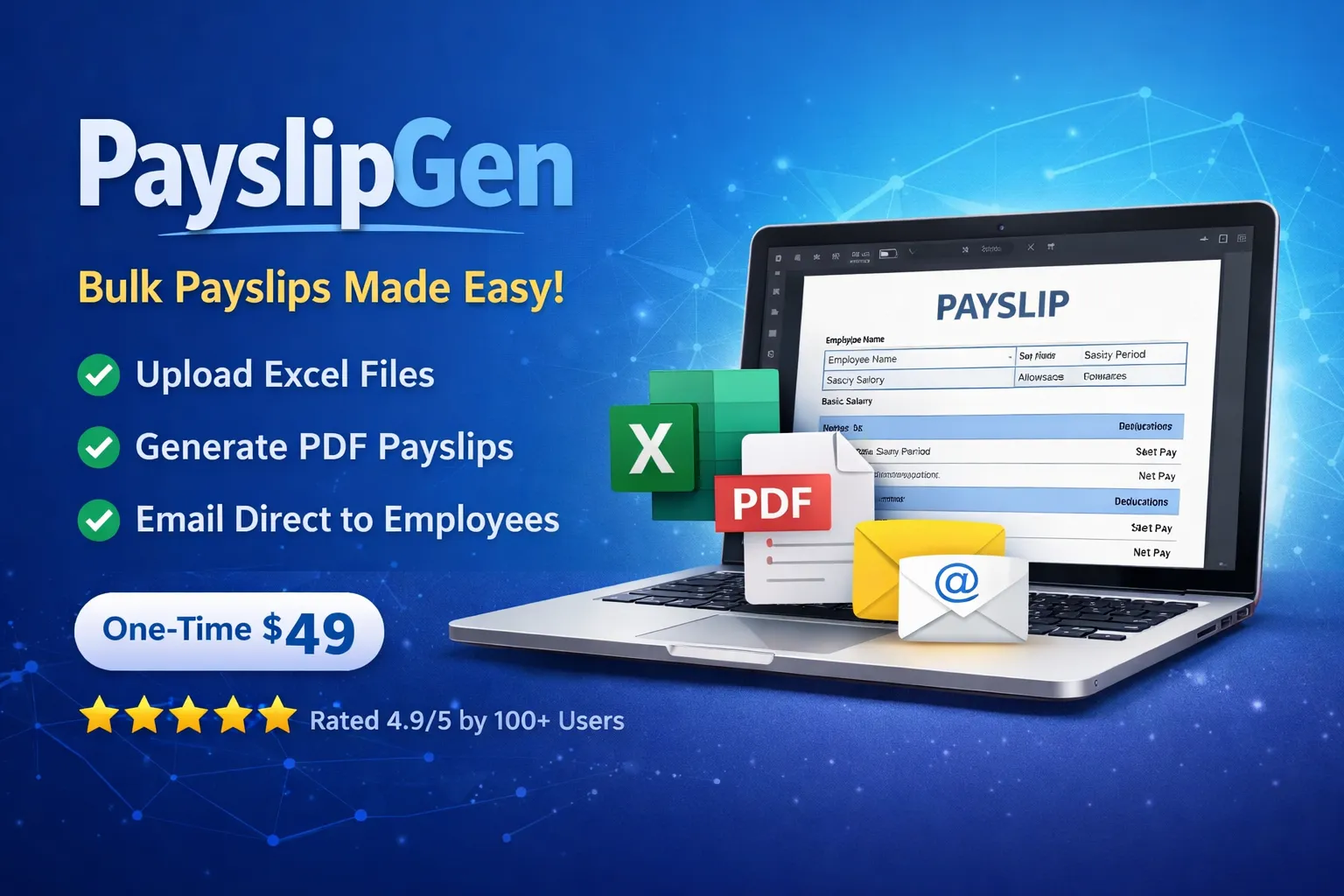
Bulk run complete — 48 payslips dispatched
2 min 41 sec · All encrypted · 0 failures
How the automation runs
Step 1
Import Spreadsheet
Step 2
Match Columns
Step 3
Auto-Calculate & Encrypt
Step 4
Bulk Dispatch
Import Spreadsheet
Load XLSX or CSV from your local drive. No upload, no cloud.
ROI Savings Calculator
vs. typical cloud payroll SaaS ($30 base + $5/employee/mo)
SaaS Annual Cost
$2,160
PayslipGen Cost
$49
forever
You Save
$2,111
in year one alone
Calculation assumes $30/mo base + $5/employee/mo cloud SaaS vs PayslipGen's $49 one-time lifetime license.
The Evolution of Payroll: Why Manual Templates Always Break
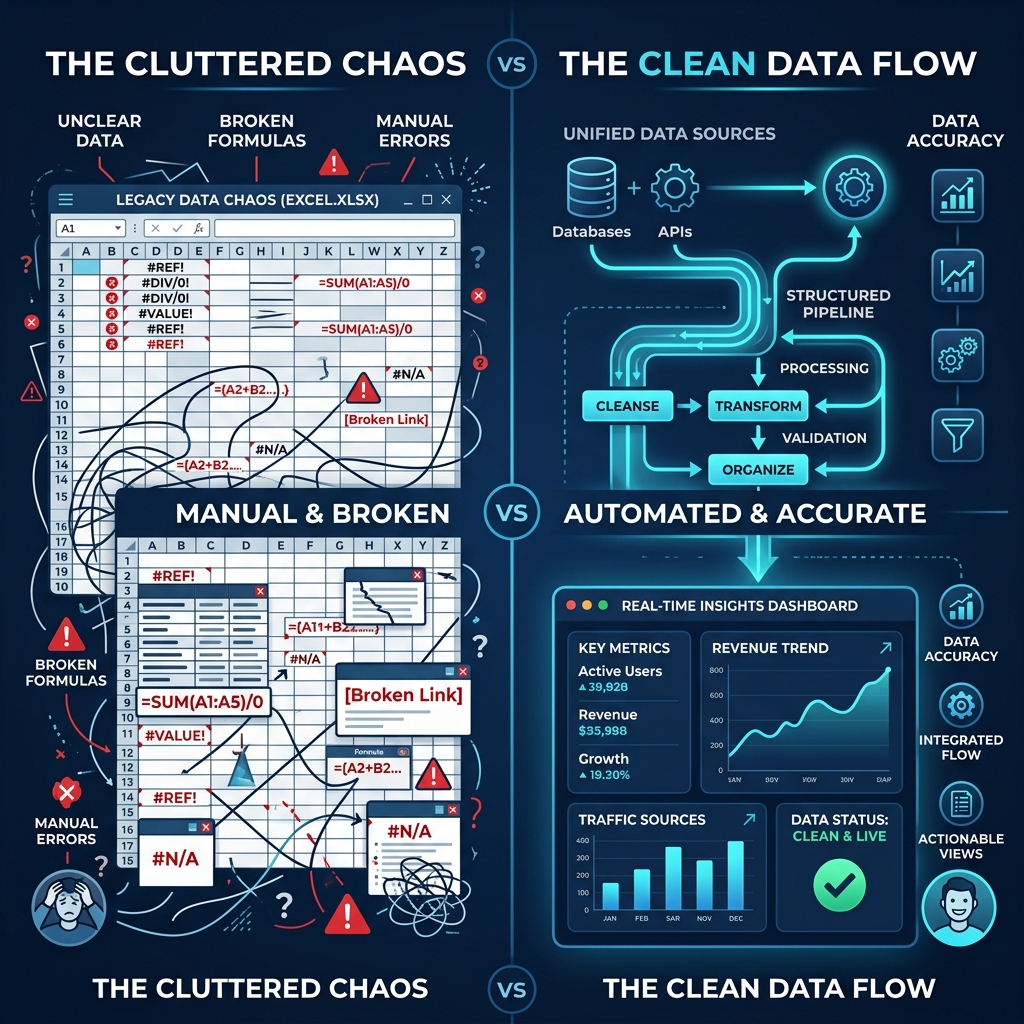
For many businesses, payroll is still run on a fragile mix of Word docs, Excel sheets, and manual email threads. Held together by institutional memory, this setup is highly prone to human error. When the primary operator is away or overloaded, mistakes happen instantly.
Manual processes fail at predictable points. Skipped rows during copy-paste, corrupted formulas, and broken mail-merge templates are common. A simple header change in your source sheet can silently reverse gross and net columns, leading to costly payroll discrepancies that damage employee trust.
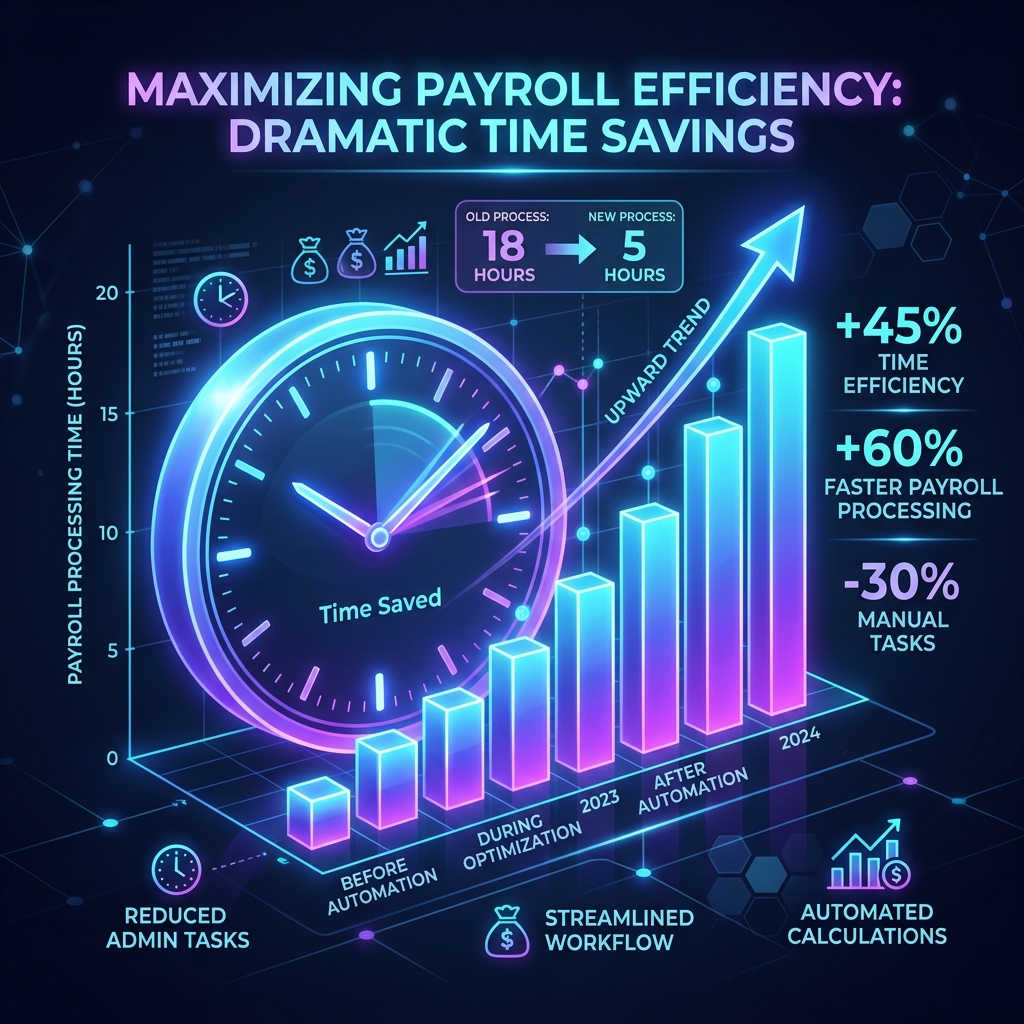
Beyond fragility, there is the time sink. Generating, naming, converting, and emailing payslips one by one for even a small team of 30 takes hours every month. Automated software dispatches this repetitive mechanical loop in seconds, letting you focus on actual HR strategy.
- Formula drift causes silent errors after spreadsheet updates.
- Mail-merge runs break when source columns are renamed.
- Manual attachments risk sending the wrong payslip to the wrong recipient.
- Encrypting PDFs manually is so tedious it is often skipped, risking data privacy.
How an Automated Payslip Generator Saves Hours Every Pay Run
An automated generator transforms a multi-step manual workflow into a single, deterministic pipeline. By replacing human processing with software logic, you achieve near-instant payroll turnarounds.
Smart Spreadsheet Parsing
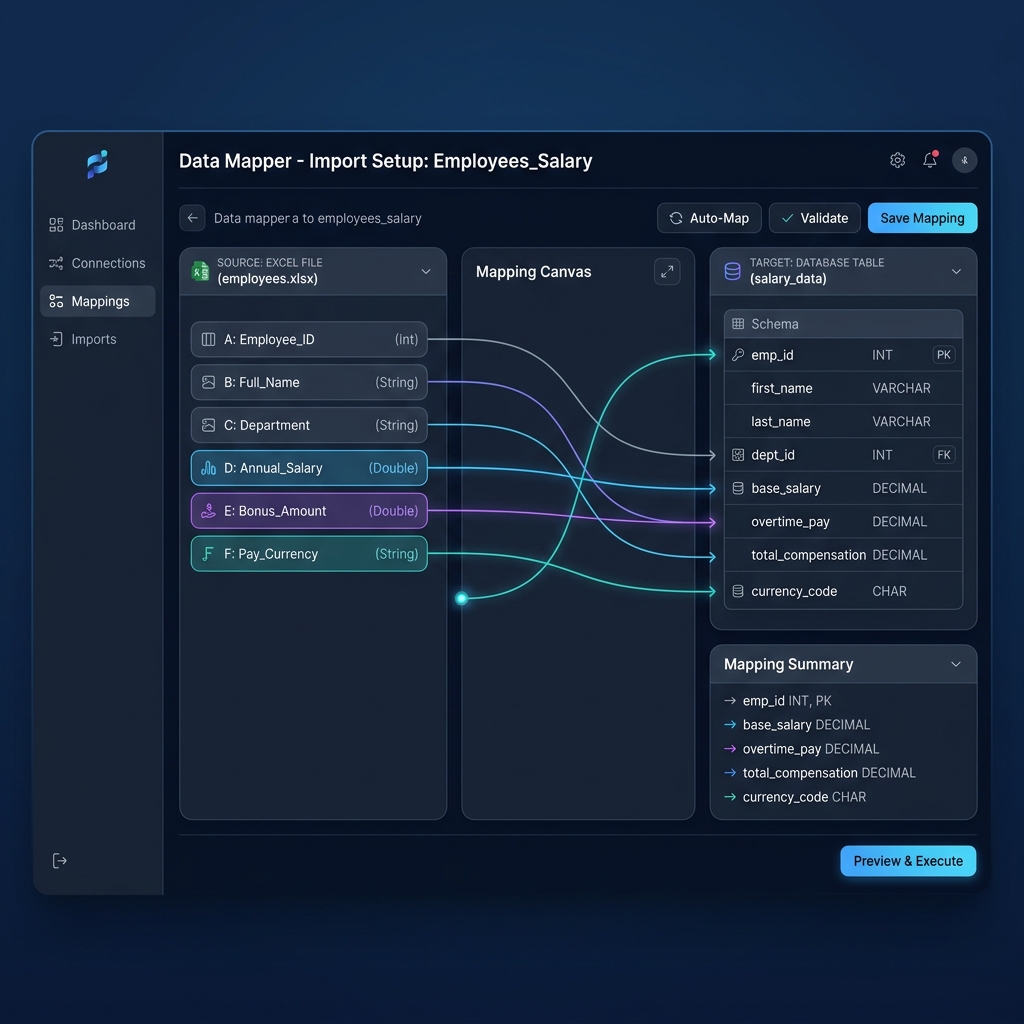
Import XLSX or CSV files directly. You map headers (name, base salary, tax, deductions) once. PayslipGen saves your profile, meaning subsequent pay runs are completely automated drag-and-drop actions.
Internal Calculation Engine
The app processes salary formulas, taxes, and net-pay logic internally. It runs identically on Windows, Mac, and Linux without requiring MS Office.
Bulk PDF Building & Lock
PayslipGen converts rows into branded PDFs with your colors and logo. Each PDF is auto-locked with a password unique to each employee, ensuring secure processing.
Security & Privacy: The Cloud vs. Local Debate
Most payroll SaaS products require uploading names, addresses, Social Security numbers, and bank details to third-party databases. Under GDPR or HIPAA, this legally makes you responsible for sharing sensitive identifiers with an external processor.
A leak at the cloud platform level instantly exposes your entire workforce. Direct local processing removes this risk completely. Your spreadsheets never leave your device, meaning you maintain complete data custodianship.
With PayslipGen's offline-first engine, no API connections transmit raw payroll details. Outbound requests are limited strictly to SMTP or transactional email providers for final encrypted delivery. This guarantees a highly simplified compliance audit.

Technical Specs & Excel Column Mapping
Organizational data structures are naturally messy. PayslipGen handles this by letting you define flexible headers that adapt to your spreadsheet layout without custom template changes.
File Formats
Accepts XLSX with multi-sheet workbook targeting, legacy XLS documents, and standard CSV files with configurable delimiter types.
Pre-flight Validation
Runs checks before writing any PDF. It flags missing employee info, negative net calculations, and duplicate IDs, allowing you to filter out erroneous rows in advance.
Automated Email Dispatch: SMTP & Transactional API
Getting generated payslips securely delivered is the final critical loop. PayslipGen supports dual dispatch mechanisms depending on your team's IT setup.
Standard SMTP Dispatch
Connect direct to company email accounts, Google Workspace, or Office 365. Supports STARTTLS/SSL modes and configurable send limits to protect your domain reputation.
Transactional Web APIs
Deliver via modern mail API endpoints like Resend or SendGrid for maximum inbox placement, open logs, and bounce reporting.
Retry Queue & Logs
Produces detailed dispatch histories containing status indicators, automatically retry failed dispatches up to three times, and outputs audit logs to CSV files.

Comparative Analysis: Manual vs. Cloud SaaS vs. PayslipGen
| Feature | Manual Word/Excel | Cloud Payroll SaaS | PayslipGen |
|---|---|---|---|
| Setup Cost | Free (your time) | $30+/mo + per-user fees | $49 one-time, lifetime |
| Data Privacy | Local (manual risk) | Third-party servers | 100% local, offline |
| Bulk PDF Generation | Manual, one-by-one | Yes | Yes, automated |
| Automated Email Dispatch | Manual copy-paste | Yes | Yes, SMTP + API |
| PDF Password Encryption | No | Varies | Yes, per employee |
| Excel/CSV Import | N/A | Limited | Full XLSX + CSV |
| Custom Branding | Yes (manual) | Limited by plan | Full template editor |
| Subscription Required | No | Yes, forever | No, never |
| Internet Required | No | Yes, always | Only for email send |
| GDPR Risk | Low | High (data processor) | Minimal (local only) |
Step-by-Step Automation Checklist
Pre-Generation
- Verify spreadsheet has all required columns (name, email, salary, tax rate)
- Run validation scan — resolve all flagged rows before proceeding
- Confirm column mapping profile is selected and correct
- Back up source spreadsheet before the run
PDF & Encryption
- Select or confirm active payslip template
- Set per-employee PDF password scheme (e.g. EmpID + last 4 of DOB)
- Run a test generation on a single test employee row
- Verify PDF layout, figures, and logo render correctly
Email Dispatch
- Confirm SMTP or API credentials are valid (use test-send)
- Set email subject line and message body for this pay period
- Enable retry queue (recommended)
- Run dispatch — monitor real-time progress and status
Post-Run Audit
- Export dispatch audit log to CSV
- Review failed/bounced sends and re-attempt manually if needed
- Archive generated PDFs to secure, access-controlled local folder
- Document the run in your payroll register (date, employee count, run time)
Frequently Asked Questions
Everything you need to know about the automated payslip generator.
Related Resources
Explore more payroll automation templates, configurations, and features.
Bulk Payslip Generator
Process unlimited employee rows from Excel or CSV spreadsheets at once.
Excel to Payslip PDF
Learn the exact workflow to map columns and output cleanly formatted PDF files.
Desktop Payroll Software
Why native desktop apps are replacing fragile local Excel macros.
Modern Payslip Generator
Interactive steps, calculations, rules, and layout setups.
Self-Hosted Bulk Payroll
Run secure dispatch routines locally or on cloud infrastructures.
Self-Hosted Payroll Software
Deploy internal instances under your own business rules.
Affordable Payroll Software
Why small businesses are replacing SaaS monthly fees with lifetime licenses.
Ready to automate your payroll in under 3 minutes?
Join hundreds of payroll administrators who have replaced hours of monthly spreadsheet work with PayslipGen's automated payslip generator. One payment. No recurring fees. Runs on your machine, your data, your terms.
Windows · macOS · Linux · 14-day money-back guarantee