
Convert CSV to Salary Slip PDF: How to Add Custom Company Logos, Stamp Graphics & Authorized Signatures
Key Takeaways
- ✓The Problem with Raw CSV Exports: Accounting software, biometric attendance clocks, and ERP platforms export raw CSV data that is unformatted, difficult for workers to read, and lacks professional credibility.
- ✓Visual Brand Authority & Employee Trust: Adding your company's high-resolution vector logo, corporate color palette, and official stamps transforms a basic salary notice into an authoritative legal document suitable for mortgage and visa applications.
- ✓Digital Signatures vs Scanned Images: Learn how to embed authorized digital signature stamps and corporate seal graphics cleanly without blurry artifacting or pixelation across desktop and mobile screens.
- ✓Instant Zero-Code Batch Conversion: Modern local tools ingest standard CSV files and map columns automatically, generating hundreds of customized, branded PDF files in seconds.
Every month, thousands of accounting professionals and HR managers export raw payroll summaries from accounting software, biometric time clocks, or ERP databases into simple Comma-Separated Values (CSV) files. While CSV is the universal standard for storing tabular records, sending a raw CSV file or an unformatted text table to an employee is unacceptable. A salary slip is not just an informational note; it is an official legal and financial document that employees use to verify their income for home mortgage applications, bank loans, rental leases, and immigration visas. When a payslip looks like a generic spreadsheet dump lacking corporate branding, banks and embassies routinely reject it. In this technical walkthrough, we explore how to automatically convert raw CSV files into beautifully styled, executive-grade PDF salary slips complete with your company logo, official stamp graphics, and authorized signatures.
Try Our Interactive Demo Instantly
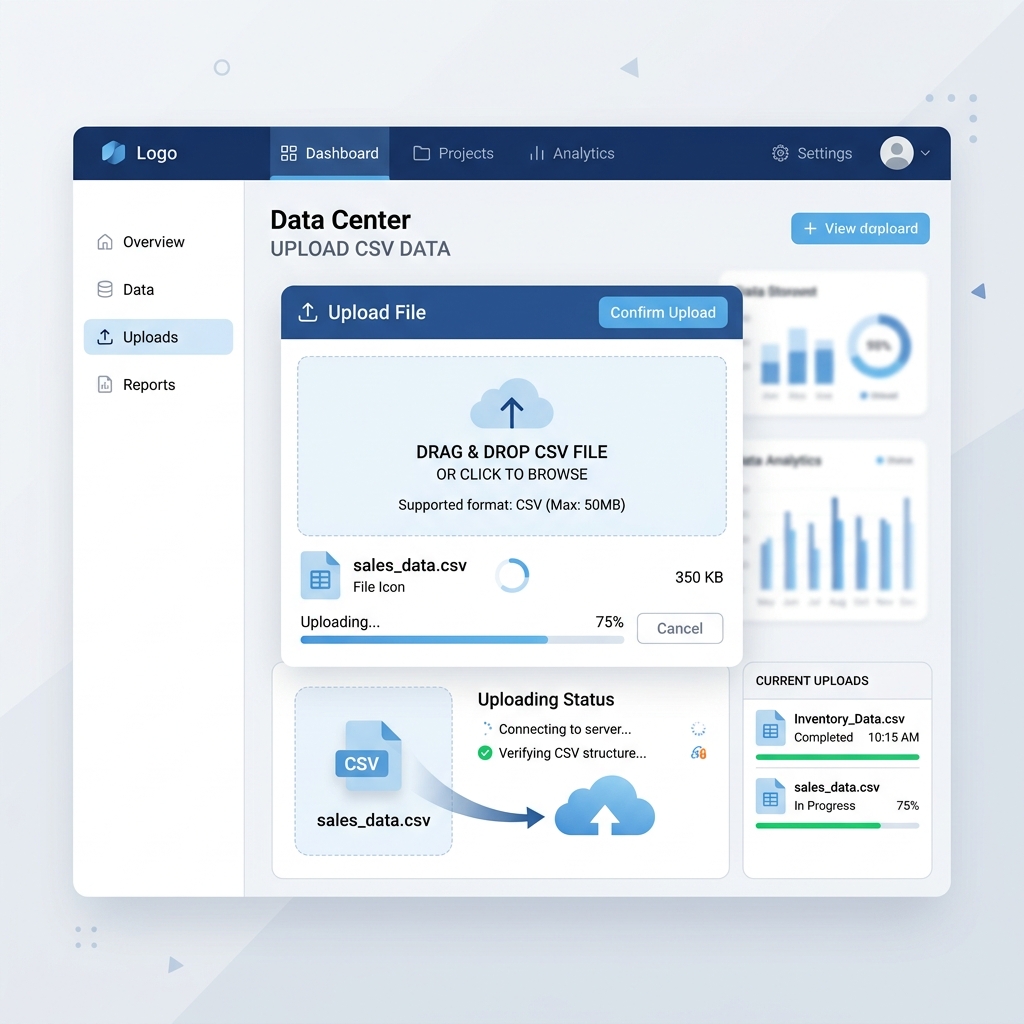
Want to see how an offline-capable, client-side payslip generator works in practice? Try our brand-new interactive demo right in your browser. Upload a sample CSV, map your columns, and generate beautifully designed PDF payslips—with zero data ever being transmitted to our servers.
Launch Free Demo NowChapter 1: The Essential Visual Anatomy of an Executive Payslip
To understand what separates an amateur spreadsheet printout from an executive-grade salary document, let us examine the core visual elements required on an authoritative payslip:
- Corporate Identity Header:** Displays your official trading name, registered company number, registered address, tax identification number, and high-resolution company logo.
- Employee Demographic Grid:** Cleanly itemizes employee legal name, internal staff ID, department, job title, national identity number, and bank account disbursement details (masked for privacy).
- Pay Period & Date Metadata:** Clearly states the pay period start date, pay period end date, and official payment disbursement date.
- Structured Earnings & Deductions Tables:** Itemizes basic salary, overtime premiums, allowances, statutory tax withholdings, pension deductions, and final net remuneration.
- Authentication & Sign-Off Section:** Contains an authorized signatory block, digital signature image, and official corporate stamp or seal graphic.
Chapter 2: Formatting Logos and Graphics for High-DPI PDF Output
A frequent mistake made when generating PDF documents is uploading low-resolution logo files or uncompressed bitmap images. This results in blurry, pixelated graphics when employees print their payslips on physical office printers or zoom in on high-density Retina displays.
To ensure crisp visual fidelity: * Recommended Formats: Use transparent PNG assets (.png) or scalable vector graphics (.svg). Transparent backgrounds prevent awkward white rectangular boxes from appearing over colored payslip header banners. * Target DPI: Prepare your logo at 300 DPI with dimensions of approximately 600px wide by 200px high. When scaled down in the PDF rendering engine, the image retains razor-sharp edges. * Aspect Ratio Preservation: Never allow the software to stretch your logo disproportionately. Quality PDF engines automatically constrain proportions while fitting the graphic into the designated header box.
Chapter 3: Incorporating Authorized Digital Signatures & Corporate Stamps
In many jurisdictions—including the UK, India, the UAE, and across Southeast Asia—a payslip is considered legally binding only if it bears the signature of an authorized corporate officer or an official corporate stamp:
- Transparent Signature Asset:** Have your authorized payroll director, HR manager, or financial controller sign a clean white sheet of paper with a black ink pen. Scan the signature at 600 DPI, crop closely, and remove the white background using a transparent PNG export.
- Official Company Seal / Stamp:** Prepare a transparent PNG of your circular corporate seal (incorporation stamp). In modern payslip layouts, placing the stamp subtly offset behind or beside the authorized signature replicates the traditional physical validation process.
- Legal Disclaimer Line:** Accompany the signature block with an official statement such as: 'This is a computer-generated salary advice authenticated by the authorized signatory of the company. No manual alteration is permitted.'
Chapter 4: CSV Data Schema & Mapping Architecture
A standard CSV file separates values with commas. To convert this flat data into multi-column visual sections, the desktop software performs an automated mapping pipeline:
| CSV Column Name | Sample Row Data | Target Payslip Block | Visual Formatting Applied |
|---|---|---|---|
emp_id | E-9041 | Employee Meta Grid | Bold monospace label |
full_name | Michael Chang | Employee Meta Grid | Prominent bold heading |
dept_name | Engineering | Employee Meta Grid | Secondary subtitle text |
base_salary | 5400.00 | Earnings Table | Right-aligned currency format ($5,400.00) |
overtime_pay | 650.00 | Earnings Table | Right-aligned currency format ($650.00) |
tax_deduction | 1120.00 | Deductions Table | Subtractive currency display (-$1,120.00) |
net_payout | 4930.00 | Summary Banner | Large prominent highlight container |
The desktop application interprets raw numeric strings (like 5400.00) and automatically applies professional accounting currency formatting, thousands separators, and dynamic decimal padding.
Chapter 5: Comparison: Raw CSV vs Branded Executive PDF
Let us examine why moving from raw spreadsheets to branded PDF documents directly impacts business operations and employee satisfaction:
| Aspect | Raw CSV / Text Dump | Branded Executive PDF (PayslipGen) |
|---|---|---|
| Visual Presentation | Monospace plain text, no layout | Clean, executive design with brand colors |
| Corporate Branding | Zero branding or logo | Prominent high-res logo and custom styling |
| Banking / Visa Acceptance | Frequently rejected by mortgage brokers | Accepted by banks, lenders, and embassies worldwide |
| Tamper Resistance | Easily editable by anyone in Notepad | Read-only PDF format with optional encryption |
| Employee Trust | Feels improvised and cheap | Fosters high employee morale and organizational pride |
| File Portability | Requires spreadsheet software to view | Universally viewable on any desktop or phone |
Chapter 6: Step-by-Step Conversion Walkthrough
Transforming your monthly CSV export into branded PDF payslips takes under two minutes:
- Prepare Your CSV:** Export your monthly payroll figures from your accounting software or time-tracking database. Open in Excel or a text editor to confirm header names are clear.
- Upload Brand Assets in Settings:** In PayslipGen, navigate to Branding Settings. Upload your company logo (
.png) and your authorized signature or stamp file. Select your primary brand color (e.g., corporate navy blue or emerald green). - Map CSV Fields:** Drag your CSV file into the application. Match your CSV column headers to the corresponding payslip fields using the visual dropdown menus.
- Preview Sample Document:** Click 'Preview' to view a real-time rendering of the first employee's payslip. Check logo placement, typography contrast, and total calculations.
- Batch Export:** Click 'Generate All'. The engine compiles high-resolution, print-ready PDF files for your entire roster in seconds.
Chapter 7: Real-World Case Study: 65-Employee Engineering & Surveying Firm
The tangible business value of executive payslip branding is demonstrated by the experience of Apex Civil Engineering, a land surveying and engineering consultancy in Bristol, UK, with 65 technical staff.
For years, the firm's accounting manager exported monthly payroll summaries from an ERP database as plain .csv text files. The manager would copy these figures into basic text emails sent to employees.
The consequences were damaging to corporate professionalism and employee operations: * Several junior engineers applying for first-time home mortgages had their mortgage applications delayed or rejected by major British high-street banks because the plain text emails were not recognized as valid Proof of Income. * Two senior project surveyors applying for Middle Eastern work visas were informed by the embassy that their salary slips required an official corporate stamp and authorized company signature to be authenticated by consular authorities. * Employees repeatedly expressed dissatisfaction that the firm's compensation statements looked amateurish despite the company generating millions in annual engineering revenue.
Apex Civil Engineering deployed PayslipGen to overhaul their document presentation: 1. They uploaded their high-resolution vector corporate logo and selected their primary corporate colors (navy blue and gold). 2. They digitized the finance director's authorized signature and official corporate seal as transparent PNG graphics. 3. When payroll is finalized in their ERP, the manager simply exports the CSV file and imports it into PayslipGen. 4. Within 45 seconds, the software transforms the 65 raw CSV records into executive-grade, watermarked, encrypted PDF payslips that satisfy every banking, legal, and embassy standard worldwide.
Chapter 8: Corporate Design Standards for Executive PDF Payslips
To ensure your organization produces professional, audit-ready payslips that enhance corporate credibility, adhere to these four document design standards:
- Standard 1: Typography Hierarchy:** Maintain strict typographical contrast. Use bold sans-serif typefaces (like Inter or Roboto) for numeric currency totals and crisp subheaders, ensuring effortless readability for banking officers and loan underwriters.
- Standard 2: Balanced Negative Space & Padding:** Avoid cramped, overcrowded data grids. Professional payslip templates utilize generous cell padding (at least 8px vertical padding) and subtle horizontal dividing lines to guide the eye across complex earnings tables.
- Standard 3: High-Contrast Color Accents:** When selecting brand colors, choose deep, professional tones (such as navy blue
#1e3a8a, slate grey#334155, or dark emerald#065f46). Avoid light pastel header backgrounds that cause white text to become unreadable when printed in black and white. - Standard 4: Standardized Paper Format: Ensure your PDF engine renders to international standard A4 (for UK, European, and Commonwealth operations) or US Letter** (for North American firms), maintaining consistent 0.5-inch page margins to prevent printer clipping.
Frequently Asked Questions
Can I use different logos for different subsidiaries or clients?
Yes. If you manage multiple corporate entities, bookkeepers can create separate branding profiles with distinct logos, legal addresses, and signature blocks, switching between them with a single click.
Will the signatures look pixelated on mobile phones?
No. By uploading high-resolution 300+ DPI PNG assets with transparency, the vector PDF engine scales the signature smoothly, ensuring sharp rendering across iPhone, iPad, Android, and 4K desktop screens.
Can I include multi-currency symbols in the generated PDFs?
Yes. You can configure universal currency formatting (including USD $, EUR €, GBP £, CAD $, AUD $, INR ₹, and more) to match your local statutory jurisdiction.
Does the software support custom deduction lines like health insurance and 401(k)?
Yes. The template engine dynamically creates rows for any number of custom earnings, allowances, statutory taxes, and voluntary deductions present in your CSV file.
Will banks accept computer-generated payslips with digital signatures for mortgage applications?
Yes. Modern mortgage underwriters and financial institutions universally accept digital PDF payslips, provided they display full legal employer details, company registration numbers, itemized gross-to-net deductions, and an authorized signature or corporate seal.
Can I include Year-to-Date (YTD) totals from my CSV file on the payslip?
Yes! You can map CSV columns for Year-to-Date Gross Pay, YTD Tax Paid, and YTD Pension Contributions directly to dedicated summary boxes on your payslip template.