
Payroll Email Failed? Here's How HR Teams Track and Retry Missing Payslips
Key Takeaways
- ✓Standard email merges lack batch tracking, causing bounced payslips to fail silently without immediate HR notification.
- ✓Modern payroll tools use real-time SMTP telemetry (listening for codes like 250 OK or 550 Unavailable) to verify delivery per recipient.
- ✓One-click retry mechanisms isolate transient network failures, resending only to failed recipients without duplicating delivered emails.
- ✓Software like PayslipGen enables inline email corrections directly from the failure dashboard for instant re-dispatch of encrypted PDFs.
Payday is inherently stressful, but few things induce more panic for an HR administrator than an employee declaring they never received their payslip. When relying on fragmented, manual email dispatch methods, tracking exactly which emails bounced, timed out, or landed in a spam folder is an administrative nightmare.
When processing hundreds of salary slips, statistically, something will inevitably fail. An employee might have updated their personal email address without notifying HR, a corporate firewall might suddenly block attachments, or a transient SMTP server timeout might drop the connection mid-send.
Try Our Interactive Demo Instantly
Want to see how an offline-capable, client-side payslip generator works in practice? Try our brand-new interactive demo right in your browser. Upload a sample CSV, map your columns, and generate beautifully designed PDF payslips—with zero data ever being transmitted to our servers.
Launch Free Demo Now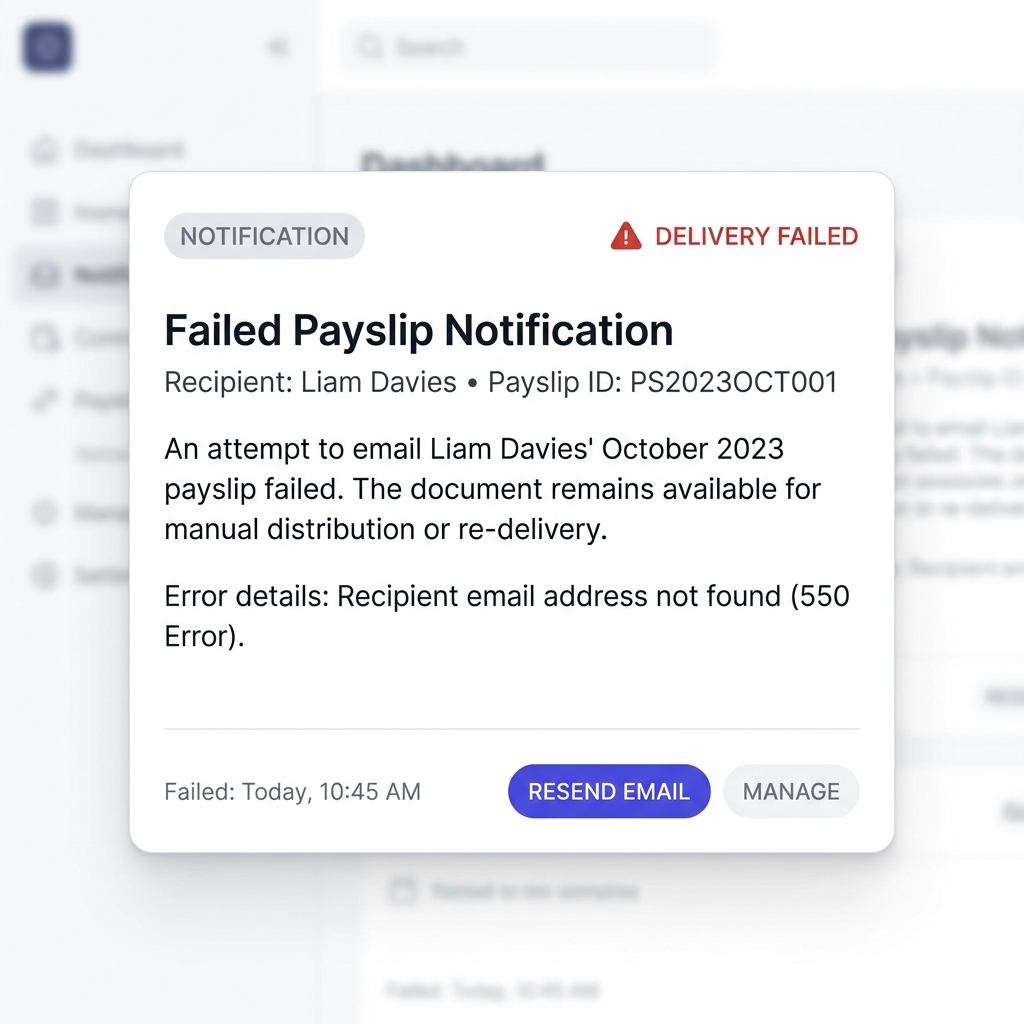
The Black Hole of Manual Dispatch
If you are utilizing a standard Outlook mail merge or a rudimentary email script to send payslips in bulk, you are essentially launching sensitive financial data into a black hole. Standard mail clients do not provide granular, batch-level tracking. If a single email address in your 500-person Excel spreadsheet has a typo (e.g., john.smith@gmaill.com), the email will silently bounce.
Reactive vs Proactive Support
Without a centralized dashboard, HR teams only discover failures reactively—usually when an angry employee submits a support ticket three days after payday. This damages trust and forces administrators to break away from their scheduled tasks to manually investigate, regenerate, and resend the specific document.
How Modern Dashboards Track Delivery Health
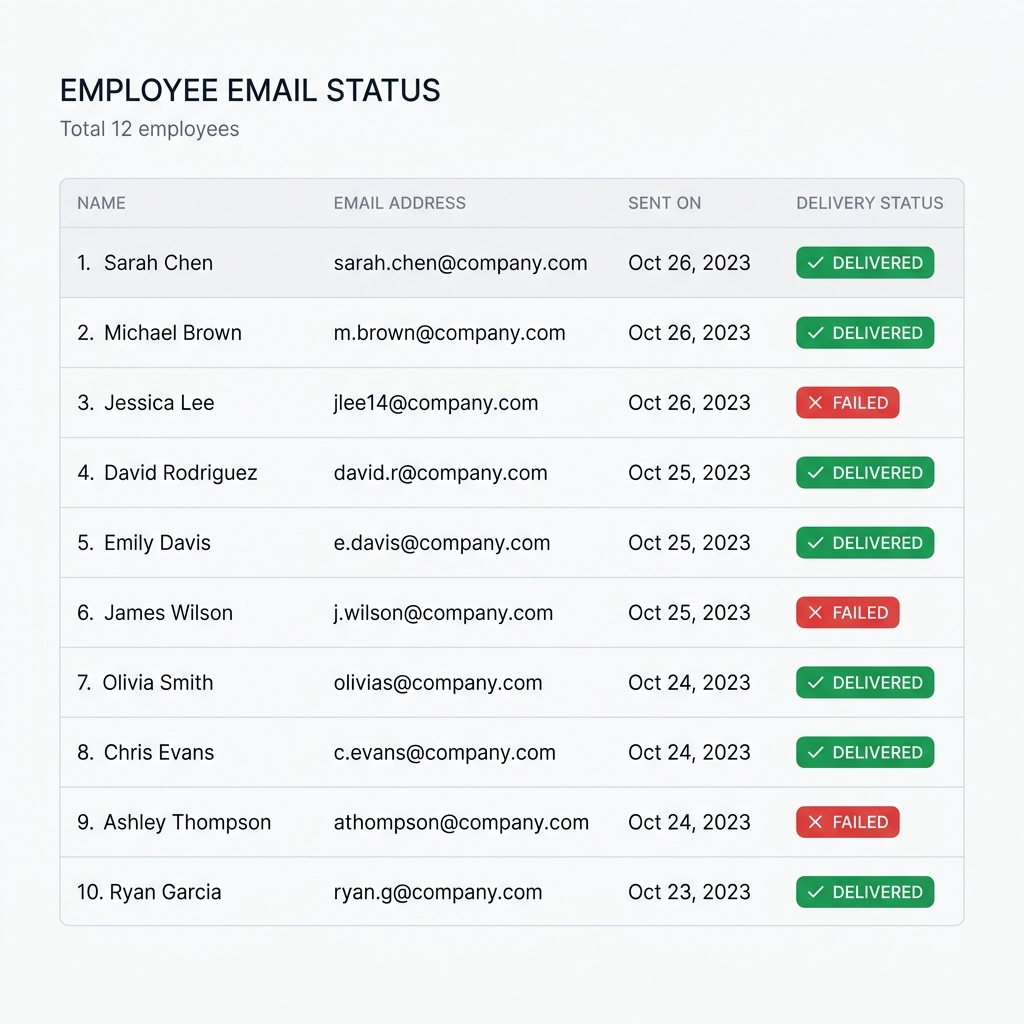
Advanced desktop payroll software fundamentally changes this dynamic by maintaining an active connection to your SMTP server during the entire bulk dispatch process. Rather than firing off 500 emails and hoping for the best, the software actively listens for SMTP response codes (e.g., 250 OK or 550 Mailbox Unavailable).
This real-time telemetry is fed back into a minimalistic, highly readable delivery status dashboard. Before an administrator even closes the application, they can instantly see exactly how many documents were successfully routed to the recipient's mail server and, crucially, which specific rows from their Excel file failed.
The "One-Click" Retry Mechanism
Identifying the failure is only the first step. The true power of an automated system lies in the remediation process.
In a manual workflow, if five emails fail, the administrator must go back to the original spreadsheet, figure out which five failed, manually isolate those rows, correct the typos, regenerate the specific PDFs, re-encrypt them, and build a new mail merge specifically for that subset. It's a tedious, error-prone loop.
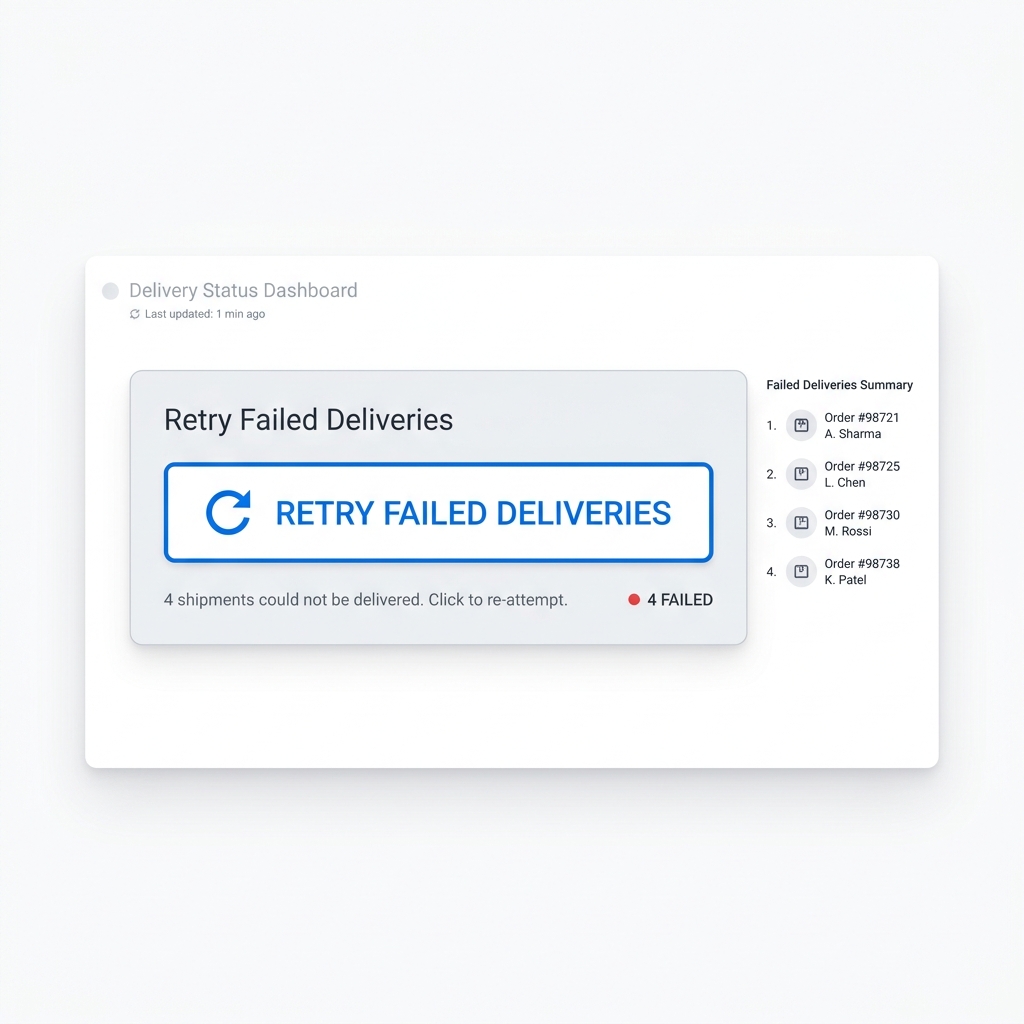
With a dedicated bulk payslip email sender, the software inherently remembers the state of the batch. If a delivery fails due to a network timeout, the administrator can simply hit a single "Retry Failed" button. The software will automatically skip the 495 successfully delivered emails, target only the 5 failed instances, re-attempt the connection, and update the dashboard in real-time.
Resolving Hard Bounces on the Fly
For "hard bounces" (such as a fundamentally incorrect email address in your CSV file), intelligent desktop generators allow you to correct the typo directly within the failure dashboard. You can seamlessly update the employee's destination address within the app's interface and instantly re-dispatch the encrypted PDF without ever having to restart the entire master workflow.
Stop Guessing If Your Payslips Arrived
Upgrade to a smarter workflow. Get real-time delivery telemetry, identify bounced emails instantly, and retry failed deliveries without manually repeating the entire process.
Retry Failed Deliveries with One ClickConclusion
Email delivery failures are an unavoidable reality of bulk payroll processing. However, the administrative chaos that traditionally follows a bounced email is entirely optional. By implementing software equipped with SMTP telemetry and intelligent retry mechanisms, HR teams can transform frantic support tickets into a calm, proactive, and visually intuitive resolution process.