
Hourly Employee Payslip Generator: How to Automate Shift Rates, Overtime, and Deductions
Key Takeaways
- ✓FLSA & State Overtime Compliance: Hourly employee payslips must itemize regular hours, 1.5x statutory weekly overtime (over 40 hours), daily overtime (California rules), and 2.0x double-time to avoid Department of Labor (DOL) wage audit penalties.
- ✓Spreadsheet Time Conversion Traps: Entering
8:30as8.30instead of8.50decimal hours introduces silent, compounding payroll underpayments that trigger catastrophic back-wage lawsuits. - ✓Regular Rate of Pay (RROP) Calculations: Employees working split shifts or earning non-discretionary bonuses require weighted average regular rate calculations for accurate legal overtime multipliers.
- ✓Instant Batch PDF Itemization: Using PayslipGen, HR teams can import raw timesheet exports (Clockify, Deputy, Excel) and compile 100+ fully itemized, password-protected PDF payslips in seconds.
Processing payroll for salaried staff is straightforward: divide an annual figure by 12 or 24, apply standard tax tables, and issue a payslip. But for industries that operate on hourly labor—such as manufacturing, healthcare, hospitality, construction, warehousing, and retail—payroll is a complex, high-stakes mathematical puzzle.
An hourly worker's bi-weekly compensation isn't just one number. It represents a dynamic composite of regular base hours, statutory 1.5x FLSA overtime, daily double-time thresholds, weekend shift premiums, night-time differentials (+15%), holiday pay, and mandatory pre-tax and post-tax deductions.
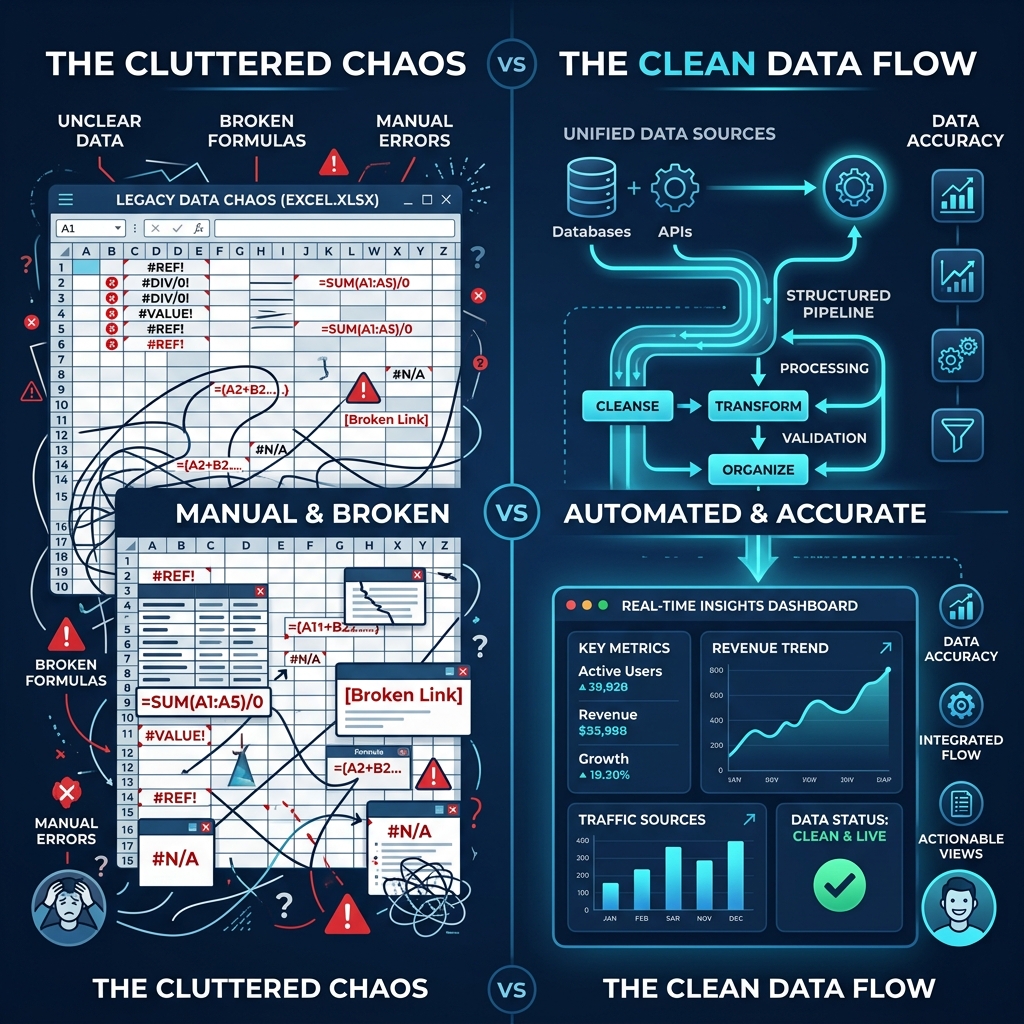
When human resources managers attempt to calculate these variables using manual Excel formulas or rigid mail merge templates, the probability of human error skyrockets. A single miscalculated decimal place or overlooked overtime threshold can trigger costly Department of Labor (DOL) wage-and-hour audits, employee grievances, or devastating class-action litigation.
In this definitive guide, we will break down the intricate mathematics of hourly payroll, expose the top spreadsheet traps that corrupt calculations, and demonstrate how to transform raw timesheet exports into pristine, legally compliant, password-protected PDF payslips using PayslipGen.
Try Our Interactive Demo Instantly
Want to see how an offline-capable, client-side payslip generator works in practice? Try our brand-new interactive demo right in your browser. Upload a sample CSV, map your columns, and generate beautifully designed PDF payslips—with zero data ever being transmitted to our servers.
Launch Free Demo NowChapter 1: The Complex Anatomy of Hourly Compensation
Under the United States Fair Labor Standards Act (FLSA), the UK Working Time Regulations, and international labor codes, non-exempt hourly employees are entitled to strict protections regarding work hours, rest periods, and overtime compensation.
1. Standard FLSA Weekly Overtime (1.5x)
Federal US law mandates that covered non-exempt employees must receive overtime pay for hours worked over 40 hours in a single workweek at a rate not less than time-and-a-half (1.5x) their regular rate of pay. A workweek is defined as a fixed, regularly recurring period of 168 hours (seven consecutive 24-hour periods).
2. State-Specific Daily Overtime & Double-Time (e.g., California)
Certain jurisdictions enforce daily overtime mandates that supersede federal weekly minimums. For example, under California labor law (IWC Wage Orders):
- Daily Overtime (1.5x): Any hours worked beyond 8 hours up to and including 12 hours in a single workday, and for the first 8 hours worked on the 7th consecutive day of work in a workweek.
- Double Time (2.0x): Any hours worked beyond 12 hours in a single workday, and for all hours worked in excess of 8 hours on the 7th consecutive day of work in a workweek.
3. Shift Differentials & Hazard Premiums
In 24/7 operations like hospitals, manufacturing plants, and logistics hubs, workers receive differential pay based on undesirable or demanding shift windows:
- Night Shift Differential: Typically an additional $2.00–$4.00/hour or +10% to +15% over the base rate for hours worked between 11:00 PM and 7:00 AM.
- Weekend Premium: Additional flat hourly bonuses for Saturday/Sunday rotations.
- Holiday Pay: Often paid at 2.0x (double time) or 2.5x (double time and a half) for statutory public holidays worked.
4. The Regular Rate of Pay (RROP) Trap
One of the most frequent payroll violations identified by the Department of Labor occurs when employers calculate overtime based strictly on an employee's base hourly rate rather than their Regular Rate of Pay (RROP).
If an employee earns different hourly rates during the same workweek (e.g., 20 hours as a Machine Operator at $25/hr and 25 hours as a Forklift Driver at $20/hr), or receives a non-discretionary production bonus, the employer must compute a weighted average hourly rate before applying the 0.5x overtime premium.
Total Hours Worked = 45 hours
Weighted Regular Rate (RROP) = $1,000 / 45 hrs = $22.22/hr
Overtime Premium Due (5 OT hrs) = 5 hrs × ($22.22 × 0.5) = $55.55
➔ Total Gross Pay = $1,000 + $55.55 = $1,055.55
Chapter 2: The Top 4 Spreadsheet Mistakes That Corrupt Hourly Payroll
Spreadsheets are brilliant for open-ended calculations, but they lack built-in domain validation for time-based financial transactions. Here are the four catastrophic traps that plague Excel-based hourly payroll:
1. The Sexagesimal Time vs. Decimal Hour Disaster
Time on a clock is sexagesimal (base-60), while financial calculations are decimal (base-10). If an employee clocks 8 hours and 30 minutes, an untrained payroll clerk will frequently type 8.30 into Excel.
When multiplied by an hourly rate of $24.00/hr:
- Incorrect Calculation:
8.30 × $24.00 = $199.20 - Correct Calculation (8.5 hrs):
8.50 × $24.00 = $204.00
The employee is shortchanged by $4.80 for that single day. Across a team of 40 hourly workers over a year, this innocent typo results in over $49,000 in illegal wage underpayments, triggering treble damages and attorney fees during a DOL audit.
2. IEEE-754 Floating-Point Arithmetic Rounding Bugs
Excel and Google Sheets rely on binary floating-point representation. When calculating tax percentages and fractional overtime multipliers across hundreds of rows, Excel can produce microscopic precision artifacts (e.g., 0.000000000000004).
Without explicit ROUND(value, 2) wrappers on every single calculation cell, the sum of individual payslip line items will fail to equal the master net pay total, raising red flags during financial audits.
3. Blended Overtime Multiplier Failures
Applying a flat 1.5x multiplier to the highest shift rate rather than calculating the weighted statutory regular rate creates either overpayment (bleeding company capital) or underpayment (violating FLSA Section 7(a)).
4. Inadequate Itemization on the Printed Payslip
Many state laws (e.g., New York WTPA, California Labor Code § 226) require employers to explicitly display the following on every hourly payslip:
- Gross wages earned
- Total hours worked
- All applicable hourly rates in effect during the pay period and corresponding hours worked at each rate
- Net wages earned
- Inclusive dates of the pay period
- Employee legal name and only last four digits of SSN
- Employer legal name and address
- All itemized deductions
Failing to provide this granular itemization can result in statutory statutory penalties of up to $4,000 per employee in California.
Chapter 3: Structuring the Perfect Hourly Master Spreadsheet
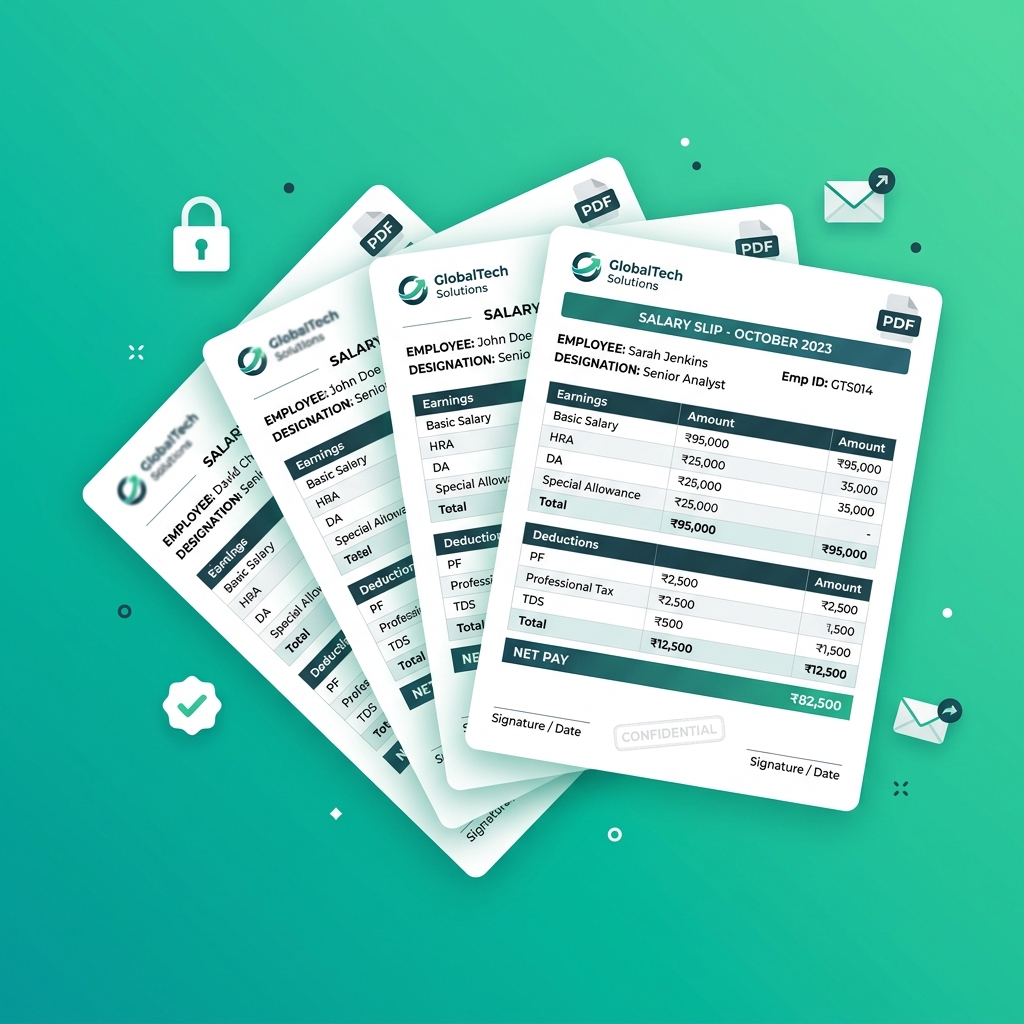
Whether you export timesheet data from software like Clockify, Deputy, When I Work, QuickBooks Time, or a digital punch clock, you must normalize the data into a structured tabular schema. Here is the ideal schema for hourly payroll:
| Header Name | Data Type | Sample Value | Description / Formula |
|---|---|---|---|
| Emp_ID | Text | H-104 | Unique employee identifier |
| Emp_Name | Text | Marcus Vance | Full legal name |
| Reg_Hours | Decimal | 80.00 | Standard bi-weekly regular hours |
| Base_Rate | Currency | 22.50 | Contracted hourly wage |
| OT_Hours_1_5x | Decimal | 12.50 | Hours worked over 40/week |
| OT_Rate | Calculated | 33.75 | =Base_Rate * 1.5 |
| Double_OT_Hours | Decimal | 4.00 | Daily hours > 12 or 7th day |
| Double_Rate | Calculated | 45.00 | =Base_Rate * 2.0 |
| Night_Diff_Pay | Currency | 75.00 | 25 graveyard shift hours @ +$3/hr |
| Gross_Pay | Calculated | 2476.88 | Total gross earnings |
| FICA_Social_Sec | Calculated | 153.57 | =ROUND(Gross * 0.062, 2) |
| FICA_Medicare | Calculated | 35.91 | =ROUND(Gross * 0.0145, 2) |
| Income_Tax_Withheld | Currency | 295.00 | Federal & State withholding |
| Net_Pay | Calculated | 1992.40 | =Gross - Total_Deductions |
Chapter 4: Automating Hourly Payslip Generation with PayslipGen
Rather than spending your entire Friday manually creating Word templates or risking macro crashes, PayslipGen provides a dedicated, lightning-fast desktop workflow:
Step 1: Import Timesheet CSV
Export your bi-weekly hours summary from your time-tracking tool and save it as a .csv or .xlsx file. Open PayslipGen and load the file.
Step 2: Map Hourly Earnings & Shift Columns
In the intuitive visual mapping screen:
- Map
Reg_HoursandBase_Rateto the standard earnings block. - Map
OT_Hours_1_5xandOT_Rateto the Overtime block. - Map
Double_OT_HoursandDouble_Rateto the Double-Time block. - Map
Night_Diff_Payto the Custom Allowance line item. - Map all statutory tax columns (FICA, Medicare, Withholding) to the Deductions table.
Step 3: Instant Local PDF Compilation
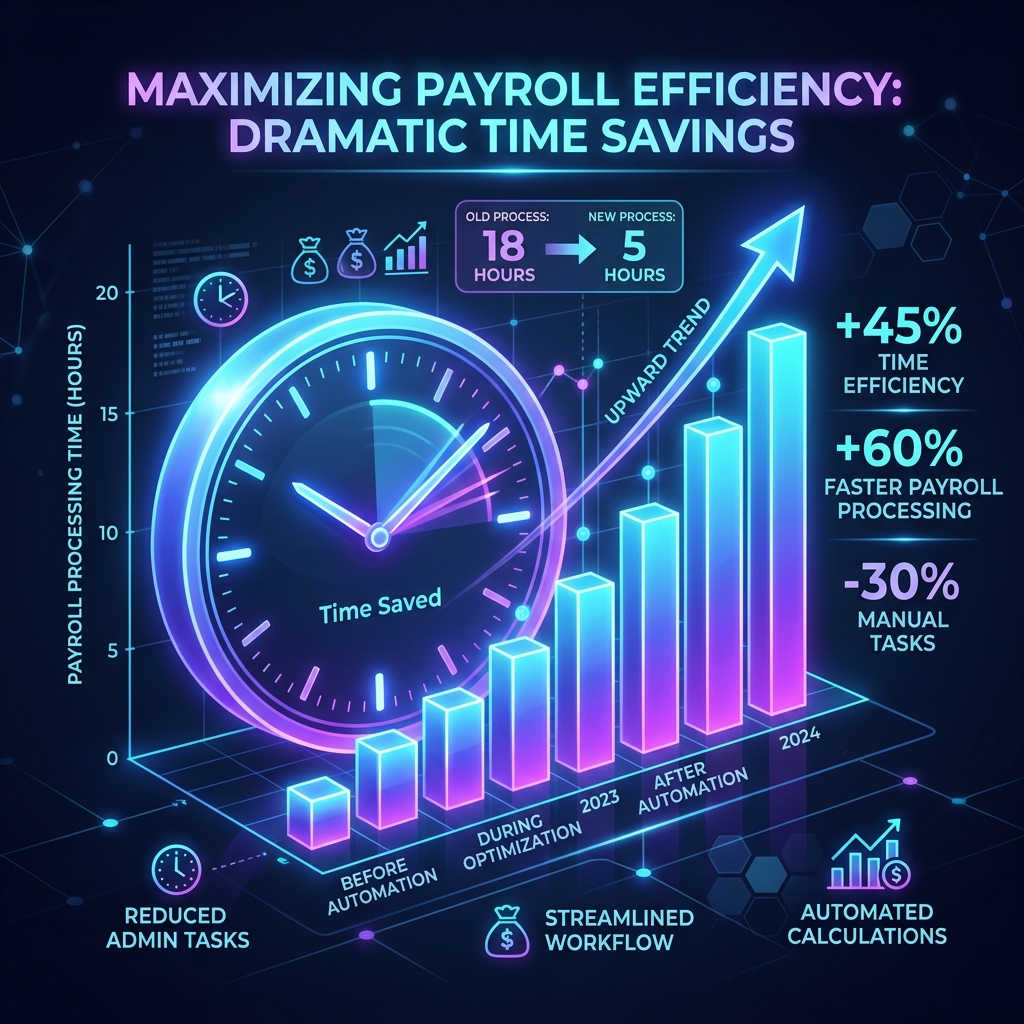
Click Generate Payslips. PayslipGen uses a native C++/Rust rendering core that compiles 100+ fully itemized, vector-sharp PDF payslips in roughly 3 to 5 seconds. Each document contains crystal-clear itemized tables that satisfy all FLSA, New York, and California labor code transparency mandates.
Step 4: Secure Password Encryption & Direct SMTP Emailing
Because hourly staff frequently access their personal emails on mobile phones, securing salary documents is vital. PayslipGen automatically encrypts each PDF with dynamic AES-256 keys (e.g., Last 4 SSN + Birth Year) and distributes them directly to employee inboxes via your corporate SMTP server.
Chapter 5: Comparison of Hourly Payroll Solutions
Here is how local desktop automation compares to traditional methods for hourly payroll processing:
| Feature / Capability | Manual Excel & Mail Merge | Enterprise SaaS (ADP / Paychex) | PayslipGen (Local Software) |
|---|---|---|---|
| Cost | High manual labor cost | $350 - $1,500/month | One-time purchase ($49) |
| Multiple Shift Rate Itemization | Error-prone manual formulas | Supported (Complex setup) | Native visual column mapping |
| Generation Speed (75 workers) | 4–6 hours | Instant (Cloud portal) | < 4 seconds local |
| Data Privacy & PII Storage | Local disk | Third-party cloud servers | 100% Offline / Local hardware |
| Automated AES-256 PDF Lock | No (Requires Acrobat Pro) | Portal login required | Yes (Automated per row) |
Frequently Asked Questions (FAQs)
How do I calculate overtime if an employee worked at two different hourly rates in the same week?
Under FLSA regulations, you must compute the weighted regular rate of pay (RROP). Add the total straight-time earnings from both rates, divide by the total hours worked in the workweek to find the average regular rate, and then multiply that rate by 0.5 for all overtime hours worked beyond 40. Add this overtime premium to the total straight-time earnings to determine gross pay.
What is the difference between 1.5x overtime and 2.0x double-time?
Standard 1.5x overtime applies to hours worked beyond 40 in a workweek (federal FLSA) or beyond 8 in a single day (states like California). Double-time (2.0x base rate) is mandated in California for hours worked beyond 12 in a single day, or for hours worked beyond 8 on the 7th consecutive day of a workweek.
How do I convert clock times like 7:45 into decimal hours for payroll?
To convert minutes into decimal fractions of an hour, divide the minute count by 60. For example: 15 minutes = 0.25 hrs, 30 minutes = 0.50 hrs, 45 minutes = 0.75 hrs. Therefore, 7 hours and 45 minutes equals 7.75 decimal hours. Never enter 7.45 into a payroll formula.
Can PayslipGen handle both regular pay and tips for restaurant staff?
Yes. You can configure dedicated columns for base hourly wages, direct cash tips, credit card tip pools, and meal credit deductions. PayslipGen maps these directly onto itemized earning and deduction rows on the payslip.
Is it mandatory to show Year-To-Date (YTD) totals on hourly payslips?
Yes, in the majority of US states (including California, New York, Texas, and Illinois) as well as the UK and Canada, employers are legally required to display Year-To-Date (YTD) gross earnings, federal/state tax withholdings, and total deductions on every pay statement issued to employees.
Automate Your Hourly Payslips Without Monthly Fees
Itemize shift differentials, calculate FLSA overtime accurately, and generate hundreds of encrypted PDF payslips in seconds with PayslipGen.
Download PayslipGen NowConclusion
Managing an hourly workforce requires extraordinary operational discipline and mathematical precision. Relying on manual spreadsheet copy-pasting or fragile macro scripts introduces intolerable legal and financial liabilities.
By combining normalized timesheet exports with the itemization, encryption, and local execution power of PayslipGen, your business can guarantee 100% FLSA compliance, protect employee financial privacy, and eliminate payroll stress forever.
(Interested in specialized hourly workflows? Check out our guides on Restaurant Payroll & Tip Pools and Construction Worker Prevailing Wages.)