
Construction Worker Payslip Template & Bulk Generator: Manage Trades, Per-Diems, and Daily Wages
Key Takeaways
- ✓Construction payroll demands specialized line-item handling for prevailing wages (Davis-Bacon Act), trade classifications, non-taxable travel per-diems, and union dues.
- ✓High seasonal turnover and large subcontractor pools make per-seat cloud SaaS billing ($10–$15/user/month) extraordinarily wasteful for general contractors.
- ✓Site supervisor timesheets exported from field apps (Raken, Procore, ExakTime) can be imported into master Excel sheets and mapped to PDF payslip fields in seconds.
- ✓PayslipGen offers a rugged, one-time $49 local automation engine that produces certified-audit-ready PDF payslips with automated mobile email delivery.
In the commercial and residential construction industry, Friday afternoon on the job site is sacred. Journeyman carpenters, heavy equipment operators, concrete finishers, electricians, and general laborers pack up their toolboxes, gather around the site office trailer, and expect their weekly wages. If a trade worker’s salary slip is missing their prevailing wage fringe rate, fails to itemize out-of-town travel per-diems, or miscalculates multi-rate overtime, job site friction explodes instantly—and project delivery schedules grind to a halt.
Unlike static corporate desk jobs, construction payroll is a high-speed, heavy-duty operational environment. General contractors and specialty subcontractors operate on tight weekly pay cycles, manage fluctuating trade classifications across multiple job sites, navigate complex statutory prevailing wage mandates (such as the federal Davis-Bacon Act), and track non-taxable tool and equipment allowances.
Yet, traditional software vendors penalize construction firms with predatory "per-employee per-month" cloud subscriptions—charging full monthly fees for temporary laborers who only worked three days on a concrete pour. In this comprehensive technical guide, we will examine the architectural anatomy of construction wage calculations, explore prevailing wage and per-diem compliance, and show how general contractors can convert field timesheets into hundreds of itemized, certified-audit-ready PDF payslips in seconds using PayslipGen.
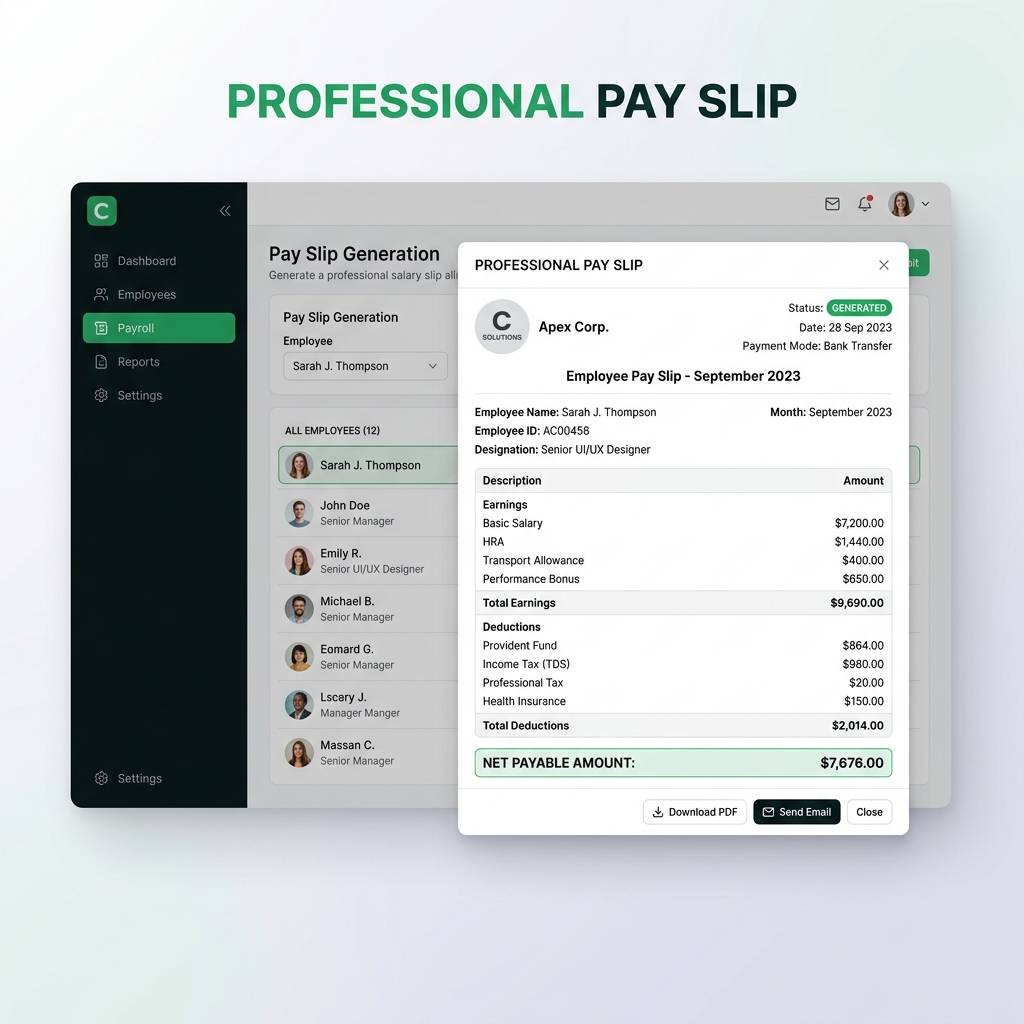
Try Our Interactive Demo Instantly
Want to see how an offline-capable, client-side payslip generator works in practice? Try our brand-new interactive demo right in your browser. Upload a sample CSV, map your columns, and generate beautifully designed PDF payslips—with zero data ever being transmitted to our servers.
Launch Free Demo NowChapter 1: The Complex Realities of Construction Payroll
Why do standard commercial payroll systems break when applied to construction sites? Construction compensation is governed by five unique operational variables:
1. Multi-Trade Job Costing & Variable Wage Rates
On any given construction project, a single employee may perform multiple distinct trade roles across different phases of the project. A tradesperson might work 16 hours as a rough carpenter ($28.00/hr), 12 hours as a drywall framer ($26.00/hr), and 12 hours operating a skid-steer loader ($32.00/hr). The weekly payslip must explicitly detail the project phase, trade classification, hours worked, and rate applied for each specific task.
2. Prevailing Wage Laws & The Davis-Bacon Act
When working on federally funded or state public works contracts in the United States, contractors are legally bound by the Davis-Bacon Act and state "Little Davis-Bacon" laws. These statutes mandate that workers must be paid no less than the locally prevailing wage and fringe benefits for corresponding work on similar projects in the area.
Under prevailing wage rules, the hourly compensation consists of two mandated components:
- Basic Hourly Cash Rate: The direct cash wage paid on the paycheck.
- Fringe Benefit Rate: Mandated employer contributions to bona fide health, pension, and apprentice training funds. If the employer does not provide qualifying third-party benefits, the fringe differential must be paid directly to the employee as cash on the weekly payslip.
Certified Payroll Audit Compliance
Public works contracting requires contractors to submit weekly Certified Payroll Reports (Form WH-347). If the numbers on your worker payslips contradict your certified payroll filings, your company faces severe contract debarment, withholding of progress payments, and crippling financial penalties.
3. Equipment Allowances, Travel Stipends & Non-Taxable Per-Diems
Construction crews frequently travel out-of-county or out-of-state for commercial builds. Under IRS accountable plans and GSA per-diem schedules, lodging and meal allowances (per-diems) are non-taxable reimbursements.
If an accounting clerk mistakenly bundles a $150/day per-diem into gross taxable wages, the worker suffers unfair tax withholding, and the contractor pays unnecessary payroll taxes (FICA, FUTA, SUTA, and workers' comp insurance premiums). A dedicated construction payslip must clearly segregate non-taxable expense reimbursements from taxable gross wages.
4. Union Dues, Vacation Funds & Working Assessments
For unionized contractors (e.g. IBEW, LiUNA, Carpenters Union, Operating Engineers), payslips must itemize specific statutory deductions:
Working Dues Checkoff (e.g. 2.5% of Gross)Union Political Action Committee (PAC) ContributionBuilding Trades Council FundMarket Recovery Fund Deductions
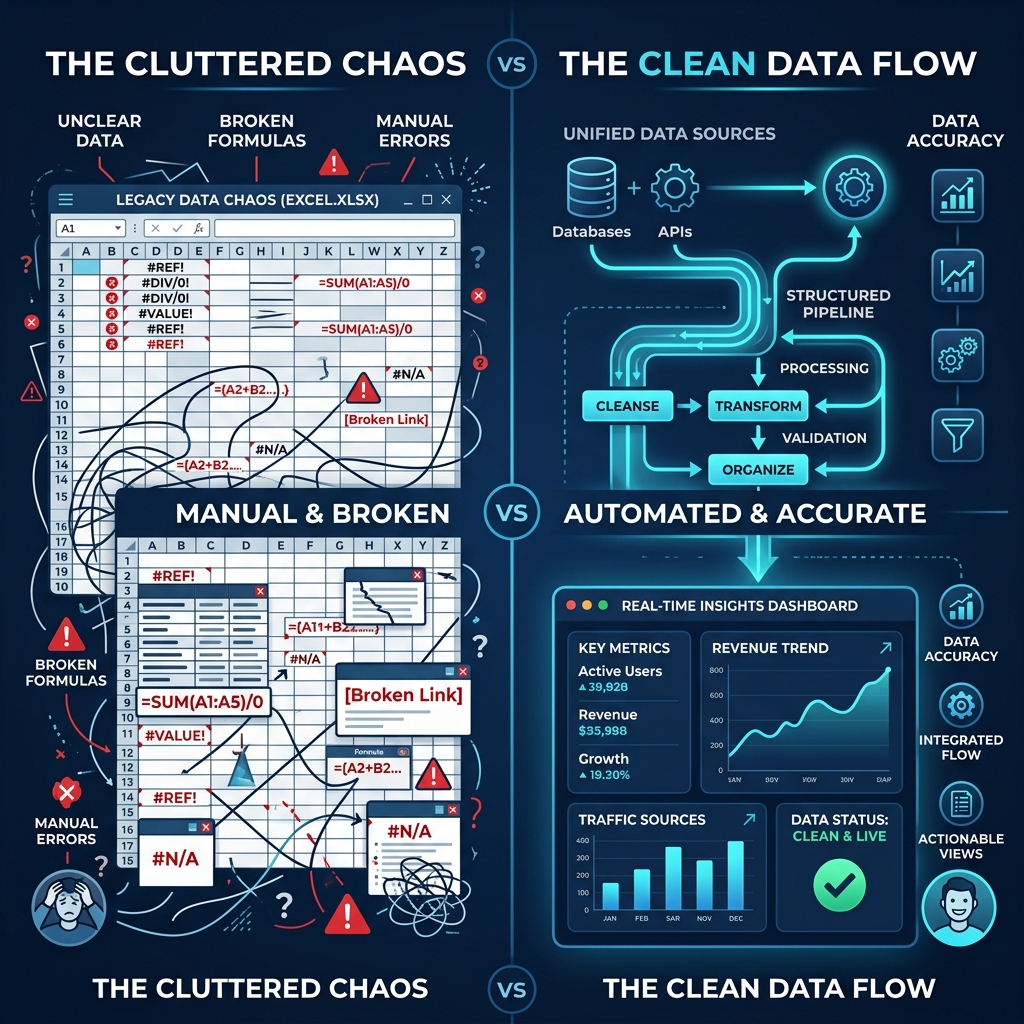
Chapter 2: Why SaaS Per-Seat Subscriptions Hurt Construction Firms
The construction labor market is characterized by extreme seasonality and high turnover. A general contractor might employ 25 core full-time superintendents and project managers during the winter, but scale up to 180 field workers, temporary trades, and specialized subcontractors during the peak summer construction season.
The Cloud SaaS Monetization Trap
Cloud payroll SaaS platforms (Gusto, ADP, Procore Payroll, Paychex) charge on a per-employee per-month (PEPM) basis—often $10 to $18 per active worker each month plus hefty base subscription fees.
Consider a commercial drywall contractor who hires 40 temporary framers for a four-week project. A cloud SaaS provider charges for all 40 accounts for the entire billing cycle. When the project completes and the framers move to another job, the contractor is still billed until an administrator manually deactivates each user. Over the course of a year, the contractor pays thousands of dollars in "ghost seat" subscription fees for workers who haven't set foot on a site in six months.
The Local Alternative: One-Time Lifetime Ownership
PayslipGen rejects the per-seat subscription model entirely. For a single one-time purchase of $49, your construction company gains the permanent ability to generate unlimited PDF payslips for 10, 100, or 1,000 workers across unlimited projects and trade classifications, with zero recurring costs.
Chapter 3: Structuring an Itemized Construction Payslip Template
An official construction salary slip must clearly display job site codes, hours worked by classification, fringe benefits, and transparent deductions.
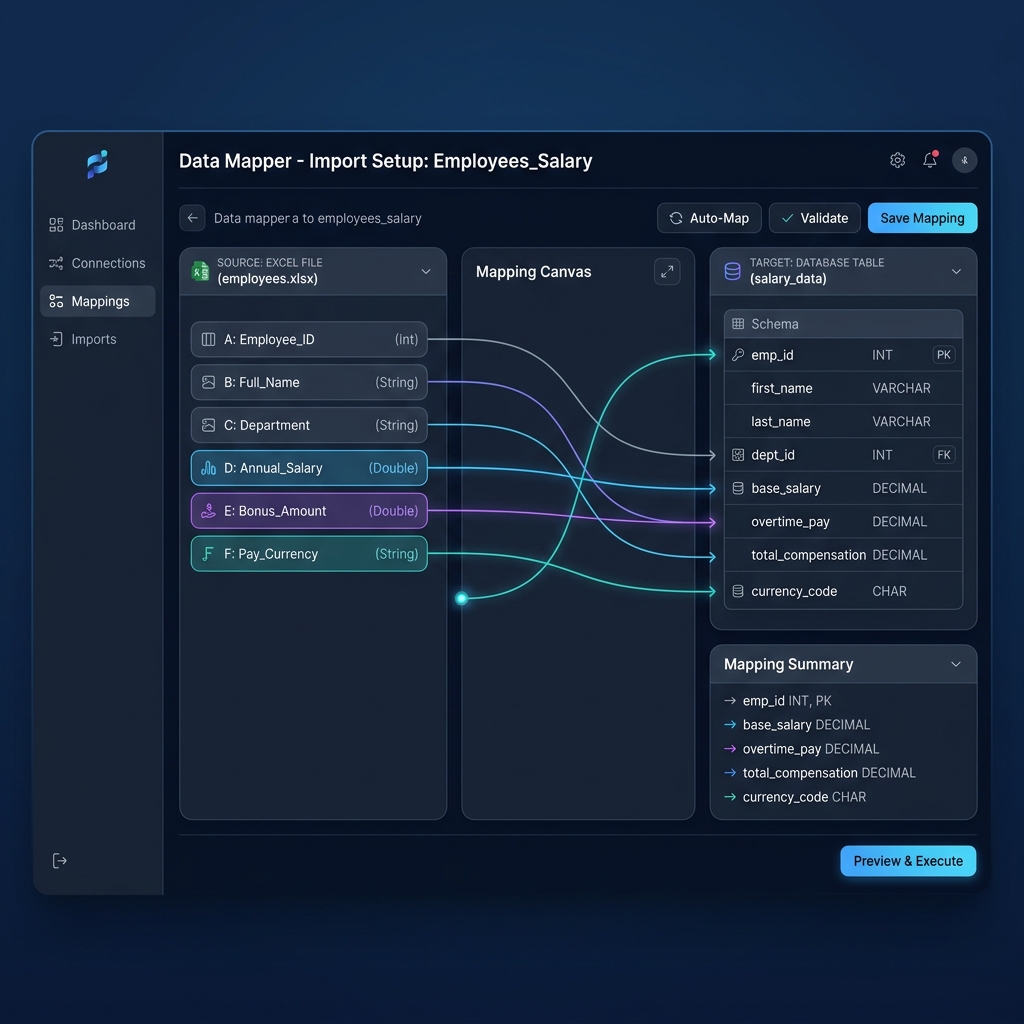
Construction Payslip Example Breakdown
1. Trade Earnings & Fringe Benefits
Project: Metro Tower - Phase 3 (Site #104)Trade: Journeyman ElectricianRegular Base Hours (40 hrs @ $36.00/hr) = $1,440.00Overtime 1.5x Hours (8 hrs @ $54.00/hr) = $432.00Prevailing Wage Fringe Differential ($6.50/hr) = $312.00Travel Per-Diem Allowance (Non-Taxable) = $250.00Personal Truck / Tool Allowance = $100.00- Total Gross Earnings: $2,534.00
2. Statutory Deductions & Union Checkoffs
Federal Income Tax Withholding = $245.00FICA Social Security (6.2%) = $135.41FICA Medicare (1.45%) = $31.67State Disability / Workers' Comp Fund = $18.50IBEW Local Working Dues (2.0%) = $43.68Safety Equipment Payroll Advance = $50.00- Net Pay Distributed: $2,009.74
Chapter 4: Converting Site Timesheets into Batch Payslips in 3 Steps
In modern construction operations, field superintendents log crew hours using mobile apps like Raken, Procore, ExakTime, or simple master Excel spreadsheets. Here is how you turn those weekly raw logs into professional payslips using PayslipGen.
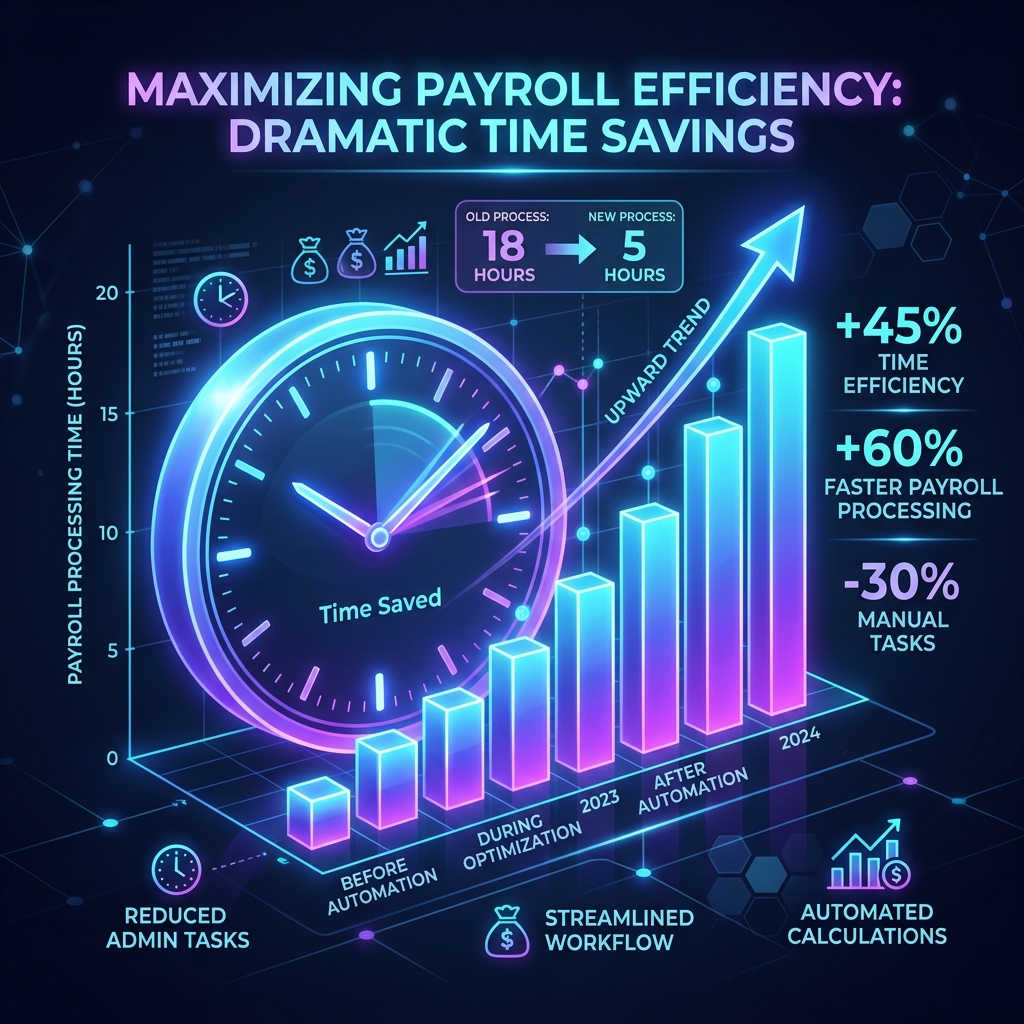
The 3-Step Construction Workflow
- Export Weekly Site Master Sheet: Export the weekly timecard report from your field app or accounting sheet into
.csvor.xlsx. The columns include Employee Name, Trade, Job Site, Regular Hours, OT Hours, Base Rate, Fringe Rate, Per Diem, Union Dues, and Recipient Email. - Visual Column Mapping in PayslipGen: Open PayslipGen. Select your construction template. The smart column mapper automatically identifies field headers. Simply link your spreadsheet columns to the corresponding display blocks on the payslip.
- Batch Compile & Dispatch: Click "Generate Payslips". PayslipGen's high-speed local engine renders hundreds of crisp, encrypted PDFs in seconds. With one more click, the built-in SMTP engine delivers password-protected salary slips directly to workers' smartphones, while archiving an unalterable local master copy in your company’s audit folder.
Chapter 5: On-Site Mobile Delivery & Worker Data Privacy
Construction workers are rarely seated in front of desktop computers. They check their earnings on smartphones directly from the job site or in transit.
PayslipGen ensures mobile-optimized delivery:
- Mobile-Friendly PDF Rendering: PayslipGen formats documents to render crisply on mobile screens (iOS & Android) without text reflow errors or broken formatting.
- Algorithmic Password Encryption: Each PDF is encrypted with an intuitive, tamper-proof password (such as the last 4 digits of the worker's SSN/tax ID + birth year). If a phone is left unattended in a shared crew truck, the confidential wage data remains impenetrable.
- Offline Data Security: Because PayslipGen runs locally on your office laptop or desktop, employee Social Security Numbers, banking details, and wage data never touch third-party cloud servers.
Chapter 6: Frequently Asked Questions (FAQ)
How do I display prevailing wage fringe benefits on the payslip?
Prevailing wage fringe benefits can be paid either into qualified benefit funds or directly as cash wages on the paycheck. In PayslipGen, you can map a dedicated column titled Prevailing Wage Fringe (Cash) to show workers exactly how their total hourly compensation meets statutory Davis-Bacon determinations.
Can I generate payslips for independent 1099 subcontractors?
Yes. PayslipGen supports custom payment advice templates for 1099 trade subcontractors and piece-rate crews. You can display contract fees, milestone payouts, equipment deductions, and non-employee compensation without standard W-2 tax withholdings. Learn more in our 1099 Contractor Paystub Guide.
How does PayslipGen handle overtime on multi-rate workweeks?
When a worker performs tasks at different wage rates in the same week, federal law requires calculating overtime based on the weighted average regular rate. You can calculate the blended rate in your master spreadsheet and map the resulting overtime pay directly to the payslip.
Can we print physical copies for workers who do not use email?
Yes. In addition to automated SMTP email delivery, PayslipGen generates a consolidated multi-page PDF containing all worker payslips formatted for standard Letter / A4 paper. You can print the entire batch on your job site office printer with a single click.
Are travel per-diems subject to payroll taxes?
Under an IRS-compliant accountable plan, per-diem allowances paid up to the federal GSA rate for travel away from the employee's tax home are non-taxable. They are not subject to income tax withholding or FICA taxes and should be listed in the non-taxable reimbursements section of the payslip.
Do I have to pay monthly fees when my construction crew expands?
No. PayslipGen is sold on a lifetime one-time license for $49. Whether you have 10 workers in the winter or 500 workers during summer peak season, you will never be charged recurring per-employee fees.
Build a Stronger Construction Payroll Workflow
Tackle prevailing wages, trade costing, and per-diems with absolute precision. Generate professional, password-protected construction payslips directly from your site spreadsheets.
Download PayslipGen for $49 (One-Time)Conclusion
Construction projects require heavy machinery, skilled trades, and uncompromising operational discipline. Your payroll and payslip distribution process should reflect that same standard of rugged efficiency.
By utilizing PayslipGen, general contractors and trade managers eliminate human error, guarantee certified audit compliance, protect employee financial privacy, and permanently liberate their budgets from parasitic monthly software subscriptions.