
1099 Contractor & Freelancer Paystub Generator: Create Professional Payment Advice Without SaaS Fees
Key Takeaways
- ✓1099 vs W2 Legal Distinctions: Unlike W2 employee payslips, 1099 contractor payment advice stubs must show gross disbursements, project milestone breakdowns, and zero statutory tax withholdings, clearly stating independent contractor status.
- ✓The SaaS Contractor Tax: Platforms like Deel, Remote, and Gusto charge $29 to $599/contractor/month merely to generate PDF invoices and record payments—costing a 30-contractor agency over $10,000 annually.
- ✓Proof of Income for Freelancers: Mortgage underwriters, landlords, and auto lenders require verifiable, itemized payment vouchers and YTD gross summaries to approve credit for self-employed professionals.
- ✓Local One-Click Batch Generation: Using PayslipGen, small business owners can generate 50+ password-protected contractor payment stubs from an Excel sheet in under 60 seconds with zero monthly fees.
The modern global workforce has fundamentally decoupled from traditional nine-to-five employment. Today, digital agencies, engineering consultancies, media companies, and startups rely extensively on a dynamic network of 1099 independent contractors, specialized consultants, and international freelancers. These knowledge workers deliver immense value on flexible retainers, hourly contracts, and deliverable milestones.
Yet, when month-end arrives, managing contractor payment documentation turns into a messy administrative bottleneck. Freelancers submit varied invoice formats—some handwritten in Word, others generated via random web tools—while business owners struggle to provide structured, verifiable "Payment Advice" or "Contractor Paystubs" that summarize hours, billable milestones, reimbursement expenses, and transaction reference numbers.
To solve this, many businesses mistakenly sign up for bloated Employer of Record (EOR) or contractor management platforms like Deel, Remote, Rippling, or Gusto. But why pay $35 to $599 per contractor every single month just to generate a PDF payment stub?
In this comprehensive guide, we will examine the legal and practical nuances of 1099 contractor payment advice, why freelancers need formal proof of income, and how you can batch-generate 50+ professional contractor paystubs in seconds from a single spreadsheet using PayslipGen.

Try Our Interactive Demo Instantly
Want to see how an offline-capable, client-side payslip generator works in practice? Try our brand-new interactive demo right in your browser. Upload a sample CSV, map your columns, and generate beautifully designed PDF payslips—with zero data ever being transmitted to our servers.
Launch Free Demo NowChapter 1: 1099 vs W2 - Deconstructing Contractor Payment Advice Requirements
The most critical compliance mistake business owners make when paying independent contractors is treating them like W2 employees. Under IRS regulations and international labor frameworks, independent contractors are distinct business entities (sole proprietorships, LLCs, or S-Corps) operating under business-to-business (B2B) agreements.
The Anatomy of a 1099 Contractor Paystub
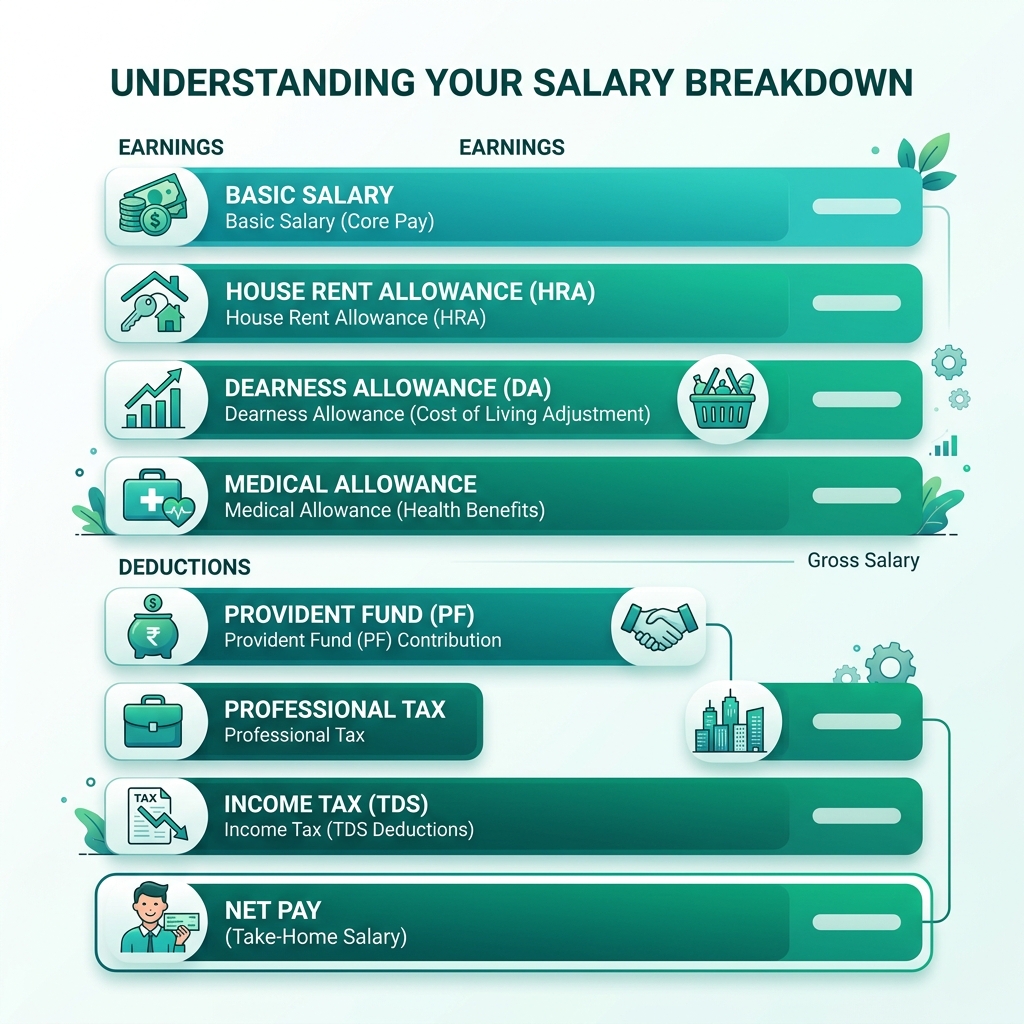
While standard employee payslips are dominated by statutory payroll tax withholdings (Federal Income Tax, Social Security, Medicare, FUTA, SUTA, State Disability), a 1099 contractor paystub—formally termed a Payment Advice Voucher or Contractor Remittance Advice—must reflect the following specific architecture:
| Document Element | W2 Employee Payslip | 1099 Contractor Paystub / Advice |
|---|---|---|
| Legal Relationship | Employer - Employee | Company - Independent Contractor (B2B) |
| Tax Withholding | Mandatory (FICA, Federal, State, Local) | ZERO ($0.00) - Contractor handles self-employment tax |
| Earnings Structure | Salary, Regular Hours, FLSA Overtime | Fixed Retainer, Billable Hours, Milestone Deliverables |
| Non-Tax Deductions | 401(k), Health Insurance, FSA/HSA | Advances, Tool/Software Pass-through, Platform Fees |
| Disbursement Reference | Direct Deposit Batch ID | Wire Ref, Wise Transfer ID, ACH Trace #, Invoice # |
| Mandatory Disclaimer | Statutory pay statement notices | "Independent Contractor Compensation: No taxes withheld. Reportable on IRS Form 1099-NEC." |
Chapter 2: The Subscription Trap - Why Paying SaaS for Contractors is Wasteful
In recent years, venture-backed HR tech platforms have created a lucrative business model out of basic contractor payments. Let's look at the actual economics of using cloud platforms to manage a roster of 25 independent contractors and freelancers:
Annual SaaS Overhead for 25 Contractors
- Platform A (e.g., Deel Contractor Plan):$29/contractor/month × 25 contractors = $725/month ($8,700/year)
- Platform B (e.g., Remote Contractor Management):$29/contractor/month × 25 contractors = $725/month ($8,700/year)
- Platform C (e.g., Gusto Contractor Add-on):$35 base + $6/contractor/month × 25 = $185/month ($2,220/year)
What are you actually paying for? For W2 employees, payroll providers calculate complex local tax brackets and file state unemployment reports. But for 1099 contractors, there are no tax calculations or filings performed during monthly payroll runs. You are literally paying hundreds of dollars each month for software that does nothing more than multiply Hours × Rate, render a PDF, and store it in a database.
If your company already uses Wise Business, direct ACH transfers, or standard bank wires to distribute funds, paying an extra $8,700 every year to a cloud SaaS provider is an unnecessary drain on your company's operating margins.
Chapter 3: Why Freelancers & Contractors Urgently Need Formal Paystubs
Independent contractors often encounter significant bureaucratic friction when attempting to navigate everyday financial transactions. Unlike salaried W2 workers who can effortlessly produce W2 forms and corporate paystubs, freelancers are frequently asked for extensive documentation by third-party institutions:
1. Mortgage Underwriting (Fannie Mae & Freddie Mac Standards)
When a self-employed contractor applies for a home loan, mortgage underwriters require comprehensive proof of income continuity. While tax returns (Schedule C / Form 1040) establish historical income, underwriters demand year-to-date (YTD) proof of active client disbursements through verified payment advice stubs and remittance statements.
2. Residential Apartment Leases & Commercial Renting
Property management firms routinely require applicants to show earnings equal to 3x monthly rent. A messy bank screenshot or a casual PayPal receipt is frequently rejected by leasing agents. A formal, branded contractor payment voucher with clear business identification, gross earnings, and payment reference numbers provides instant credibility.
3. Year-End 1099-NEC & 1099-MISC Reconciliation
At the close of the tax year, US businesses must issue IRS Form 1099-NEC for every non-employee paid $600 or more. When both the company and the contractor possess matching monthly payment advice vouchers, year-end tax reconciliation takes minutes rather than weeks of agonizing bank statement audits.
Chapter 4: Designing the Scalable Contractor Master Spreadsheet
To automate contractor paystubs, all you need is a clean master spreadsheet in Excel or Google Sheets. Here is the recommended schema designed specifically for 1099 and freelance operations:
| Column Header | Sample Value | Purpose / Description |
|---|---|---|
| Contractor_ID | CON-1099-042 | Internal vendor code |
| Contractor_Name | Alex Rivera (Apex Design LLC) | Individual or LLC entity name |
| Contractor_Email | alex@apexdesign.io | Destination email for delivery |
| Billing_Period | Aug 01, 2026 - Aug 31, 2026 | Service period covered |
| Project_Milestones | UI/UX Redesign & Mobile Wireframes | Scope of work description |
| Retainer_Fee | 4500.00 | Monthly fixed base compensation |
| Additional_Hours_Pay | 600.00 | 8 extra hours @ $75/hr |
| Expense_Reimbursement | 140.00 | Software licenses / asset purchases |
| Disbursed_Total | 5240.00 | =SUM(F2:H2) (Gross = Net) |
| Payment_Method_Ref | Wise Transfer #W-98402194 | Bank transfer reference trace |
| PIN_Password | AR8042! | Unique password for PDF encryption |
Chapter 5: Batch Generating 50+ Contractor Paystubs in Under 60 Seconds
With your master spreadsheet prepared, transitioning to local batch generation with PayslipGen takes under two minutes:
Step 1: Import Your Master Contractor Sheet
Open PayslipGen on your desktop. Click Upload Data and select your .csv or .xlsx contractor spreadsheet. The software instantly parses all rows and columns locally in memory.
Step 2: Customize Template for 1099 Payment Advice
In the Template Designer:
- Upload your company logo and brand color accent.
- Change the document title header from "Salary Slip" to "Contractor Payment Advice" or "Vendor Remittance Advice".
- Add your company's digital signature and corporate stamp for legal authenticity.
- Set the legal footer notice: "This voucher confirms non-employee compensation for independent contract services. No federal or state taxes have been withheld. Recipient is responsible for all applicable self-employment taxes."
Step 3: Enable Dynamic AES-256 PDF Password Encryption
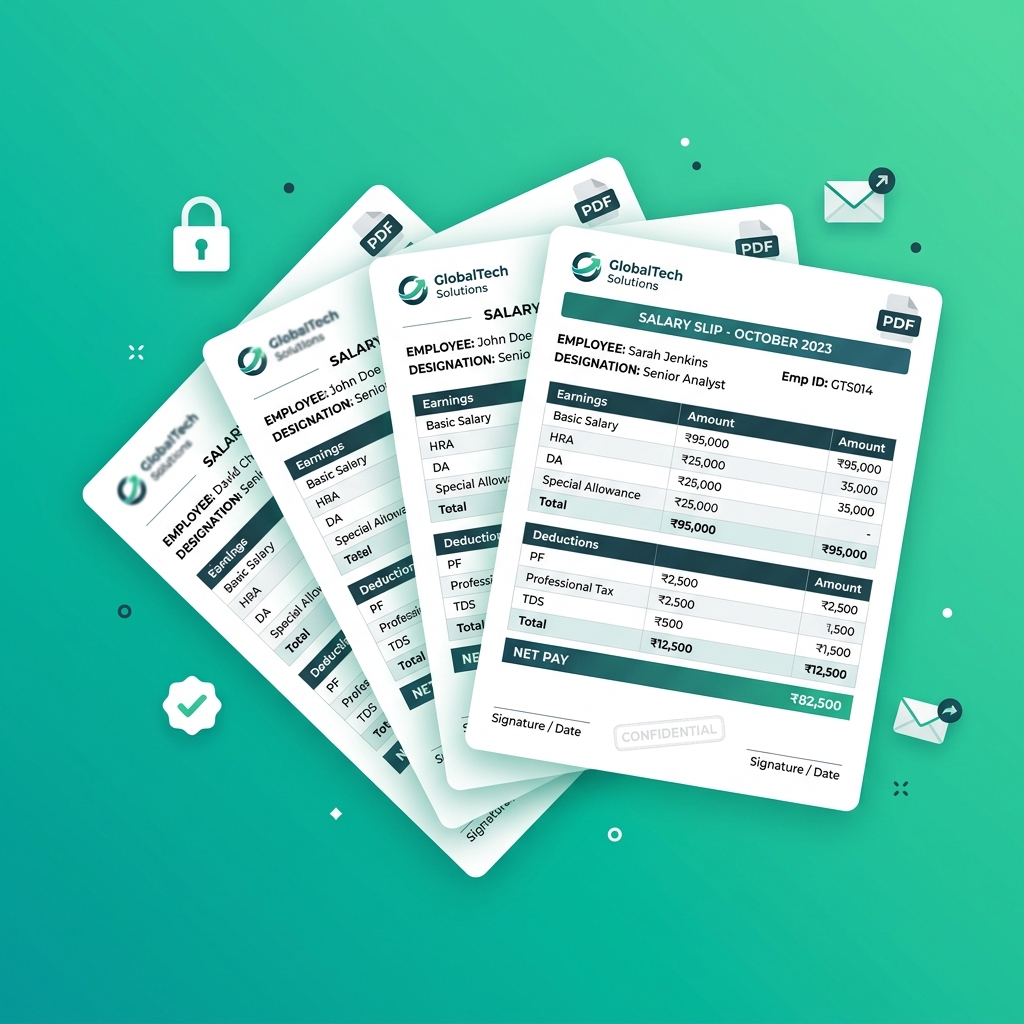
To protect your contractors' banking details and compensation figures, link the PIN_Passwordcolumn to the document encryption module. PayslipGen will automatically encrypt every generated PDF with that contractor's specific key using AES-256 encryption.
Step 4: One-Click Generation & Direct SMTP Delivery
Click Generate All Vouchers. Within 15 seconds, PayslipGen compiles 50 individual, pixel-perfect, password-protected PDF files into your output folder.
Next, switch to the Email Distribution tab. Enter your custom SMTP relay credentials (Amazon SES, SendGrid, Google Workspace, or Outlook), craft an email template with merge tags like {{Contractor_Name}} and {{Disbursed_Total}}, and click Dispatch. Each contractor receives their personalized, encrypted voucher directly in their inbox.
Chapter 6: Comprehensive Solutions Comparison Matrix
Here is how local desktop automation compares to traditional alternatives for contractor payment management:
| Criteria | Manual Word/PDF Templates | Online Paystub Generators | Cloud SaaS (Deel / Remote) | PayslipGen (Local Automator) |
|---|---|---|---|---|
| Cost Model | Free (High labor) | $5 - $15 per single stub | $29 - $599/mo per seat | One-time purchase ($49) |
| Batch Processing (50 workers) | 6–8 hours manual editing | Must enter one by one | Automated in cloud portal | < 30 seconds local batch |
| Data Privacy & PII Storage | Local disk | Stored on shady web servers | Multi-tenant US/EU cloud | 100% Offline on your PC |
| Password-Protected PDF | No | No | Requires portal login | Yes (AES-256 automated) |
| Integrated SMTP Emailing | Manual email attachments | Manual download | Portal email notifications | Yes (Direct custom SMTP) |
Frequently Asked Questions (FAQs)
Is a business legally required to provide paystubs to 1099 contractors?
In most jurisdictions, businesses are not legally mandated to provide standard employee paystubs to 1099 contractors. However, providing a formal Payment Advice Voucher or Remittance Statement is standard business best practice. It prevents billing disputes, verifies milestone completions, simplifies year-end 1099-NEC tax filing, and provides contractors with essential proof of income for banks and lenders.
Why shouldn't I use random online fake paystub generators?
Many web-based "paystub generators" are designed to generate fraudulent documents with watermarks, charge $10 per download, and unethically harvest sensitive contractor PII (Social Security Numbers, EINs, banking details, and home addresses) on unencrypted cloud servers. PayslipGen is legitimate offline desktop software that operates 100% locally on your machine with zero data harvesting.
Can I use PayslipGen for both hourly contractors and fixed retainer freelancers?
Yes. You can structure your spreadsheet to include columns for fixed retainer fees, billable hourly rates, project milestones, and expense reimbursements. PayslipGen dynamically maps these columns to your voucher template, rendering itemized breakdowns for each individual contractor.
How do international freelancers use these payment vouchers for local taxes?
International contractors (e.g., in the UK, Canada, Australia, India, or the Philippines) must declare foreign client revenue to their local tax authorities. An official payment advice voucher showing your company details, service descriptions, disbursed gross amounts, and currency identifiers serves as primary audit evidence for their local accountant.
Can I add our corporate signature and stamp to the contractor vouchers?
Yes. PayslipGen allows you to upload high-resolution transparent PNG images of your authorized corporate signature and company seal. These are automatically embedded on every generated voucher, transforming a standard spreadsheet export into a legally robust financial statement.
Stop Paying Monthly SaaS Fees for Contractor Paystubs
Generate professional, password-protected 1099 payment advice vouchers in bulk from your spreadsheets with zero recurring subscriptions.
Get PayslipGen TodayConclusion
Operating an agile company powered by top-tier freelance talent should be a competitive advantage, not an operational money pit. Paying hundreds of dollars a month to SaaS platforms just to produce basic contractor payment advice PDFs is an outdated relic of the cloud subscription era.
By utilizing a structured master spreadsheet and the local processing power of PayslipGen, you can provide your contractors with enterprise-grade payment vouchers in seconds, maintain immaculate financial records, protect sensitive vendor data, and eliminate recurring software bills forever.
(Managing international team members? Explore our dedicated guide on Multi-Currency Remote Payroll or learn how to convert CSVs to PDF Payslips offline.)