
How to Generate Automatic Payslips from Excel Without VBA or Macros
Key Takeaways
- ✓VBA and Macros are prone to breaking and pose security risks.
- ✓You can generate payslips from Excel data using robust alternative tools.
- ✓PayslipGen offers a secure, offline way to map Excel/CSV data to professional PDF payslips.
- ✓Using standalone software eliminates formatting errors and saves countless hours.
For decades, Excel has been the go-to tool for small and medium businesses to manage payroll. It's accessible, flexible, and virtually everyone knows how to use it. However, the true challenge arises when it's time to distribute payslips to employees.
Traditionally, automating this process meant diving into the complex world of Visual Basic for Applications (VBA) or recording fragile macros. In this comprehensive guide, we'll explore why relying on VBA is a thing of the past and how you can seamlessly generate automatic PDF payslips directly from your Excel data without writing a single line of code.
The Problem with VBA and Macros for Payroll
When businesses first attempt to automate their Excel payroll processing, they usually stumble upon tutorials suggesting VBA scripts to loop through rows and export PDFs. While this sounds great in theory, it's riddled with practical issues.
1. Constant Breakages and Maintenance
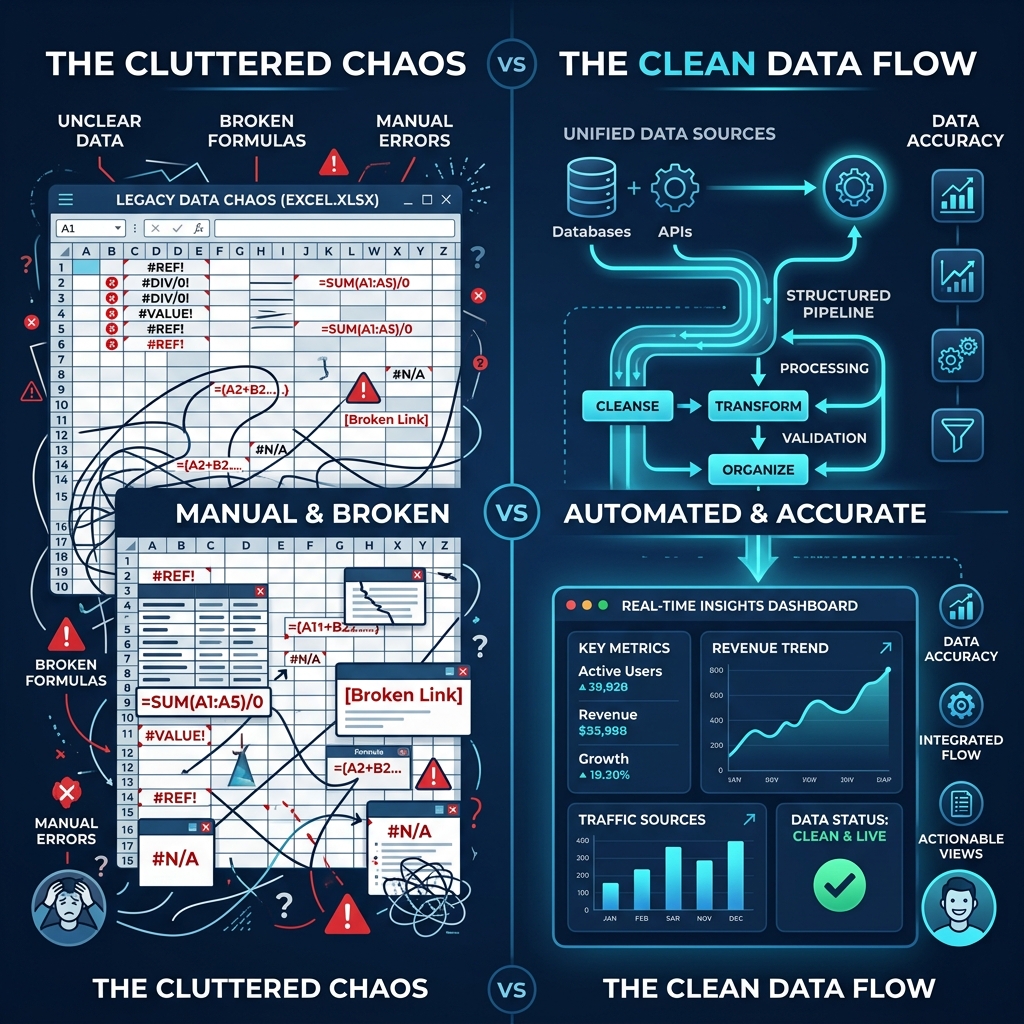
VBA scripts are notoriously fragile. If an HR manager adds a new column for a new bonus type, or renames a sheet, the entire script can break. Troubleshooting "Run-time error '1004'" on payday is a stressful experience no payroll administrator wants to endure.
2. Security Vulnerabilities
Macro-enabled workbooks (.xlsm) are a frequent vector for malware. Many modern IT policies outright ban or severely restrict the execution of macros across corporate networks to prevent ransomware attacks. Relying on them for sensitive payroll data is a significant risk.
3. Formatting Limitations
Designing a professional-looking payslip within an Excel worksheet and using VBA to print it to PDF often results in misaligned text, clipped borders, and unprofessional layouts across different screen sizes or printer configurations.
A Modern Approach: Decoupling Data from Presentation
The most efficient way to generate payslips is to decouple your payroll calculation (the data) from the payslip generation (the presentation). Excel is fantastic for calculating hours, taxes, and deductions. But it is not a layout engine.
Instead of forcing Excel to act as a PDF generator, you can use specialized software like PayslipGen. PayslipGen acts as the perfect bridge—an offline payroll software that takes your clean Excel or CSV data and instantly transforms it into beautiful, professional PDFs.
Try Our Interactive Demo Instantly
Want to see how an offline-capable, client-side payslip generator works in practice? Try our brand-new interactive demo right in your browser. Upload a sample CSV, map your columns, and generate beautifully designed PDF payslips—with zero data ever being transmitted to our servers.
Launch Free Demo NowHow to Generate Payslips Automatically from Excel (No Code Required)
Here is the exact workflow to generate hundreds of payslips in minutes, entirely offline and securely, using your existing Excel spreadsheet.
Step 1: Finalize Your Payroll Data in Excel
Continue using Excel to calculate your payroll just as you normally do. Ensure that your final data is neatly arranged in a tabular format. Every row should represent an employee's payslip for that period, and every column should represent a distinct data point (e.g., Basic Salary, Tax Deduction, Overtime Hours).
Step 2: Save as CSV
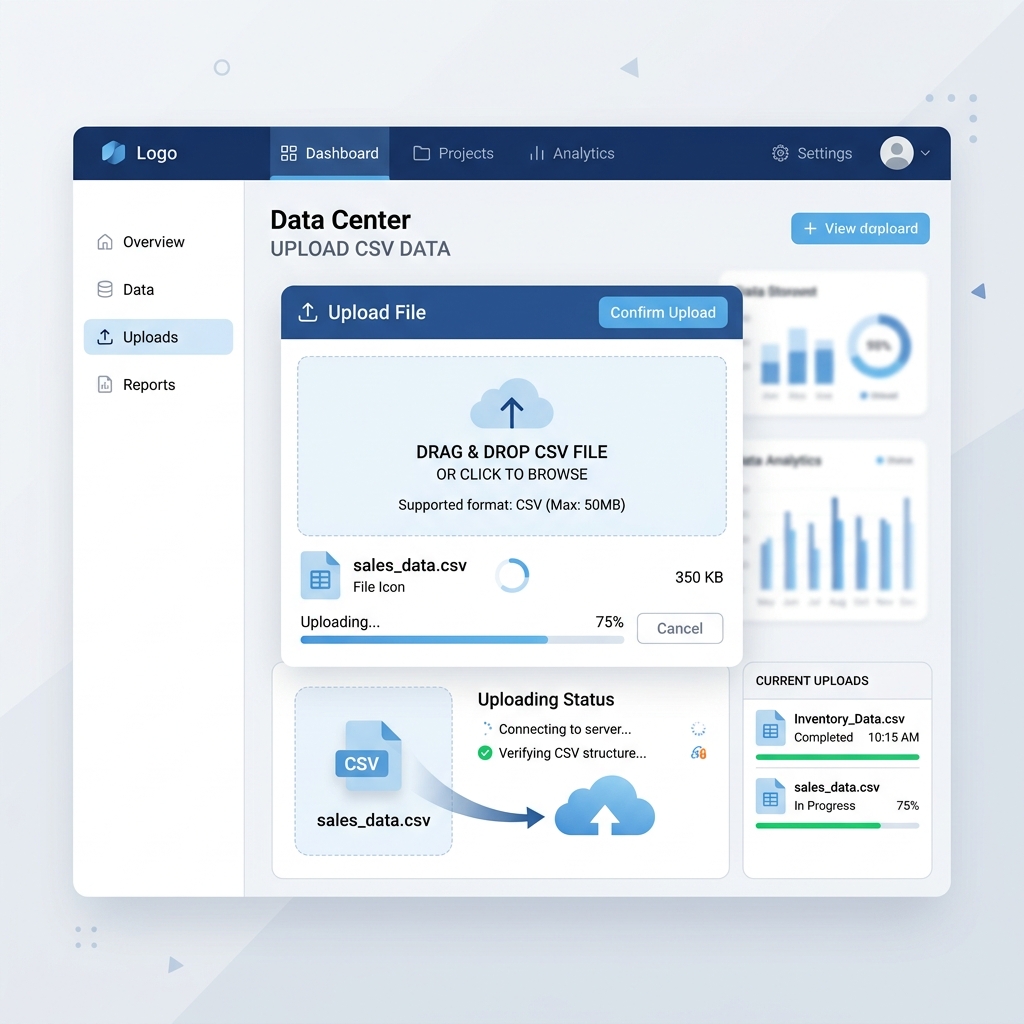
Once your data is finalized, simply go to File > Save As and select CSV (Comma delimited) (*.csv). This lightweight, universal format strips away unnecessary Excel formatting and leaves only the raw data ready for processing. If you are using Google Sheets or Numbers, they also support exporting to CSV.
Step 3: Import into PayslipGen
Open PayslipGen, the premier bulk payslip generator. Import your newly created CSV file. Because PayslipGen runs completely offline on your local machine, your sensitive payroll data never leaves your computer, ensuring maximum security compared to cloud alternatives.
Step 4: Map Your Columns
PayslipGen features an intuitive drag-and-drop mapping interface. You don't need to rename your Excel columns to match strict templates. Instead, simply map your columns (e.g., "Employee Name", "Net Pay", "Tax") to the corresponding fields on the visual payslip template.

Step 5: Generate and Distribute
With one click, PayslipGen will automatically process every row in your Excel data and generate individual, pixel-perfect PDF payslips. If you need to distribute them, you can utilize built-in tools like the bulk payslip email sender to securely deliver password-protected PDFs directly to your employees' inboxes.
Comparison: VBA Macros vs. Dedicated Generator Tool
To clearly illustrate the benefits of moving away from macros, let's look at a head-to-head comparison:
| Feature | Excel with VBA/Macros | PayslipGen (Dedicated Tool) |
|---|---|---|
| Setup Complexity | High (Requires coding knowledge) | Low (No-code, visual mapping) |
| Maintenance | Breaks easily if layout changes | Robust, adapts to new columns easily |
| Security | Risk of macro viruses; often blocked | 100% Offline, secure processing |
| Design Quality | Basic, prone to printing errors | Professional, pixel-perfect PDFs |
| Bulk Emailing | Requires complex Outlook integration | Built-in, automated delivery |
Why Small Businesses Are Making the Switch
For an affordable payroll software for small business, maintaining complex custom infrastructure simply doesn't make sense. The time spent debugging a broken macro on a Friday afternoon is time that could be spent growing the business.
By separating the calculation engine (Excel) from the generation engine (PayslipGen), companies achieve the best of both worlds: the uncompromised flexibility of spreadsheets for complex calculations, and the reliable, professional output of enterprise-grade software.
Frequently Asked Questions
Can I keep using my existing Excel payroll template?
Yes! That's the beauty of this approach. You don't need to change how you calculate payroll. Just save your final output as a CSV and map it within PayslipGen.
Do I need an internet connection to generate the payslips?
No. PayslipGen is completely offline software, meaning you can process highly sensitive employee salary data without an active internet connection.
Is it possible to add our company logo?
Absolutely. You can customize the payslip templates with your company logo, colors, and specific formatting requirements without touching any code.
What if my data has dozens of different deductions and allowances?
PayslipGen handles complex data structures easily. You can map as many dynamic fields as you need from your Excel/CSV file into the payslip layout.
Conclusion
Automating your payslip generation shouldn't require a computer science degree or hours of wrestling with VBA errors. If you are looking to streamline your Excel to payslip PDF workflow, it's time to abandon fragile macros and adopt a robust, dedicated solution.
By leveraging tools designed specifically for this purpose, you can eliminate errors, improve security, and deliver professional documents to your employees consistently, payday after payday.
Ditch the Macros Today
Generate thousands of professional PDF payslips directly from your Excel data in minutes, 100% offline and secure.