
Nanny Paystub Generator: Create Compliant Household Employee Paystubs Without Care.com Fees
Key Takeaways
- ✓Nannies Are Statutory W-2 Employees: Under IRS common law rules and the Fair Labor Standards Act (FLSA), domestic household workers (nannies, housekeepers, private caregivers) are legally employees—never 1099 independent contractors.
- ✓The $900–$1,200/Year Concierge SaaS Tax: Specialized household payroll services like Care.com HomePay and Poppins Payroll charge $75 to $95 every month simply to process paychecks for a single household employee.
- ✓State Paystub Transparency Mandates: More than 40 US states have enacted strict Wage Theft Prevention statutes requiring household employers to issue itemized paystubs with each disbursement showing hours, rates, and withholdings.
- ✓Self-Managed Schedule H Payroll with PayslipGen: Parents can track hours in a simple Excel spreadsheet and use PayslipGen to generate pristine, bank-ready PDF paystubs locally for a one-time fee of $49, keeping all family financial data strictly private.
When you hire a nanny, au pair, private housekeeper, or in-home senior caregiver, you don't think of yourself as a corporate executive. You are simply a parent or family member trying to ensure your loved ones receive dedicated care.
Yet under United States federal tax law and state labor regulations, the moment you pay an in-home worker more than the annual statutory threshold ($2,700 for the 2026 tax year under IRS Publication 926), your home becomes an official commercial workplace, and you become a statutory Household Employer.
To navigate this bureaucratic minefield, many families sign up for specialized household payroll SaaS platforms like Care.com HomePay, Poppins Payroll, or SurePayroll. But when your monthly payroll involves paying exactly one person an agreed-upon hourly wage, paying $75 to $95 every single month ($900 to $1,140 per year) for a software subscription is a massive financial drain.
In this comprehensive household payroll guide, we unpack the exact legal rules governing the "Nanny Tax," clarify why classifying domestic workers as 1099 contractors is an IRS audit disaster, break down the mechanics of IRS Schedule H (Form 1040), and demonstrate how you can maintain full legal compliance by generating professional, itemized PDF paystubs directly from your spreadsheet using PayslipGen for a single one-time payment of $49.
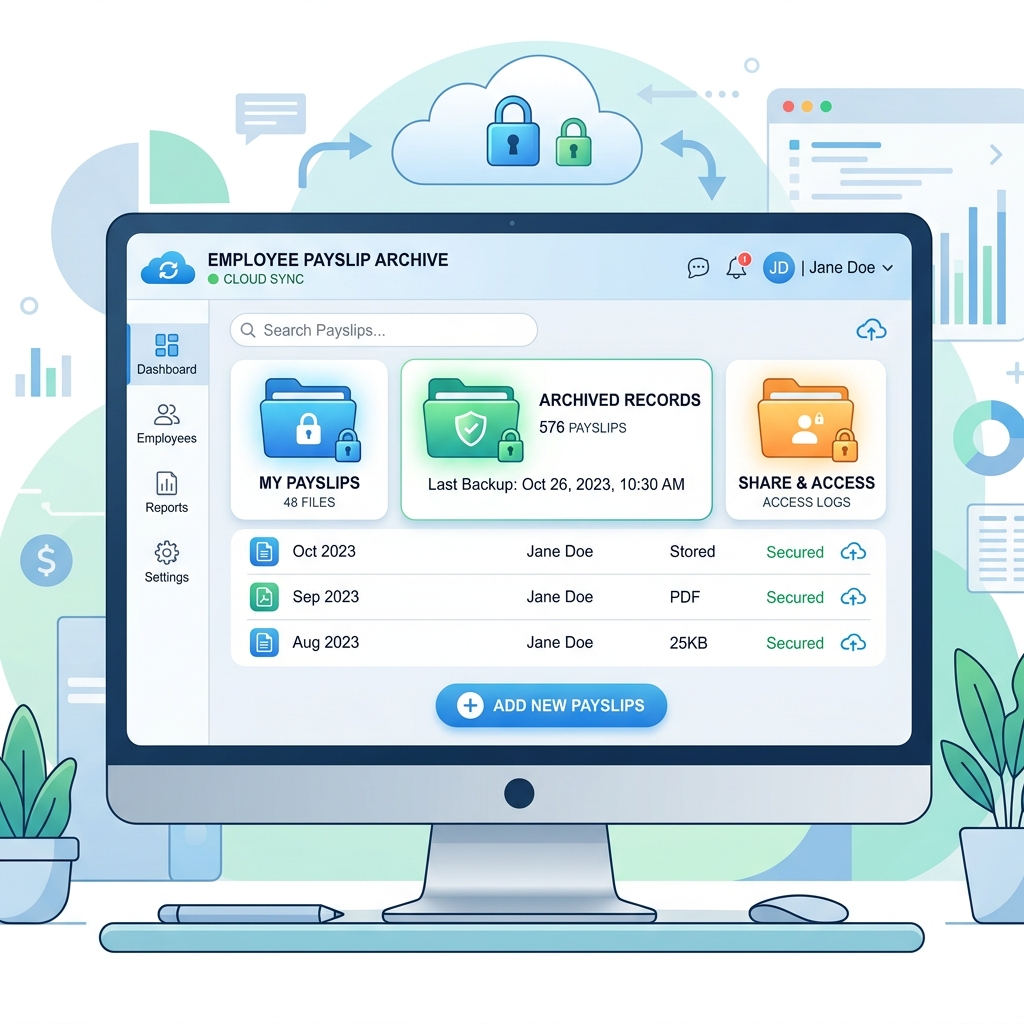
Try Our Interactive Demo Instantly
Want to see how an offline-capable, client-side payslip generator works in practice? Try our brand-new interactive demo right in your browser. Upload a sample CSV, map your columns, and generate beautifully designed PDF payslips—with zero data ever being transmitted to our servers.
Launch Free Demo NowChapter 1: Why Nannies Are Legally Employees, Never 1099 Contractors
One of the most dangerous and common misconceptions among new parents is assuming they can simply treat their nanny as an "independent contractor" and hand them an IRS Form 1099 at the end of the year.
Under IRS Common Law rules (IRS Publication 926 and Revenue Ruling 87-41), employment status is determined by behavioral and financial control:
- You Control the Schedule: You dictate what time the nanny arrives in the morning and when their shift concludes.
- You Provide the Tools & Environment: The care takes place inside your home, utilizing your nursery equipment, food, and supplies.
- You Direct the Work: You set nap times, dietary guidelines, developmental activities, and screen time rules.
If you issue a 1099-NEC to a nanny, the worker will frequently file IRS Form 8919 ("Uncollected Social Security and Medicare Tax on Wages") when tax season arrives, alerting the IRS to the misclassification.
The IRS will assess back employer FICA taxes (7.65%), state unemployment contributions, failure-to-withhold penalties, and statutory interest. Furthermore, if the employment relationship ends and the nanny files for unemployment benefits, the state Department of Labor will initiate an immediate audit against your household.
Chapter 2: Understanding the "Nanny Tax" Breakdown & Schedule H
The term "Nanny Tax" refers to the bundle of federal and state payroll taxes applicable to household staff:
| Tax Component | Statutory Rate | Paid By | Reporting Form |
|---|---|---|---|
| Social Security (OASDI) | 6.2% | Employee Withholding (or Employer Paid) | IRS Schedule H & Form W-2 Box 4 |
| Social Security Employer Match | 6.2% | Employer Cost | IRS Schedule H |
| Medicare (HI) | 1.45% | Employee Withholding (or Employer Paid) | IRS Schedule H & Form W-2 Box 6 |
| Medicare Employer Match | 1.45% | Employer Cost | IRS Schedule H |
| Federal Unemployment (FUTA) | 0.6% (Effective) | Employer Cost (First $7,000 in wages) | IRS Schedule H Part II |
| State Unemployment (SUTA) | Varies (1.0% - 5.4%) | Employer Cost (Up to state wage base) | State Dept of Labor Quarterly Return |
| Federal & State Income Tax | Optional | Employee Withholding (Only if mutually agreed) | IRS Schedule H & Form W-2 Box 2 |
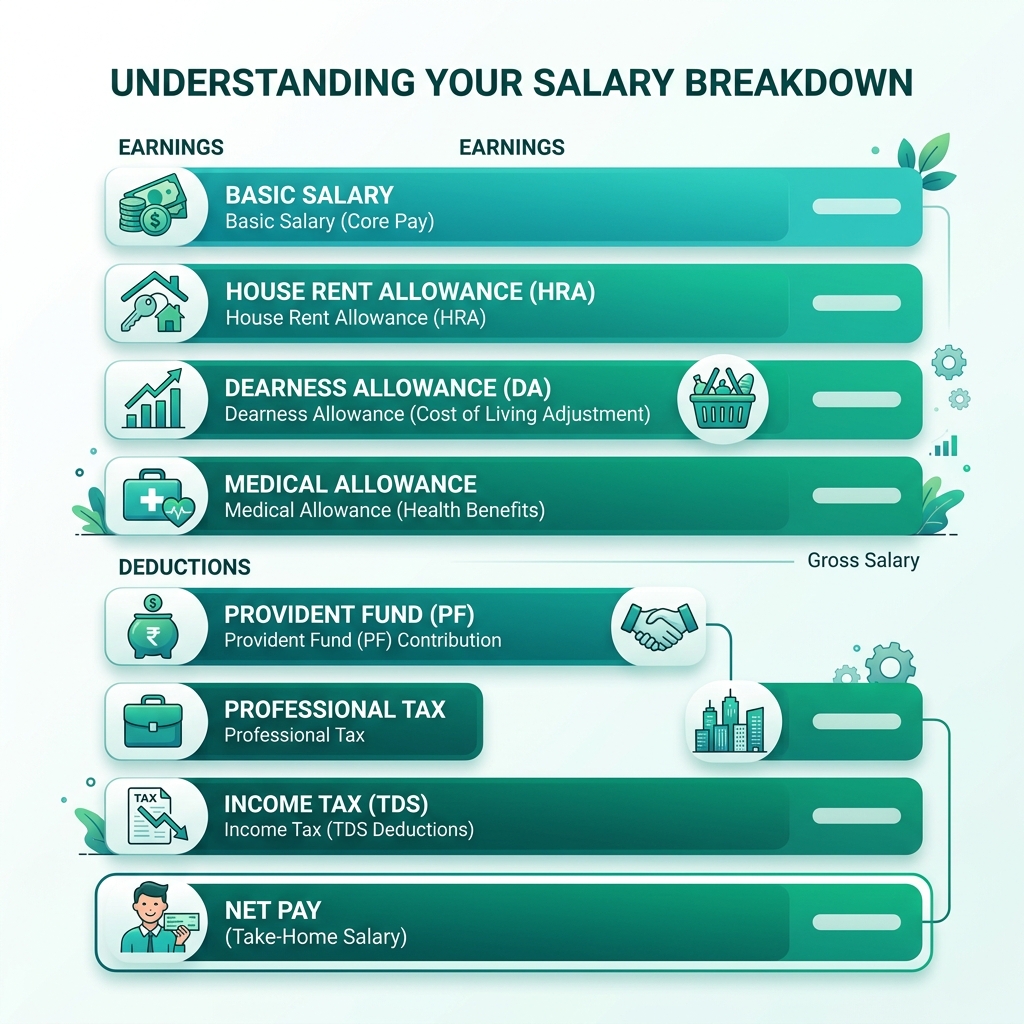
Chapter 3: Why Itemized Paystubs Are Legally Mandatory for Household Staff
Many parents ask: "Can I just Venmo or Zelle my nanny every Friday and figure out the taxes on my Form 1040 in April?"
Paying via Venmo without formal documentation is a major legal hazard:
- State Wage Theft Prevention Acts: In states including California, New York, Washington, Massachusetts, Illinois, and New Jersey, employers are required by law to provide a formal written paystub with every single payment. The paystub must itemize:
- Employer and employee legal names and addresses
- Inclusive dates of the pay period
- Total hours worked at regular hourly rates
- Overtime hours and overtime premium rates (1.5x regular rate for hours exceeding 40 in a workweek)
- Gross wages, itemized deductions, and net check amount
- Overtime Disputes: Under the FLSA, live-out nannies are non-exempt hourly employees entitled to overtime pay. Without itemized paystubs recording exact weekly hours and overtime rates, an employer has zero documentary defense if a disgruntled former worker files a wage claim with the Department of Labor.
- Proof of Income for the Nanny: Your nanny needs verifiable, institutional pay vouchers to rent an apartment, finance a vehicle, qualify for health insurance, or secure a personal loan. Unofficial bank screenshots are routinely rejected by leasing offices.
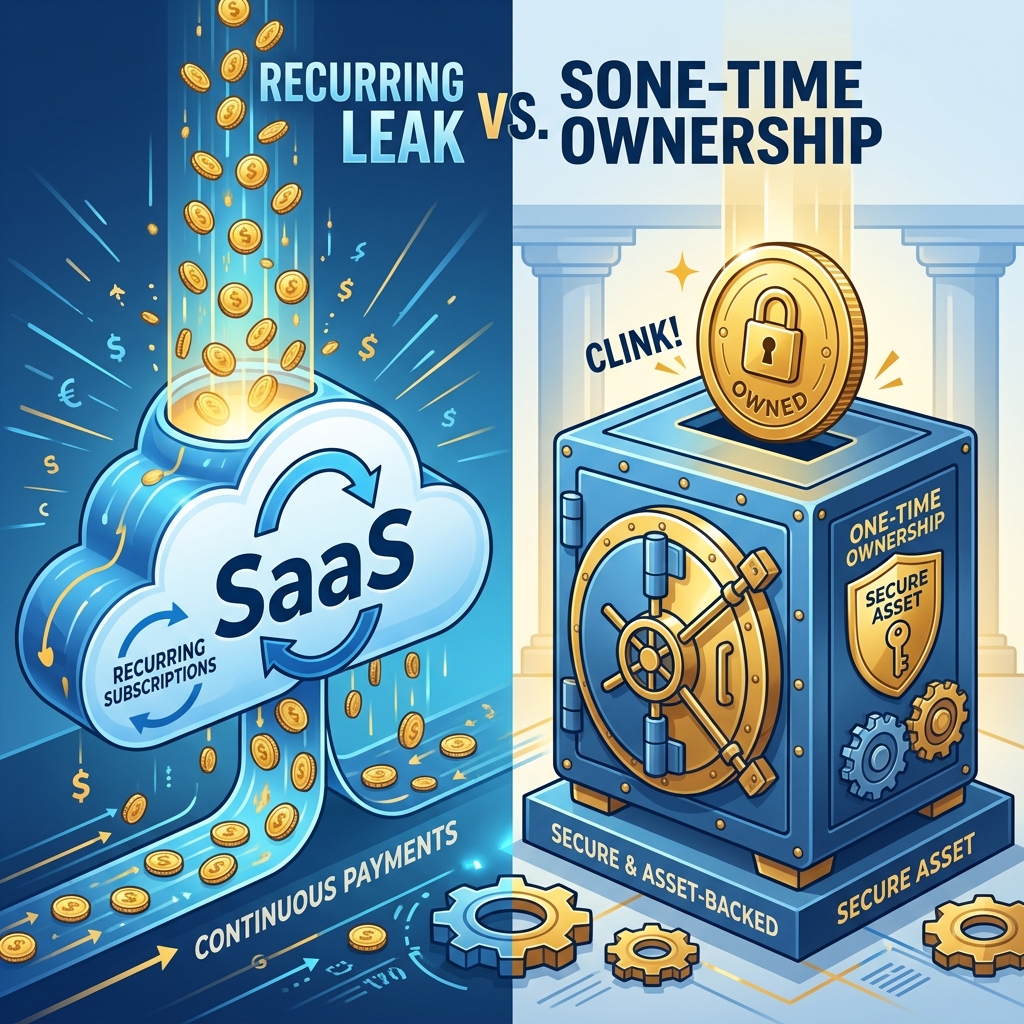
Chapter 4: The 5-Year Cost Comparison: Care.com HomePay vs. PayslipGen
Let's examine the actual financial cost of running household payroll over the early childhood years (infancy through preschool):
| Timeline | Care.com HomePay ($75/mo + $100 setup) | Poppins Payroll ($49/mo) | PayslipGen (One-Time License) |
|---|---|---|---|
| Year 1 | $1,000 | $588 | $49.00 (Total) |
| Year 3 | $2,800 | $1,764 | $49.00 (Total) |
| Year 5 | $4,600 | $2,940 | $49.00 (Total) |
| Recurring Monthly Tax | Yes ($75/mo forever) | Yes ($49/mo forever) | ZERO ($0.00 forever) |
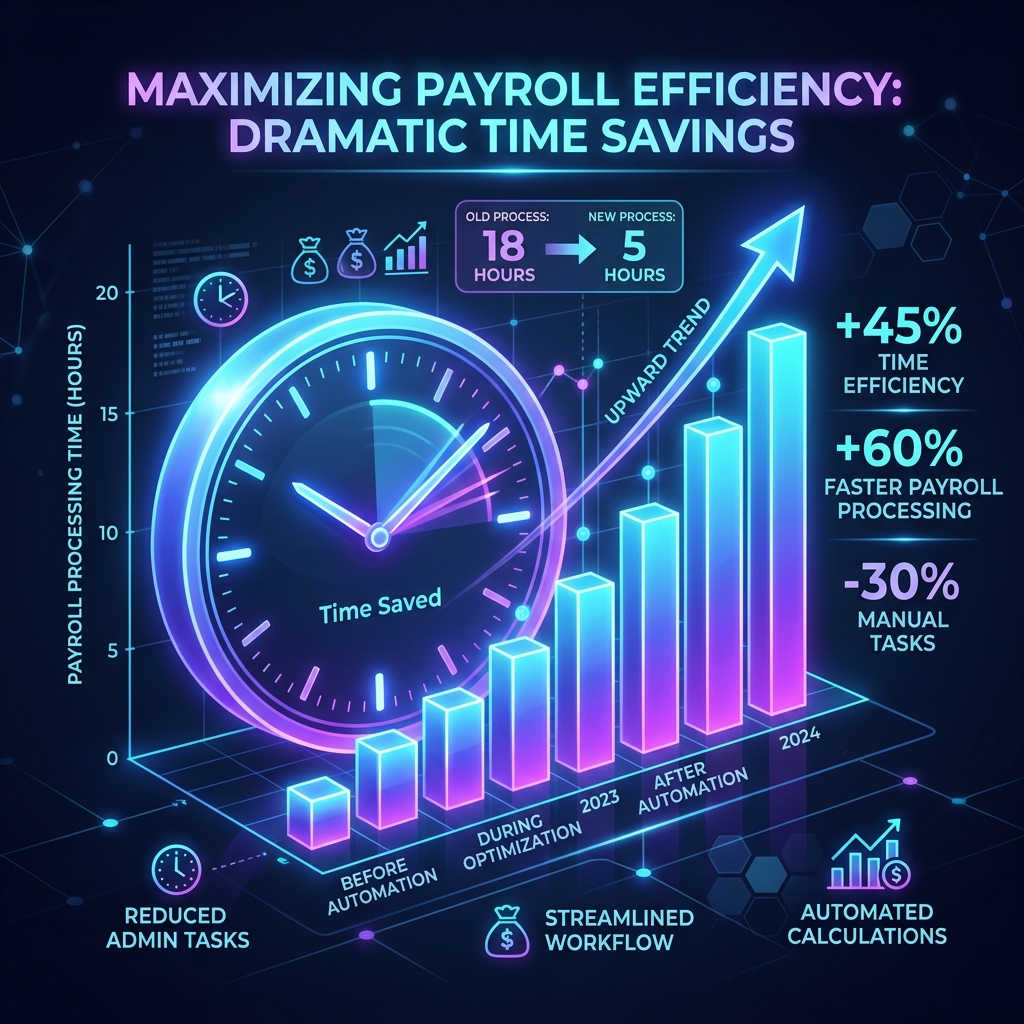
Chapter 5: Setting Up Your Nanny Payroll Excel Sheet
Managing your own household payroll takes less than five minutes per week using a clean spreadsheet:
| Column Header | Sample Value | Formula / Rule | Purpose |
|---|---|---|---|
| Employer_Family | The Vance Family | Text | Household entity identifier |
| Employee_Name | Maria Gonzales | Text | Nanny legal name |
| Regular_Hours | 40 | Number | Base straight-time hours |
| Regular_Rate | 25.00 | Currency ($/hr) | Contracted hourly wage |
| Overtime_Hours | 4 | Number | Hours over 40 in workweek |
| Overtime_Rate | 37.50 | =Regular_Rate * 1.5 | Mandatory 1.5x FLSA premium |
| Gross_Pay | 1150.00 | =(Hours*Rate) + (OT_Hours*OT_Rate) | Total gross earnings |
| Social_Security_EE | 71.30 | =Gross_Pay * 0.062 | Employee 6.2% FICA withholding |
| Medicare_EE | 16.68 | =Gross_Pay * 0.0145 | Employee 1.45% Medicare withholding |
| Net_Take_Home | 1062.02 | =Gross_Pay - FICA_Deductions | Net check / direct transfer |
Chapter 6: The Child Care Tax Offset: How Paying Legally Saves You $2,000+
Many parents hesitate to run formal payroll because they fear the added tax cost of employer FICA (7.65%) and unemployment contributions. However, when you pay legally and issue official paystubs, you unlock major federal and state tax credits that frequently offset or exceed the entire cost of the Nanny Tax:
1. Dependent Care Flexible Spending Account (DCFSA)
If your employer offers a Dependent Care FSA, you can contribute up to $5,000 per year in pre-tax dollars directly from your salary.
- Because these funds escape federal income tax (typically 22%–32%), state income tax (3%–9%), and FICA (7.65%), contributing the full $5,000 yields $1,500 to $2,300 in immediate net tax savings.
- To receive FSA reimbursements, plan administrators strictly require formal documentation showing your household employee's legal name, EIN/SSN, and itemized proof of payment (such as generated PDF paystubs).
2. The Child and Dependent Care Tax Credit (IRS Form 2441)
If you do not have access to an FSA, you can claim qualifying childcare expenses on IRS Form 2441 attached to Form 1040. For families with two or more qualifying children, up to $6,000 in childcare wages can be counted toward the credit, providing a direct tax reduction of 20% to 35% ($1,200 to $2,100).
Without formal paystubs documenting exact payments, your accountant cannot defend these deductions if the IRS requests documentation during a correspondence audit.
Chapter 7: Free Year-End Form W-2 Submission via Social Security BSO
Another reason families fall for expensive payroll subscriptions is fear of year-end reporting. Cloud services charge hundreds of dollars claiming W-2 filing is too complex for individuals.
In reality, filing a household employee's Form W-2 takes less than 15 minutes and is 100% free directly through the federal government:
- Register on SSA Business Services Online (BSO): Visit
ssa.gov/bsoand create a free employer account using your household EIN. - Sum Your Spreadsheet Totals: Open your Excel nanny tracking workbook. Add up the Year-to-Date (YTD) sums for:
- Box 1: Wages, tips, other compensation (Total Gross Wages)
- Box 3: Social security wages (Gross wages up to annual cap)
- Box 4: Social security tax withheld (6.2% employee share)
- Box 5: Medicare wages (Total Gross Wages)
- Box 6: Medicare tax withheld (1.45% employee share)
- Complete W-2 Online:Enter these exact numbers into the SSA's web-based "W-2 Online" form. The Social Security Administration automatically transmits Copy A to the federal government and generates a PDF of Copies B, C, and 2 for you to provide to your nanny.
- Attach Schedule H to Form 1040: Copy those same numbers onto Schedule H of your annual tax return. You are 100% compliant without having paid a single dollar in SaaS filing fees.
Chapter 8: Generating Compliant Paystubs in 3 Clicks with PayslipGen
With PayslipGen, turning your weekly Excel record into a flawless, bank-ready PDF paystub is effortless:
- Drop Your Spreadsheet: Drag your nanny calculation spreadsheet into PayslipGen on your personal computer.
- Map the Fields: Match your columns to Gross Pay, Hours, Overtime, and FICA deductions. PayslipGen saves your column mapping permanently.
- Protect with Nanny's DOB:Enable password protection using your nanny's Date of Birth or Employee ID so the document is secure.
- Instant PDF Generation & Email:Click "Generate." PayslipGen creates a crisp, professional PDF paystub that you can print out with their paycheck or email directly to their inbox.
Frequently Asked Questions (FAQs)
Do I need a federal Employer Identification Number (EIN) for a nanny?
Yes. You cannot use your personal Social Security Number to report household employee taxes or issue Form W-2. Obtaining a household employer EIN from the official IRS website (irs.gov) is free and takes less than 10 minutes.
Can I pay my nanny a fixed weekly salary instead of an hourly rate?
Generally, no. Under the federal Fair Labor Standards Act, domestic household workers are classified as non-exempt hourly employees. Even if you agree on a weekly stipend (e.g., $1,000/week), that rate legally covers only 40 hours. Any hours worked beyond 40 must be compensated at 1.5x the hourly equivalent ($37.50/hr).
How do I remit the taxes to the IRS without a payroll service?
As a household employer, you do not need to file complex quarterly Form 941 returns. Instead, you reconcile and pay all federal household employment taxes (FICA, FUTA, and income tax withholdings) once a year on IRS Schedule H attached directly to your personal Form 1040 tax return. To avoid underpayment penalties in April, you can increase the federal withholding on your own day-job W-4 or make quarterly estimated payments via IRS Direct Pay (EFTPS).
Can I pay my nanny's share of Social Security and Medicare taxes?
Yes. Under IRC Section 3121(a)(6), household employers are permitted to pay both the employer and employee share of FICA (15.3% total) without withholding it from the nanny's cash paycheck. However, any employee tax paid by the employer is considered additional taxable compensation for federal income tax reporting on Form W-2 Box 1.
Why is PayslipGen safer for household payroll than cloud software?
Cloud platforms store your personal home address, child schedules, and banking credentials on third-party servers. PayslipGen runs 100% offline on your home computer. Your family's personal records and sensitive payroll data never leave your desktop.
Simplify Your Nanny Payroll for Just $49
Generate compliant, itemized W-2 household employee paystubs from your own spreadsheet. No recurring monthly fees, no contracts, and 100% local privacy.
Get PayslipGen for $49 (Lifetime Access)Conclusion: Professional Household Payroll on Your Own Terms
Employing a dedicated caregiver or nanny is an invaluable partnership that supports your family's daily life. Managing their payroll professionally with clear, itemized paystubs demonstrates mutual respect and protects both parties under state and federal law.
You do not need to forfeit $900 or more every year to concierge cloud subscription services just to issue a weekly paycheck. By tracking hours in a structured spreadsheet and pairing it with PayslipGen, you achieve complete legal compliance, total financial privacy, and institutional-grade paystubs with a single, one-time investment of $49.
(Also managing other specialized payroll needs? Explore our guides on S-Corp Owner Reasonable Salaries, Itemizing Paid Family Leave on Paystubs, or how to Generate Password-Protected Payslips Automatically.)