
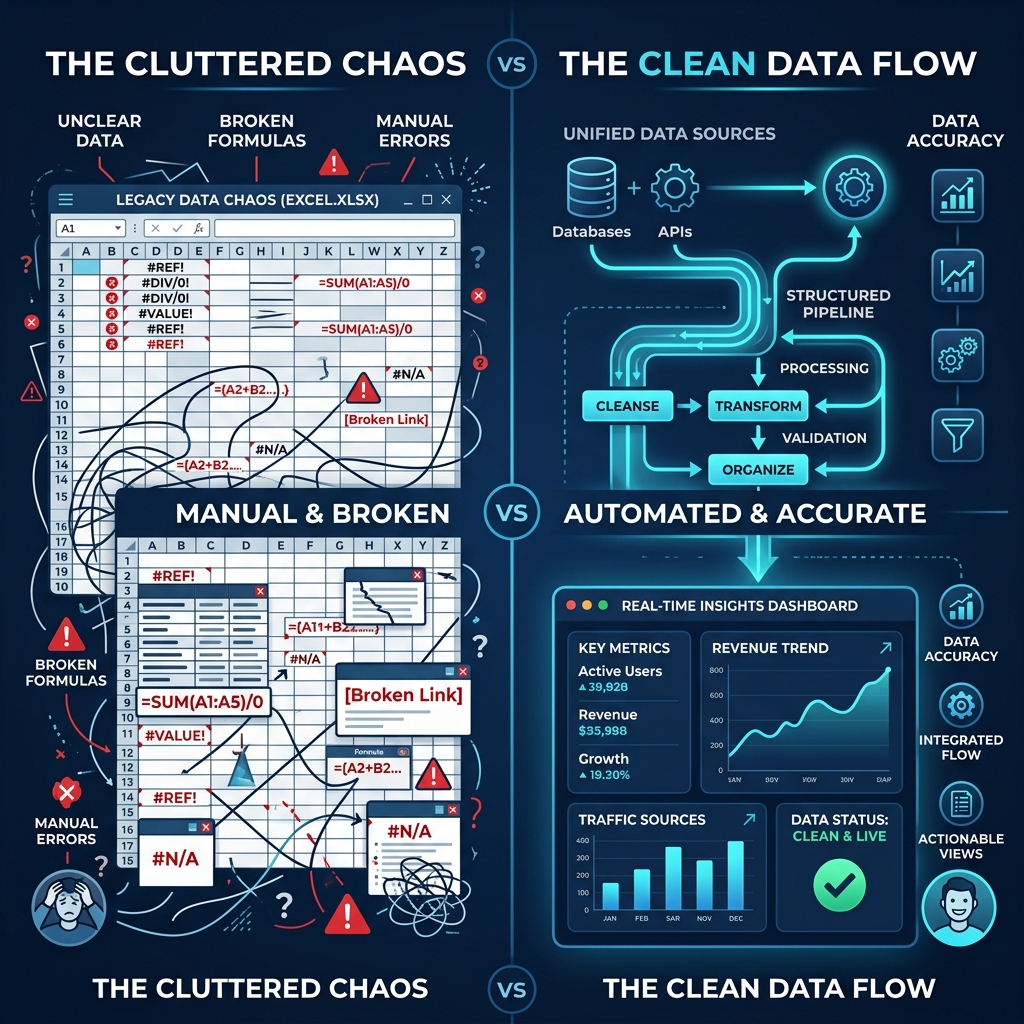
Designed for Fast CSV Imports
Ditch fragile converters. Our compiler reads your column layouts and runs the calculations offline without upload delays.
Zero-Cloud Parser Engine
CSV compilation runs in native assembly memory threads offline. No files are uploaded to any external servers.
Smart Column Mapper
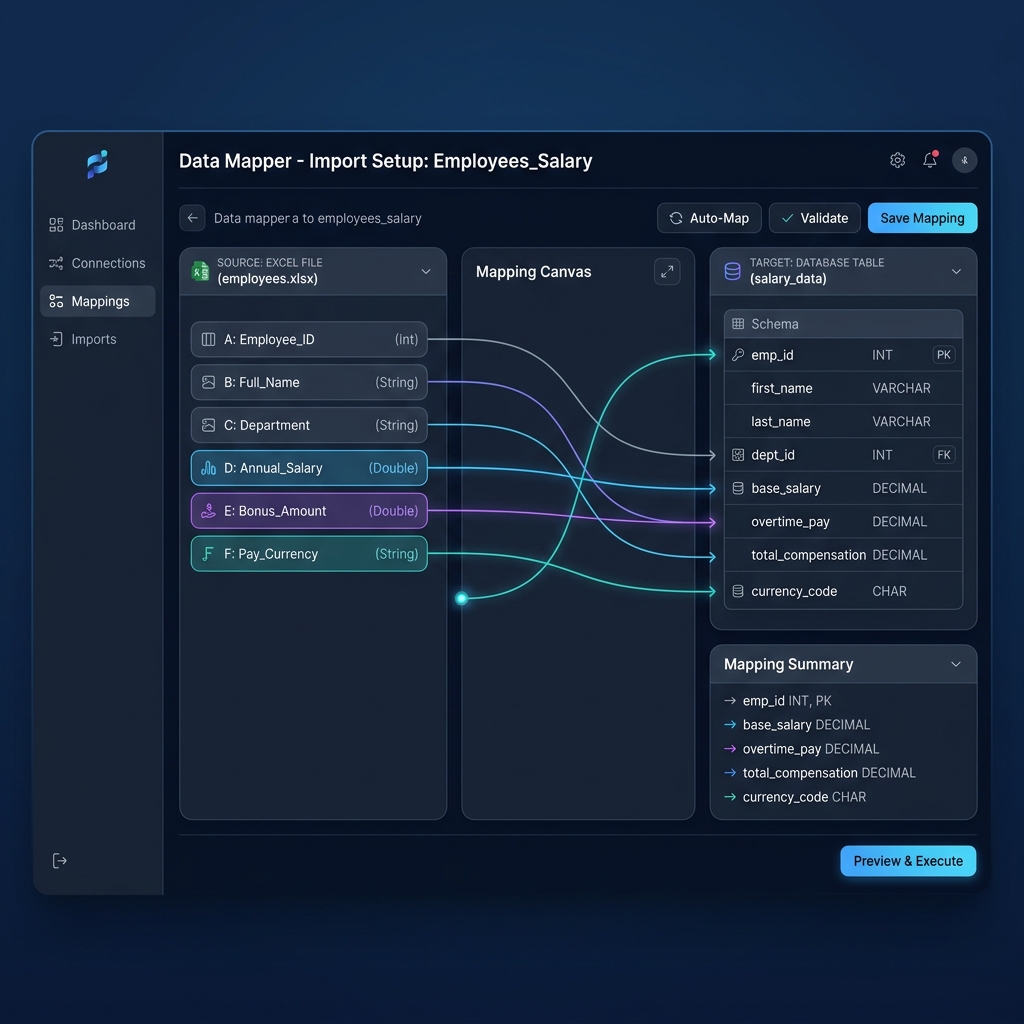
Map fields once (e.g. EmployeeID, BasePay, TaxDeduction) and save the configuration locally as a reuseable template.
Automated PDF Encryption
Secure employee PDFs automatically using AES-256 password protection based on dynamic fields like Employee ID.
Guide to Automated CSV Payroll Processing
Learn how to configure your standard comma-delimited text exports for maximum performance and automated PDF creation.
Local Column Mapping Setup
Unlike fragile spreadsheet templates where shifting a row breaks formulas, PayslipGen features a visual mapper. It doesn't modify your original CSV. It simply overlays a map pointing column headers (e.g. Employee ID, Base Pay, Deduction, Insurances) directly to target PDF stubs elements.
Once mapped, this profile is cached locally. Future payroll sheets are parsed in a single click, allowing payroll changes to be processed without repeating the mapping routine.
1. Formatting Your CSV Inputs
For automated compilers to read your CSV values correctly, ensure your spreadsheet contains header columns on the very first row. Standard headers include:
- Employee_ID: Used to generate unique file names and lock passwords.
- Email: Needed for bulk automated mailing dispatch routines.
- Basic_Salary: The main fixed earnings component.
- Deductions: Itemized categories for taxes, health insurances, or state retirement funds.
2. Automated Column Mapping Rules
With traditional macros, you must format spreadsheet cells exactly. PayslipGen's mapping engine decouples layout from coding logic.
If your column header is named Base_Wage, simply drag and link it to the Basic Salary template parameter. The app remembers this configuration for future payroll runs.
Why Local CSV Conversion Beats Online Converters
Uploading employee wage details to free online PDF converters exposes you to massive GDPR compliance risks. These tools store documents on their cloud servers, where they can be cached, indexed, or leaked.
Zero Data Exposure
All payroll math, database commits, and PDF rendering happen in isolated computer memory modules offline.
GDPR Sovereignity
Since you do not transmit data to external processors, you simplify legal compliance audits.
Bulk Speed Advantages
Online tools throttle file generation. Local parallel execution compiles 500 employee slips in under 10 seconds.
Verifying Compliance and Standard Formatting
A compliant payroll stub converted from CSV must reflect specific data fields. When configuring your PayslipGen template layout, ensure it matches:
CSV Conversion Render Calculator
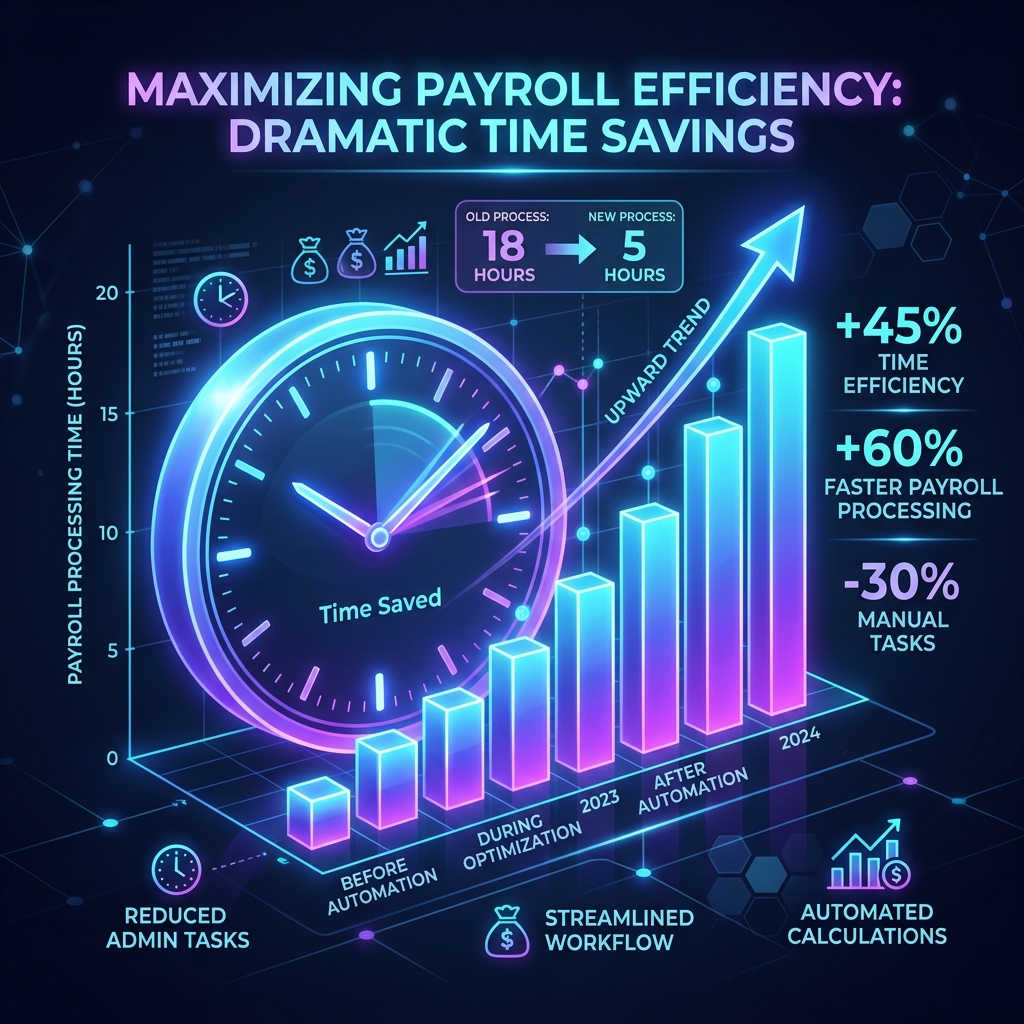
Adjust the sliders to see how much time offline parallel processing saves vs. manual file conversions.
Manual CSV to PDF Speed
200 mins
PayslipGen Render Speed
0.03 mins
Time Saved Monthly
3.3 hours
Setting Up CSV Auto-Conversion
Ditch coding libraries. Standardize your files to PDF slips locally in 3 steps.
Step 1
Export Raw CSV
Step 2
Verify Column Maps
Step 3
Bulk Compile PDFs
Export Raw CSV
Generate your payroll log from any database, HR software, or accounting sheet as a standard comma-separated text file.
Local Compiler vs. Free Online Tools
Why thousands of HR teams choose native compile software over insecure cloud scripts.
| Feature | Manual Docs | Cloud SaaS | PayslipGen |
|---|---|---|---|
| Offline Processing | Yes (but slow) | No (requires internet) | Yes (100% offline desktop app) |
| Data Safety Control | High risk (manual errors) | Cloud processor risks | Absolute local control |
| Password Encryption | Requires acrobat plugins | Varies | Integrated AES-256 standard |
| Processing Speed | 5-10 mins/file | Slow file upload upload queue | 50 files per second |