
Low-Cost Payslip Generator for Nonprofits & Charities: Eliminate Monthly SaaS Overhead
Key Takeaways
- ✓Nonprofits face strict fiduciary requirements to minimize administrative overhead (maintaining 75%+ program spending ratios for Charity Navigator and GuideStar ratings).
- ✓Cloud SaaS payroll platforms charge $50–$250/month in recurring subscriptions, siphoning tens of thousands in donor capital away from community missions.
- ✓Nonprofits frequently manage diverse staffing arrangements (grant-funded personnel, part-time organizers, stipend fellows) that fit naturally into spreadsheets but break rigid cloud portals.
- ✓PayslipGen replaces recurring software subscriptions with a single $49 one-time lifetime license, keeping donor data 100% private on local hardware.
For leaders of charitable organizations, non-governmental organizations (NGOs), religious institutions, and 501(c)(3) nonprofits, every single dollar is precious. When a donor writes a check, when a foundation awards a programmatic grant, or when a community member drops a donation into a collection box, they intend for that capital to feed families, house the unhoused, protect wildlife, or advance medical research. They do not intend for their contribution to fund the bloated marketing budgets and recurring revenues of venture-backed Software-as-a-Service (SaaS) providers.
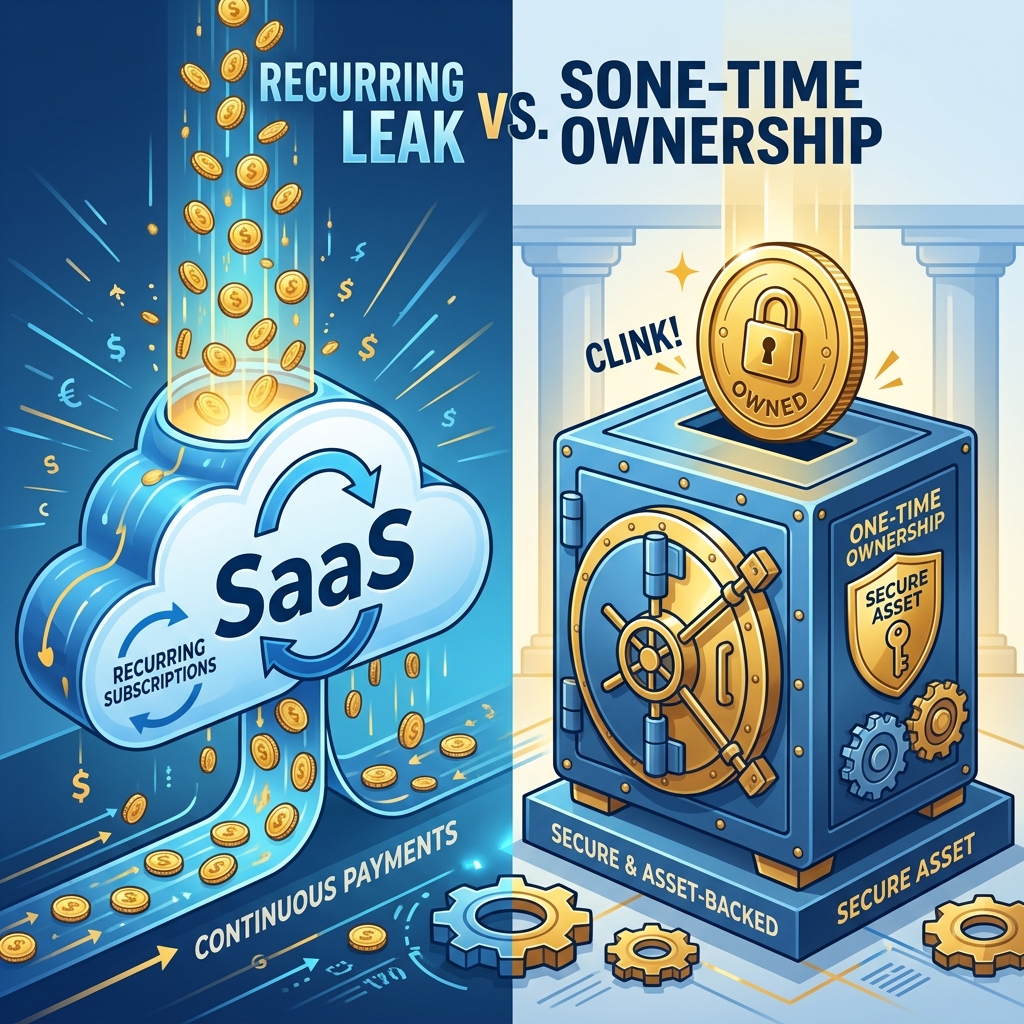
Yet, many nonprofit executive directors, treasurers, and operations managers find themselves trapped in a frustrating financial drain. Modern cloud payroll providers—such as Gusto, ADP, Paychex, and Rippling—charge exorbitant monthly base fees and per-employee surcharges that silently siphons between $1,200 and $4,000 every single year from operational budgets.
In this comprehensive guide, we will analyze the fiduciary obligations of nonprofit financial stewardship, examine why typical SaaS payroll structures penalize mission-driven organizations, and demonstrate how charities can transition to local, one-time-fee payroll automation with PayslipGen—saving upwards of $15,000 over five years while strengthening donor data privacy and grant audit compliance.
Try Our Interactive Demo Instantly
Want to see how an offline-capable, client-side payslip generator works in practice? Try our brand-new interactive demo right in your browser. Upload a sample CSV, map your columns, and generate beautifully designed PDF payslips—with zero data ever being transmitted to our servers.
Launch Free Demo NowChapter 1: The Nonprofit Dilemma - Program Ratios vs. Administrative Overhead
Unlike commercial enterprises that pass software costs onto consumer margins, nonprofits operate under strict public transparency and donor scrutiny.
1. The Accountability Metrics (Charity Navigator, GuideStar & BBB Wise Giving Alliance)
Nonprofit rating agencies assess charitable health primarily through the Program Expense Ratio (the percentage of total expenses spent directly on charitable programs versus administrative and fundraising costs).
To earn a top "4-Star" rating on Charity Navigator or the "Give.org Accredited Charity" seal from the Better Business Bureau, organizations must demonstrate that at least 75% to 85% of every dollar received goes directly into program execution. When a small charity with a $250,000 annual budget spends $3,000 a year on cloud HR and payroll software subscriptions, that administrative expense directly lowers the charity's efficiency score, potentially turning away major grantmakers.
2. The Subscription Creep Nightmare
In the early 2010s, software was purchased once as a perpetual license. Today, virtually every administrative utility has converted to a recurring monthly subscription:
- Accounting software: $80/month
- Donor CRM: $150/month
- Cloud Payroll & Payslip distribution: $120–$250/month
- Document signing & storage: $60/month
Before an executive director realizes it, the organization is bleeding $500 to $800 every month in software rent. For a volunteer-driven youth shelter or local food bank, $6,000 in annual software subscriptions could have provided 4,000 hot meals or funded a full semester of after-school tutoring.
Chapter 2: Nonprofit Staffing Realities - Why Cloud SaaS Portals Fail
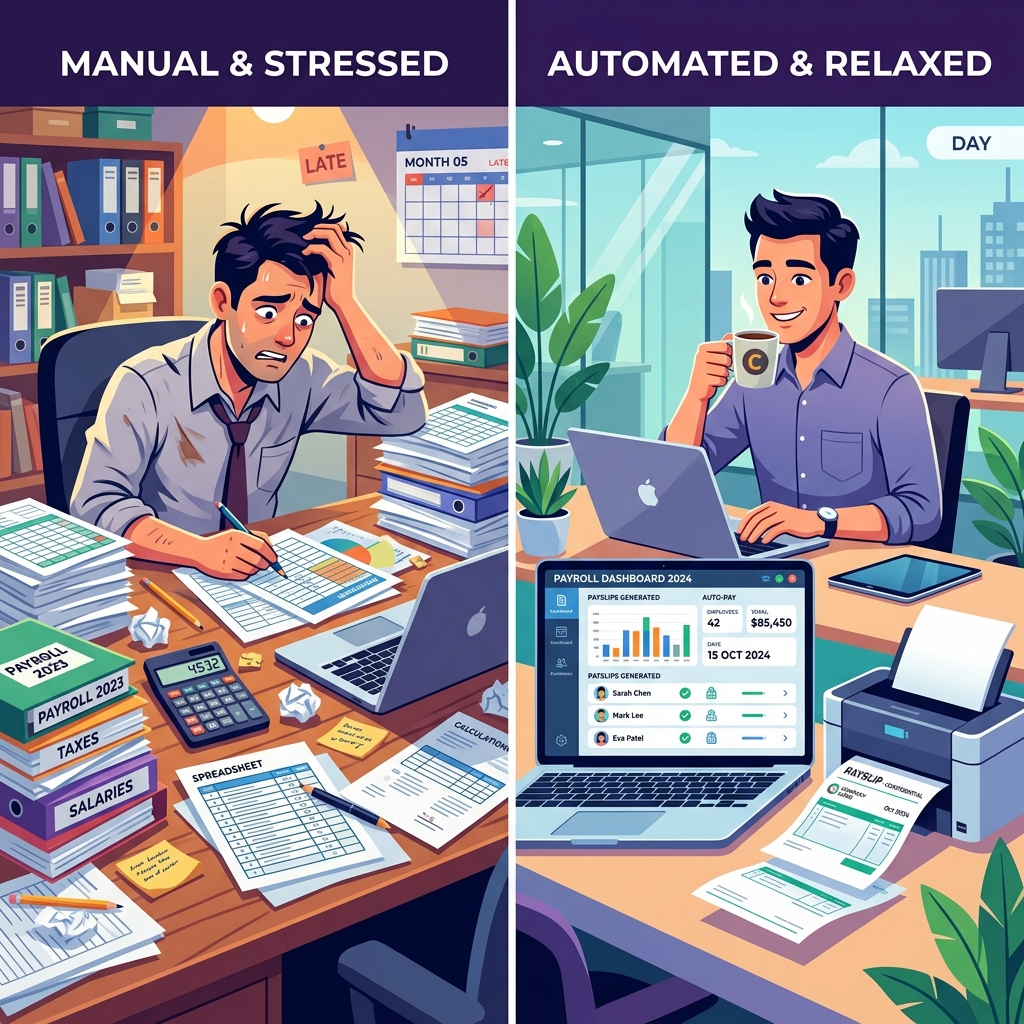
Beyond the financial cost, conventional cloud payroll portals are poorly designed for the fluid staffing realities of the nonprofit sector.
1. Diverse and Hybrid Compensation Models
A typical charity does not have 30 identical full-time salaried employees. Its roster is a complex tapestry of:
- Core Executive & Administrative Staff: Standard salaried or full-time hourly personnel.
- Grant-Funded Project Coordinators: Workers whose compensation is divided across multiple restricted foundation grants (e.g. 50% funded by Grant A, 30% by Grant B, 20% by General Funds).
- Part-Time Event Organizers & Volunteers: Seasonal staff brought on for annual galas, summer youth programs, or winter holiday distributions.
- Fellowship Fellows & Living Stipend Workers: AmeriCorps service members, seminary interns, or research fellows receiving fixed, non-taxable or special taxable living allowances.
- Independent Community Contractors (1099): Guest speakers, workshop facilitators, and grant writers.
The Per-Seat SaaS Billing Penalty
Cloud SaaS platforms charge full monthly per-employee fees for every active user profile. If a charity brings on 15 summer camp counselors for 6 weeks, SaaS vendors charge for those seats all summer—and keep billing until someone remembers to navigate confusing account cancellation menus.
2. Spreadsheets Are the Natural Language of Nonprofit Treasurers
Because grant allocations and restricted funding rules change frequently, nonprofit bookkeepers almost universally manage their core payroll allocations in Microsoft Excel or Google Sheets. Excel allows treasurers to easily build grant-tracking formulas and customized stipend matrices that rigid cloud portals cannot accommodate.
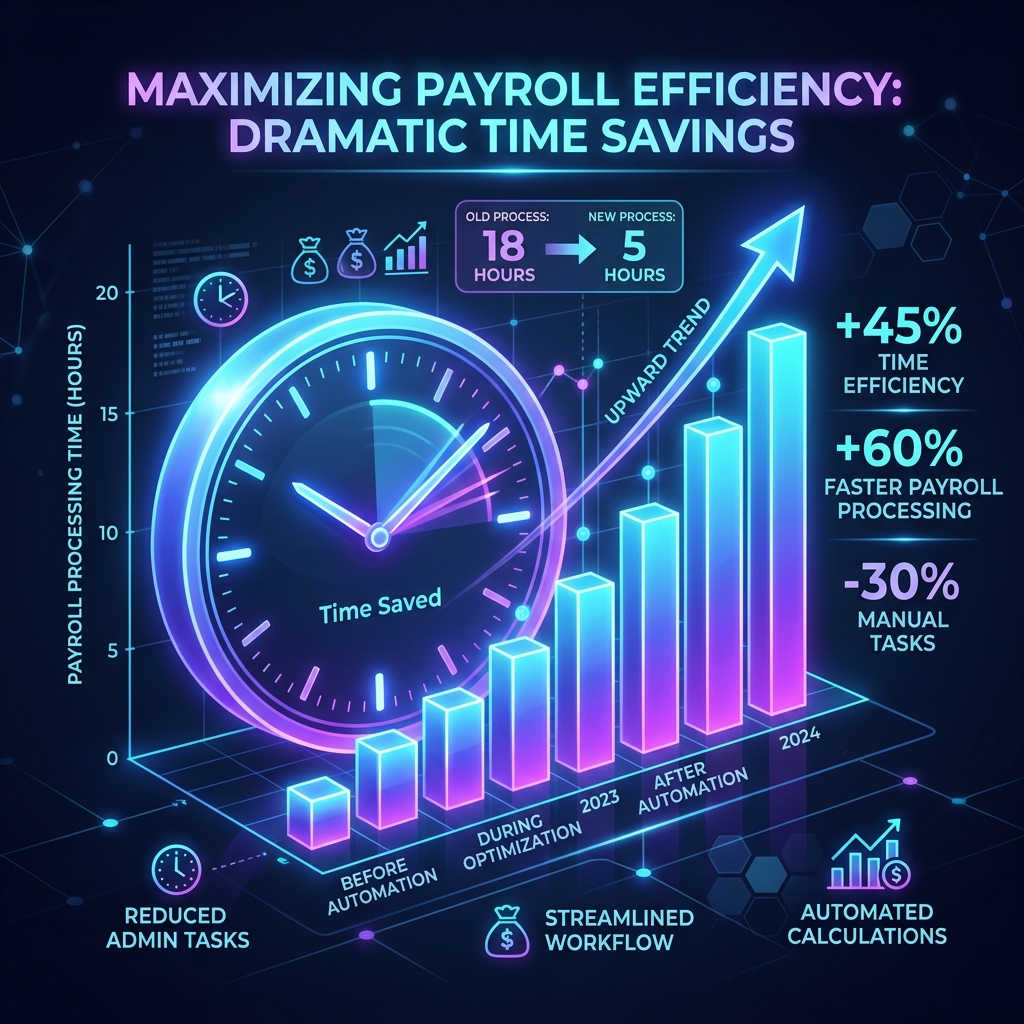
The only missing piece has been converting those spreadsheet calculations into professional, encrypted PDF payslips and distributing them securely without spending hours on manual data entry.
Chapter 3: Introducing PayslipGen - The One-Time $49 Asset for Nonprofits
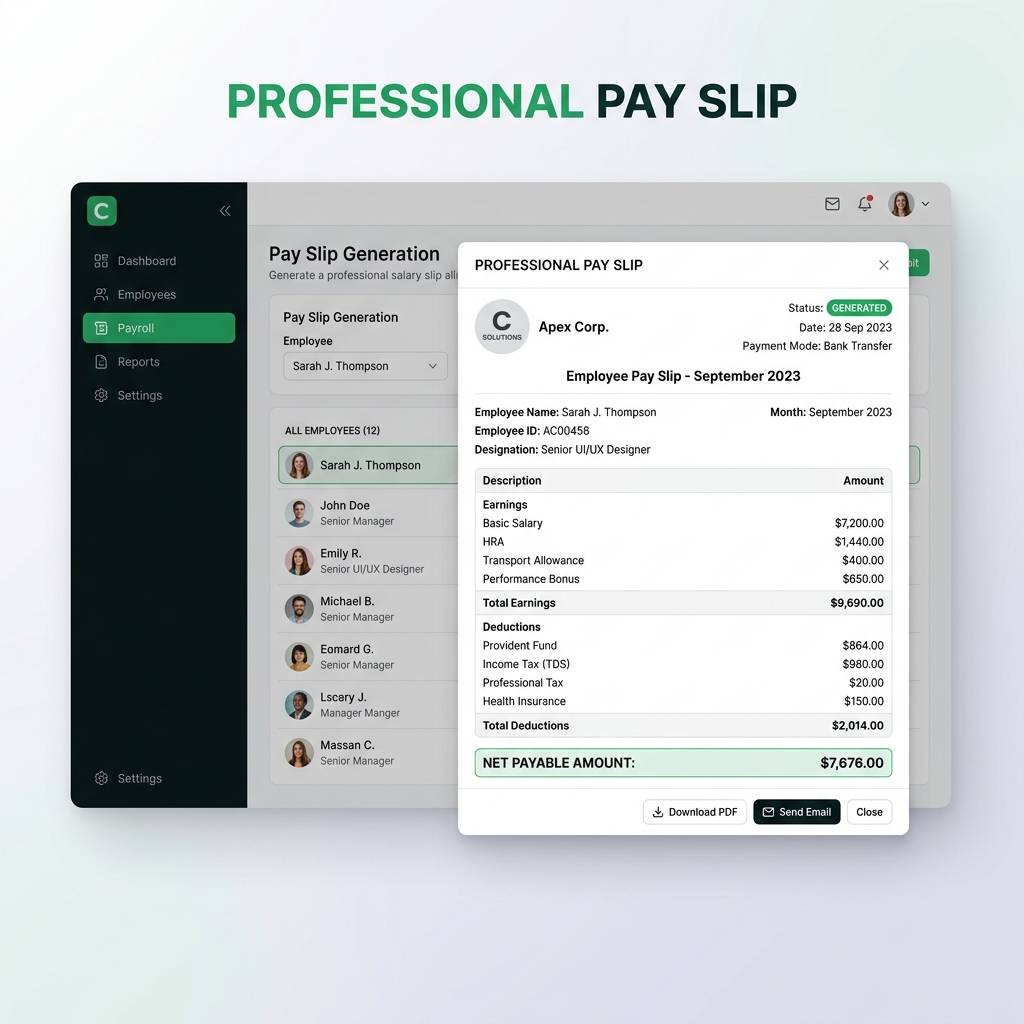
PayslipGen was architected to give organizations complete software autonomy. It delivers enterprise-grade PDF compilation, dynamic template customization, military-grade password encryption, and automated SMTP email delivery in a local desktop application with zero recurring fees.
Why PayslipGen Is the Ultimate Tool for Charities & NGOs
- One-Time Lifetime License ($49): Pay once and own the tool permanently. No monthly recurring charges, no per-employee fees, and no surprise annual price increases.
- Unlimited Employees & Contractors: Generate salary slips for 5 staff members or 500 stipend workers at zero additional marginal cost.
- Grant-Ready Transparent Formatting: Create customized payslip templates that clearly itemize grant project codes, hourly allocations, stipend allowances, and statutory withholdings to satisfy foundation auditors.
- Works with Free & Low-Cost Nonprofit Email: Connects seamlessly via custom SMTP to Google Workspace for Nonprofits, Microsoft 365 Nonprofit Grants, or Amazon SES for near-zero-cost email dispatch.
Chapter 4: The 5-Year Budget Comparison - SaaS vs. PayslipGen
To illustrate the profound financial impact on a mission-driven organization, let’s compare the 5-year total cost of ownership (TCO) for a medium-sized nonprofit with 35 staff members and stipend workers.
| Expense Category | Cloud SaaS Payroll Provider (e.g. Gusto / ADP) | PayslipGen Local Automator |
|---|---|---|
| Monthly Base Platform Fee | $45.00 / month | $0.00 (None) |
| Per-Employee Fee (35 staff @ $6/ea) | $210.00 / month | $0.00 (Unlimited Seats) |
| Total Monthly Cost | $255.00 / month | $0.00 / month |
| Year 1 Total Cost | $3,060.00 | $49.00 (One-time fee) |
| Year 3 Cumulative Cost | $9,180.00 | $49.00 |
| Year 5 Cumulative Cost (with 5% SaaS annual hike) | $16,908.00 | $49.00 |
| Total 5-Year Capital Saved | — | +$16,859.00 Redirected to the Cause |
What does saving $16,859 mean for a charitable organization?
- Providing 33,000+ pounds of emergency food distribution
- Funding 4 full annual college scholarships for underprivileged youth
- Purchasing 550 winter emergency disaster relief kits
- Hiring a dedicated part-time community organizer for two years
Chapter 5: Donor & Beneficiary Data Privacy - The Local Security Advantage
Nonprofits handle extraordinarily sensitive data. Many organizations manage confidential casework for victims of domestic violence, refugee resettlement records, mental health counseling logs, and high-net-worth donor information.
Eliminating Third-Party Cloud Vulnerability
When a nonprofit uploads employee records, bank account routing details, and home addresses into a public cloud multi-tenant database, it surrenders physical custody of that data. Cloud providers are prime targets for ransomware gangs and data scrapers.
With PayslipGen, the software operates 100% locally on your computer’s hard drive. No employee data, no salary figures, and no banking information are ever transmitted to external cloud servers. Generated PDF payslips are encrypted with individual AES-256 passwords before being delivered over secure TLS connections directly to staff inboxes.
Chapter 6: Step-by-Step Guide for Nonprofit Treasurers
Setting up PayslipGen takes less than 15 minutes and fits directly into your existing workflow:
- Download & Install: Purchase PayslipGen from the official store and install it on the treasurer’s or operations manager’s computer.
- Export Your Master Payroll Spreadsheet: Save your monthly or bi-weekly spreadsheet as a
.csvor.xlsxfile containing columns for Staff Name, Role, Grant Code, Gross Salary/Stipend, Deductions, and Recipient Email. - Upload Nonprofit Logo & Seal: Customize your payslip template with your charity’s official logo, registered 501(c)(3) / charity number, and the executive director’s digital signature.
- Map Columns & Generate: Open PayslipGen, import your spreadsheet, match your columns using the visual interface, and click Generate Payslips.
- One-Click SMTP Dispatch: Connect PayslipGen to your free Google Workspace for Nonprofits or Microsoft 365 email account and deliver password-protected PDFs to your entire staff in seconds.
Chapter 7: Frequently Asked Questions (FAQ)
Can PayslipGen handle volunteer living stipends and fellowships?
Yes. You can customize payslip headings to read Living Stipend Allowance, Fellowship Honorarium, or AmeriCorps Living Allowance rather than standard hourly wages, keeping documentation aligned with your grant guidelines.
How do we prove grant-funded salary allocations to foundation auditors?
PayslipGen allows you to display custom project codes (e.g. Grant #HUD-2026-B) directly on each employee's salary slip. This provides clear, itemized documentation of staff time allocation during annual financial and single-audit reviews.
Can we run payroll for multiple separate charitable entities?
Yes. If your nonprofit operates associated sister charities, auxiliary foundations, or fiscal sponsorships, you can create and save unlimited custom template profiles in PayslipGen—each with its own logo, legal registration number, and signatory.
Does PayslipGen require internet access to generate payslips?
No. PayslipGen compiles PDFs entirely offline on your local computer. Internet access is only utilized during the optional bulk email dispatch phase when transmitting messages through your configured SMTP server.
Is there any ongoing maintenance or renewal fee?
No. Your purchase of PayslipGen is a permanent, perpetual license for a single one-time payment of $49. There are no monthly fees, no annual renewals, and no forced upgrades.
Empower Your Mission with Low-Cost Payroll
Stop diverting charitable contributions to software subscriptions. Reclaim your budget, protect donor data privacy, and generate professional payslips with a one-time $49 investment.
Get PayslipGen for $49Conclusion
Nonprofit organizations represent the best of humanity—dedicated people working tirelessly to improve communities and solve difficult problems. The tools they rely on should support their mission, not extract an endless financial toll through SaaS subscriptions.
By choosing PayslipGen, your charity reclaims thousands of dollars in administrative capital, respects donor trust, and equips its financial team with a fast, private, and permanent payroll automation solution.