
Best Standalone Payroll Software for Small Business: One-Time Purchase vs Monthly SaaS
Key Takeaways
- ✓Cloud SaaS payroll providers charge compounding base fees plus $6–$12 per employee every month, costing small businesses $800–$3,500+ every year.
- ✓Standalone one-time purchase payroll software eliminates recurring bills entirely with a single lifetime license.
- ✓Desktop payroll software ensures 100% data sovereignty and privacy because sensitive banking and salary data is never uploaded to the cloud.
- ✓Solutions like PayslipGen allow small businesses and bookkeepers to process payroll from existing Excel files across unlimited companies and employees.
In today's software landscape, virtually every B2B vendor has transitioned to a Software-as-a-Service (SaaS) subscription model. While cloud software has its place, the relentless monthly "per-employee, per-month" (PEPM) billing structure has turned standard payroll operations into an endless financial drain for small businesses, dental clinics, law practices, retail stores, and independent accounting firms.
Many business owners are asking a fundamental question: "Why must I pay a monthly subscription forever just to calculate hours and generate employee payslips?"
This has sparked a major resurgence in demand for standalone payroll software with a one-time purchase. In this guide, we break down the real total cost of ownership (TCO) between SaaS subscriptions and one-time desktop licenses, evaluate the security advantages of local data processing, and review the top standalone solutions available in 2026.
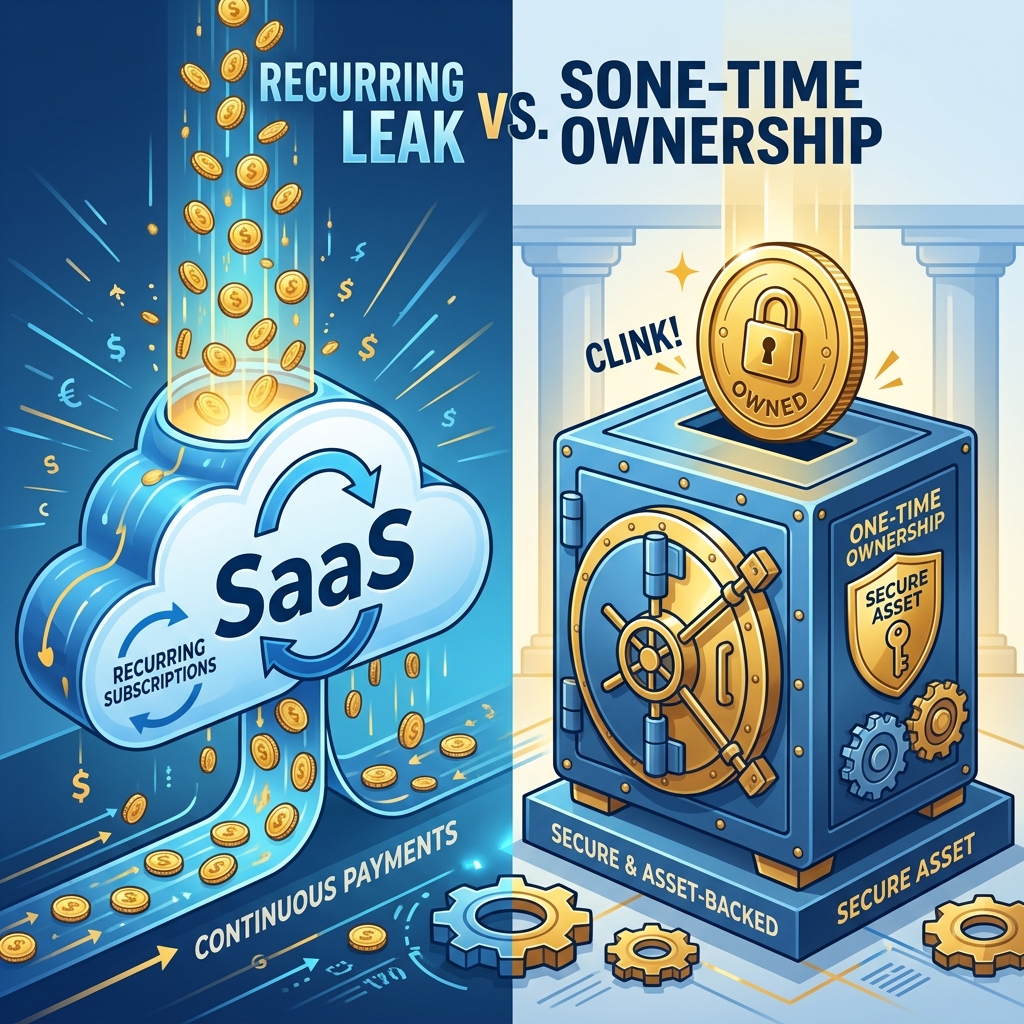
The SaaS Subscription Trap: The Hidden Math of Monthly Billing
Popular cloud platforms like Gusto, QuickBooks Payroll, and ADP advertise low starting rates. However, when you look closely at their pricing models, the compounding cost quickly becomes apparent:
- Base Monthly Fee: Typically $40 to $80 per month regardless of activity.
- Per-Employee Surcharge: An additional $6 to $12 per employee per month.
- Tiered Feature Locks: Essential capabilities like custom reporting, multiple pay rates, or direct email attachments are locked behind higher-tier packages ($80–$150/mo base).
The 3-Year Cost Reality Check: A Team of 25 Employees
Consider a typical small business with 25 staff members over a standard 3-year operating window:
| Software Type | Monthly Cost | Year 1 Total | 3-Year Cumulative Cost |
|---|---|---|---|
| Gusto (Plus Plan) | $80 base + $300 ($12/emp) = $380/mo | $4,560 | $13,680 |
| QuickBooks Payroll (Premium) | $85 base + $225 ($9/emp) = $310/mo | $3,720 | $11,160 |
| ADP RUN (Complete) | Variable (~$350/mo) | $4,200 | $12,600 |
| PayslipGen Desktop (One-Time) | $0 / month | One-time license | One-time license ($0 ongoing) |
Over 3 years, a small business with 25 employees spends over $11,000 to $13,000 on SaaS fees alone. With a standalone one-time purchase tool, that entire budget remains inside your business.

5 Major Advantages of One-Time Purchase Desktop Payroll Software
1. Complete Data Privacy and GDPR / HIPAA Sovereignty
When using cloud payroll, you entrust employee Social Security numbers, dates of birth, home addresses, and bank account numbers to third-party servers. Data breaches at major cloud HR vendors happen with alarming regularity.
With standalone offline payroll software, 100% of your data remains on your local workstation. No databases are exposed to the public internet, completely eliminating remote intrusion vectors.
2. Zero Internet Dependency (True Offline Resilience)
Whether you are working in a remote facility, experiencing an office internet outage, or traveling on a plane, offline software opens instantly and processes payroll at native hardware speed.
3. Unlimited Companies & Employees (Accountant's Dream)
Cloud SaaS platforms penalize bookkeepers and fractional CFOs by charging separate base subscriptions for every legal business entity managed. Standalone desktop tools like PayslipGen impose zero limits on the number of employee rows, client companies, or payroll runs.
4. Leverage Your Existing Excel Workflows
You don't need to rebuild complex formulas or retrain staff on a completely new ERP system. Keep calculating salaries, bonuses, and commission rates in your customized Excel or CSV spreadsheets, and let your desktop software handle PDF rendering, password encryption, and email delivery.
5. Immunity to Subscription Price Hikes
SaaS vendors routinely increase their monthly subscription rates by 10% to 20% year-over-year. Once you own a lifetime license, your software is yours forever with predictable operating costs.
Try Our Interactive Demo Instantly
Want to see how an offline-capable, client-side payslip generator works in practice? Try our brand-new interactive demo right in your browser. Upload a sample CSV, map your columns, and generate beautifully designed PDF payslips—with zero data ever being transmitted to our servers.
Launch Free Demo NowFeature Evaluation Checklist: What to Look for in Standalone Software
Native Multi-Platform Support
Look for dedicated installers for Windows (.exe), macOS (.dmg with Apple Silicon support), and Linux (.deb) rather than clunky browser-based emulators.
Spreadsheet Agnostic Column Mapping
The software must support drag-and-drop .xlsx, .xls, and .csv files with dynamic header matching so you never have to reformat your payroll sheet.
Military-Grade AES PDF Encryption
Ensure generated payslips can be individually encrypted using dynamic password formulas (such as employee DOB or tax ID) to satisfy legal privacy standards.
Integrated SMTP Bulk Email Delivery
The ability to dispatch individual password-protected payslips directly via your own Microsoft 365, Gmail, or custom SMTP server with live tracking.
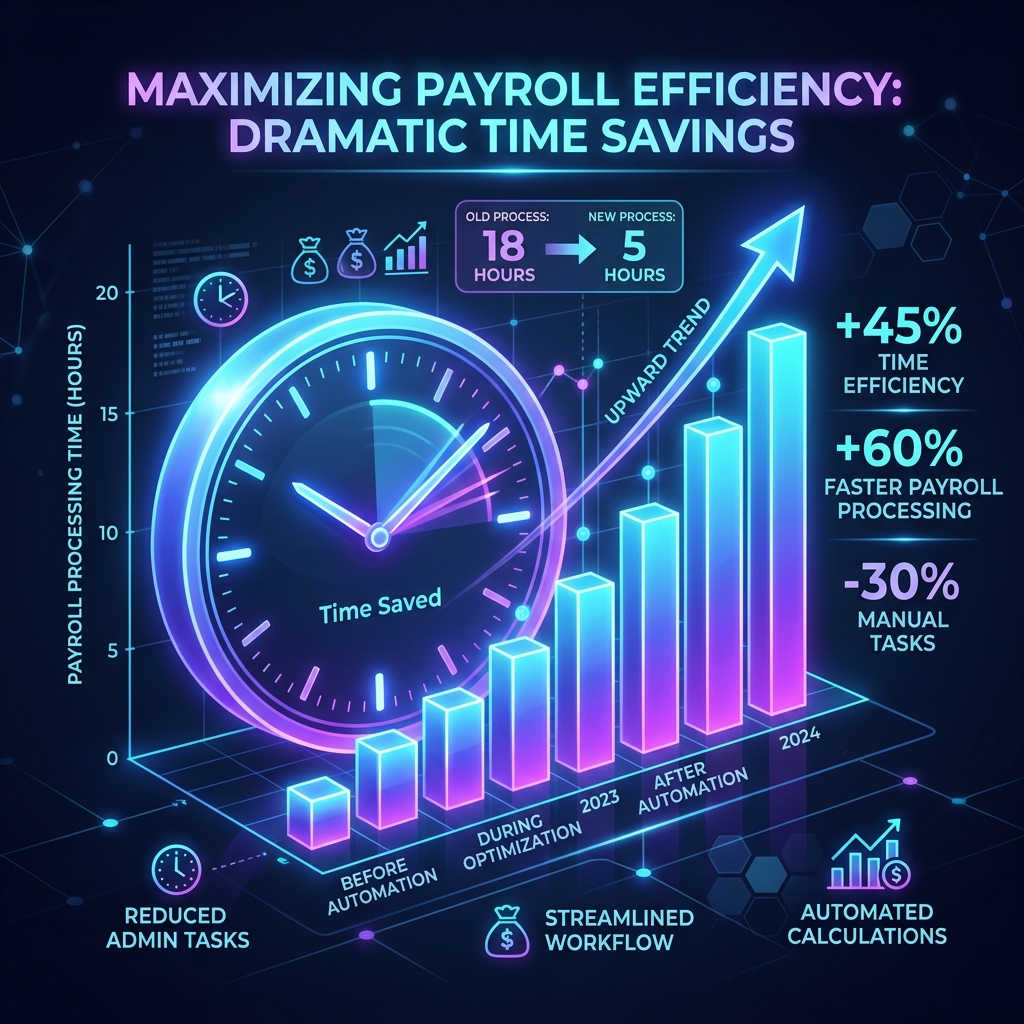
How PayslipGen Delivers the Perfect One-Time Purchase Experience
PayslipGen is engineered from the ground up for business owners, HR teams, and accountants who value privacy, speed, and budget clarity:
- One-Time Investment: Purchase once, own forever. No hidden monthly fees, no per-employee taxes, and zero renewal charges.
- Zero Cloud Footprint: Runs 100% locally on your machine with offline vector PDF rendering.
- Works with Any Excel Sheet: Direct integration with existing payroll spreadsheets.
- Built-in Mail Merge: One-click bulk email distribution with custom templates and attachment matching.
Frequently Asked Questions (FAQ)
Can I use one license for multiple client businesses?
Yes! PayslipGen has no restrictions on the number of legal entities, client companies, or employee rows you process. It is the ideal solution for external bookkeepers and accountants.
How do tax rate updates work with offline software?
Because your tax and deduction calculations are maintained inside your own flexible Excel spreadsheets or accounting software, you have total control to update tax brackets and formulas instantly without waiting for cloud SaaS vendor updates.
Does the software support custom company branding?
Yes. You can upload your company logo, choose custom primary and secondary color palettes, configure multi-currency formats, and add custom footer notes or legal disclaimers.
What operating systems are supported?
PayslipGen provides dedicated native builds for Windows 10/11 (.exe), macOS Intel & Apple Silicon M1/M2/M3/M4 (.dmg), and Linux (.deb).
Conclusion
Paying hundreds of dollars every month for SaaS payroll software is an unnecessary recurring expense for businesses that already manage their calculations in Excel. By choosing a standalone, one-time purchase payroll software like PayslipGen, you gain data sovereignty, bulletproof privacy, and save thousands of dollars year after year.
Say Goodbye to Monthly Payroll Subscriptions
Get PayslipGen for a single one-time payment. Process unlimited employees and companies locally on your desktop forever.